


Phone marketing is built on numbers that look impressive and rarely affect your day. A hundred and eight megapixels sounds better than fifty and produces almost identical photographs in normal light. Two hundred watts of charging sounds extraordinary and shortens battery life.
What follows is the short list of specifications that genuinely change how a phone feels after six months, and the short list of numbers that mostly exist for the box.
Why the Numbers Mislead
Specifications are easy to compare and use is not. A phone with a larger battery but heavier software may last less than one with a smaller battery and cleaner software. A camera with more megapixels but a smaller sensor performs worse in low light than one with fewer and bigger pixels.
The second problem is that review cycles are one week long and phone lifespans are three years. Almost nothing that goes wrong in year three shows up in a launch review.
The Top 10 Features That Matter
1. Software Update Commitment
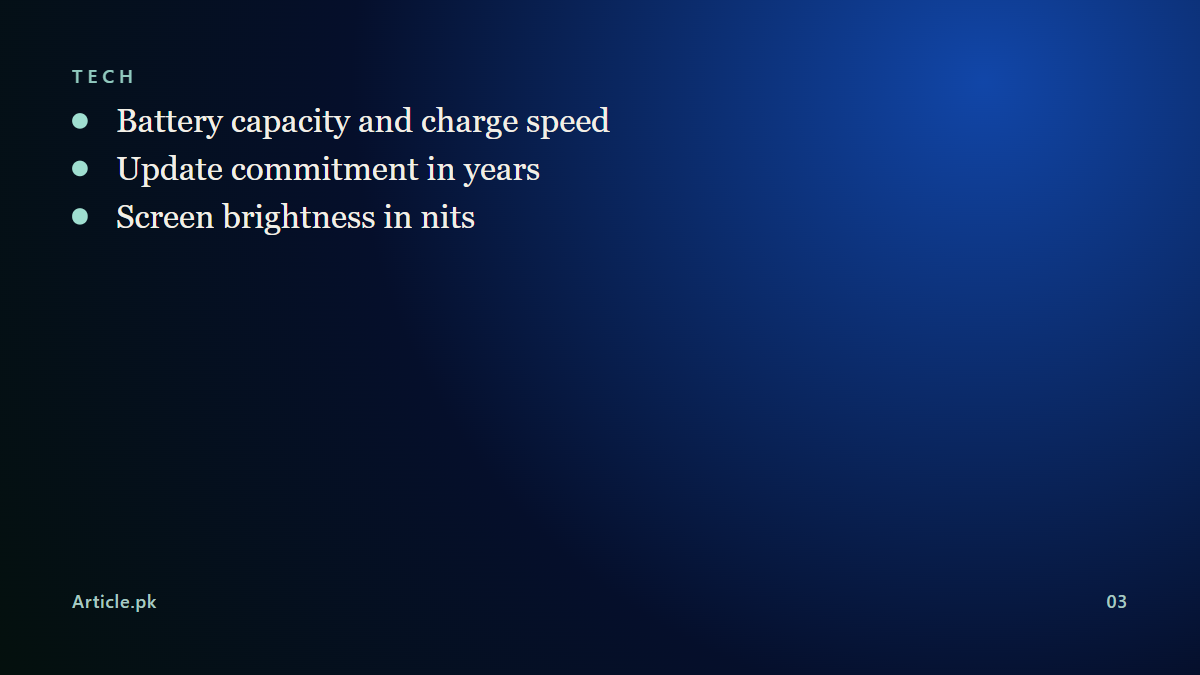
How many years of operating system and security updates the manufacturer promises. This single number determines whether the phone is still safe in three years.
Four years of updates is now the minimum acceptable. Two is a warning.
2. Real-World Battery Life
Capacity in milliampere-hours is a starting point, not an answer. Screen-on time from a review that tested at your typical brightness is far more useful.
Look for battery tests that include a year-old unit if available.
3. Screen Brightness
Peak brightness in nits determines whether you can read the screen outdoors. Below six hundred nits is difficult in direct sun; above one thousand is comfortable.
Outdoor readability matters more than resolution on a phone.
4. Charging Speed and Battery Health
Fast charging is genuinely useful. Extremely fast charging generates heat that degrades the battery faster. Sixty to eighty watts is a sensible balance.
Check whether the charger is included and whether the phone limits speed after a year.
5. Storage Type and Speed
Storage speed affects app loading, updates, and camera performance. Capacity is easy to understand; speed is what makes a phone feel old.
Never buy a phone with less storage than you currently use plus twenty percent.
6. Modem and Band Support
Which cellular bands the phone supports determines signal quality on your network, especially indoors. This is rarely advertised and is a common cause of disappointment with imported phones.
Check your carrier's bands before buying an import.
7. Speaker Quality
Stereo speakers with some low-end presence change how you watch anything without headphones. It is one of the most noticeable differences between price tiers.
Test with speech rather than music. Speech exposes distortion.
8. Haptics
A good vibration motor makes typing and navigation feel precise. A bad one makes the whole device feel cheap. Almost no advertising mentions it.
Haptics are the most reliable signal of build quality in a phone.
9. Repairability and Parts Availability
Can the battery be replaced? Are screens available locally at a sane price? In most markets this determines whether a phone survives a single accident.
Ask a local repair shop before you buy, not after it breaks.
10. Weight and Grip
Two hundred and twenty grams held for an hour is a different experience from one hundred and eighty. You will hold this object more than any other you own.
Hold it in a shop. Specification sheets cannot tell you this.
What to Check Before Buying
Find the update commitment, the tested screen-on time, and the brightness figure. Then confirm band support for your carrier and the price of a replacement screen locally.
Those four data points eliminate most bad purchases, and none of them appear prominently in advertising.
The Numbers That Do Not Matter Much
Megapixels stopped being a useful measure around the point that sensors became small. A high count on a small sensor produces more noise, not more detail. The sensor size and the processing matter far more.
Artificial intelligence features listed on the box are almost always present on last year's model too, or available as an app. They are rarely worth a price premium on their own.
Refresh rate above one hundred and twenty hertz is difficult to perceive on a phone and costs battery. It is a nice feature, not a deciding one.
And benchmark scores measure sustained peak performance under conditions no app actually uses. A phone that throttles less often feels faster in practice than one that wins a benchmark and heats up.
Buying at the Right Tier
The mid-range is where value concentrates. Flagship phones have become iterative, and the gap between a two-year-old flagship and a new mid-range device is small for most tasks.
Buying last year's flagship at a discount usually beats buying this year's mid-range at full price, because the parts that age badly — screen, speakers, haptics, modem — were built to a higher standard.
The exception is software support. If the older model has less than two years of updates remaining, the discount is smaller than it looks.
Set a hard budget and buy within it. The difference between tiers is smaller than the difference between buying deliberately and buying on impulse after an advertisement.
How to Test a Phone in the Shop
You have about ten minutes and most people spend them looking at the home screen. Use them differently.
First, open the camera in the worst light available and take three photographs without changing settings. That tells you more about the camera than any specification. Second, play a video at full volume and listen for distortion at the top of the range.
Third, type a paragraph. The keyboard response and the haptics are what you will feel a hundred times a day, and neither shows up in a review.
Fourth, open five apps at once, then switch between them. Storage speed and memory management are what make a phone feel old after eighteen months.
Finally, hold it for a full minute the way you actually hold a phone, one-handed, thumb reaching across. If that is uncomfortable in the shop, it will be worse by month six.
Ask the staff about local repair pricing for the screen and battery before you leave. That figure is part of the real cost of the phone and it is almost never discussed at the point of sale.
The Bottom Line
Buy for the three years after purchase: updates, battery, and readability outdoors. Everything else is a preference, and most of it is advertising.








Comments 0
Sign in to join the conversation.
No comments yet. Be the first to say something.