

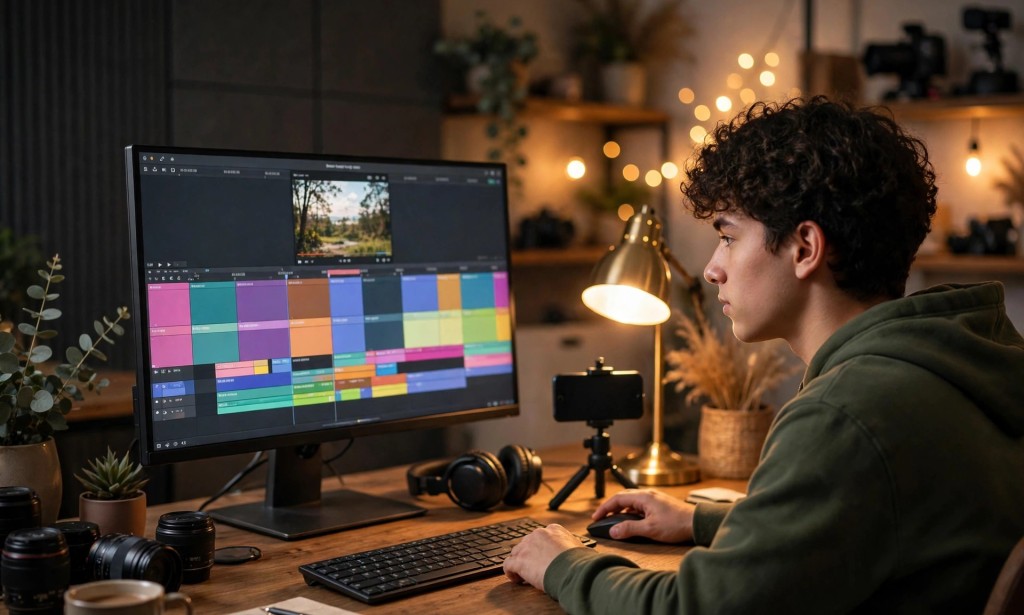
What if you could hand a pile of raw clips to an AI, type one sentence, and get back a finished TikTok — captions, logo, end card and all — without paying a cent and without a watermark stamped across it?
That is exactly what VEED says its brand-new tool does. If the claim holds up, it changes the math for every small creator in the United States who has been paying a monthly subscription just to export a clean video. But there is a catch hiding in the official pages, and it is not the one you would expect. The catch is in the verdict below.
What It Is
VEED AI is not the VEED editor you may already know. That distinction matters, so let us get it out of the way first: the VEED editor is the timeline-based online editor VEED has sold for years, and it was already covered on this site on 20 November 2026. VEED AI is a different, newer product — an AI video editing agent that launched on 19 November 2026, six days before this article was written.
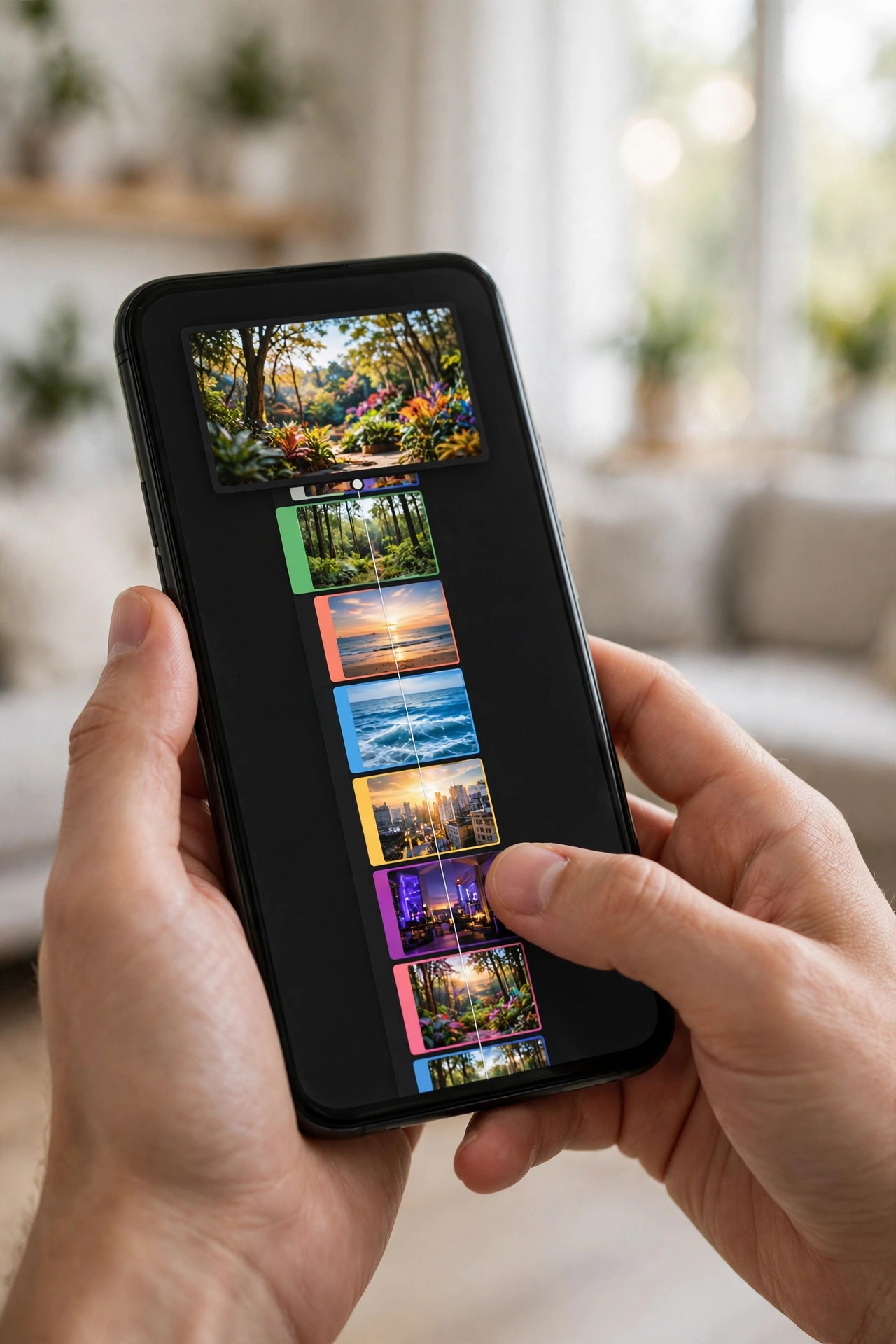
Instead of arranging clips on a timeline, you tell VEED AI what the video is for. You upload footage, paste a product page URL, or simply describe an idea with no footage at all. The agent plans the edit, makes it, shows you the result, and takes your follow-up changes in the same chat. Every version is saved separately, so you can go back to an earlier cut.
What does the agent actually add on its own? According to VEED's launch guide: fast-paced cuts tuned for short-form attention spans, subtitles and captions in multiple languages, titles and lower thirds, your logo, colours and fonts from a brand kit, and an end card with your call to action. It can also generate b-roll, images, voiceover, music and sound effects — or build a whole video from an idea when you give it nothing to start from.
Underneath it sits an AI video generator with access to Veo 3.1, Sora 2, Kling 3.0, and Fabric 1.0, VEED's own talking-video model. A generator makes new footage from a prompt; VEED AI is an agent that does the whole job — cutting your clips, subtitling them, branding them, generating what is missing — and then keeps refining the result with you.
VEED aims it at marketers, founders and small businesses who need video regularly and do not have an editor. It runs in a web browser and in the VEED mobile app for iOS and Android, with one account working on both. It is available worldwide, so creators in the United States can use it with no region restriction stated on VEED's official pages.
Free Plan Details
Yes, VEED AI has a free plan. VEED's official launch guide states it plainly: the product ships with a free plan, and paid plans add more on top of it.
What do you get for free? Here is where the honest reporting starts, because this is the first place VEED's own pages go quiet. The blog says paid plans add "more projects and messages, a larger AI compute allowance, and access to more generative models." Read that sentence backwards and it tells you the free plan gives you some number of projects, some number of messages, and some amount of AI compute. But VEED publishes none of those numbers — not on the launch guide, not on the product page at veed.io/ai, and not anywhere else we could find on VEED's official site.
Think about what that means in practice. You do not know how many videos you can make for free, how many follow-up prompts you get per project, or how much AI-generated footage — the Veo 3.1 or Sora 2 clips that make this tool exciting — your free allowance covers. Generating new media uses AI compute, VEED says, and the agent asks before it runs a costly generation. Editing your own footage does not require generation, so a cut-and-caption job on clips you already shot is the cheapest way to use the agent.
A few technical facts are confirmed. Each project can hold up to 100 GB of uploads. VEED AI accepts MP4, MOV, AVI, MKV, WEBM and several other video formats, plus common audio and image files. It exports in four aspect ratios: 9:16 for TikTok, Instagram Reels and YouTube Shorts; 1:1 for feeds; 4:5 for Facebook and Instagram feeds; and 16:9 for YouTube and websites. An edit-only job took about two and a half minutes in VEED's own test.
What we could not verify, we will not guess at. The free plan's export resolution and maximum export length are not stated on the official pages we checked. Whether signing up requires a credit card is not stated. And whether the free allowance refreshes daily, monthly, or never is not stated. Treat them as unconfirmed until VEED publishes them or you test the free plan yourself.

Watermark and Commercial Use
Now the claim in this article's title — and the one that deserves the hardest look. VEED's official launch guide states, in plain words, that "videos exported on the free plan have no VEED watermark." The guide repeats the point in different ways: the free plan comes with no watermark on exports, and a watermark-free free tier is listed among the tool's unique features.
If that is accurate, it is a big deal. The VEED editor's free plan is famous for the opposite rule: free exports carry a VEED watermark, and removing it is one of the main reasons people pay. So VEED AI would be giving away for free something the company's flagship editor charges for — either a deliberate launch strategy to win users fast, or a distinction that will not survive contact with the pricing page.
And here is where the two halves of VEED's own website start to disagree. VEED's pricing page did not display a readable plan table during our check — the page loads its pricing dynamically — so we could not confirm the VEED AI tiers or prices from the official table itself. Independent reviews consistently report that the editor's free plan exports at 720p with a watermark and a ten-minute cap. Those reviews are not official sources, so we will not present their figures as VEED's own words. But the pattern is consistent enough to flag: the editor watermarks free exports, while the VEED AI launch guide says the agent does not.
How should a creator read this? Take the no-watermark promise at face value — it comes from VEED's own launch guide, written specifically about VEED AI — but test it before you build a workflow around it. Export one short video on the free plan, watch it all the way through, and check the corners.
Commercial use is the second half of this section, and the answer is shorter: VEED's official pages that we checked do not state a commercial-use grant for VEED AI free-plan exports. The launch guide describes what the tool does and what it costs; it does not say whether a free-plan video may be used in a paid ad, a client project, or a monetised channel. That does not mean commercial use is forbidden — it means it is unconfirmed, and a creator who plans to run VEED AI videos as ads should check VEED's terms directly before spending money behind them. One practical note from the official pricing FAQ: AI credits refresh in full when a subscription renews and do not carry over.
How to Use It
VEED's launch guide lays out the process in seven steps.
Sign in. Go to veed.io/ai in your browser, or open the VEED mobile app for iOS or Android. One VEED account works on both.
Add your source material. Upload videos, images or audio, or paste a website or product page URL. If you are starting from an idea alone, skip this step entirely.
Add style references and your brand kit. This step is optional. Style references are images or videos whose look you want the agent to match. Your brand kit holds your logos, colours and fonts so every video stays consistent.
Write your prompt. Describe the video you want, likea brief you would give a human editor. Cover five things: the purpose, the platform, the length, the tone, and the must-haves such as captions, your logo or an end card.
Let it build. VEED AI may ask a question or two about your brand, style or length, then assembles the video while a running log shows what it is doing. It asks before running a costly generation.
Ask for changes. Write a follow-up prompt for anything you want changed: a stronger hook, a shorter cut, a different end card. Each result is saved as its own version, so you can go back.
Export. Download the finished MP4 in each aspect ratio you need.
Start with your own footage: editing clips you already shot does not spend AI compute, while generating new b-roll, images or voiceover does. If your free allowance turns out to be small, the edit-first route stretches it furthest.
Honest Verdict

Here is the catch we promised at the top, and it is not a hidden fee. It is a missing number.
VEED AI is, on the evidence of VEED's own pages, a real product doing a real job: an agent that turns footage, a product link or a bare idea into a finished short-form video, with captions, branding and an end card, in minutes, with a free plan that VEED says exports without a watermark. The launch is fresh — 19 November 2026 — the model access is serious, with Veo 3.1, Sora 2, Kling 3.0 and Fabric 1.0 named on the official guide, and US creators are not locked out.
But a free plan without a published allowance is a free plan you cannot plan around. VEED tells you the free tier exists, tells you paid tiers give you more, and never tells you how much "more" starts from. The only way to learn the limit is to hit it. Add the watermark question — the launch guide says no watermark, the rest of VEED's platform is built on watermarking free exports — and the honest position is cautious optimism, not celebration.
So here is our verdict, in one line: try VEED AI free, this week, with one real video, and watch two things — whether the export is truly clean, and how fast the free allowance runs out. If both answers are good, you may have found the cheapest short-form workflow of 2026.
You can try it yourself on the official VEED AI website.
Have you tested the free plan yourself — did the export come out clean, or did the watermark show up? Tell us in the comments.







Comments 0
Sign in to join the conversation.
No comments yet. Be the first to say something.