


Unlimited free videos. No time limit on the plan. No payment details required. That is Animoto's free offer, printed in plain language on its own pricing page — and it is real.
So why is this article not a celebration? Because the same official pages that promise unlimited videos also take away the two things a creator needs most: the download button and a clean frame. Every free video carries a watermark through the whole clip, and you cannot download or share it without paying. The catch is in the verdict below — and it changes what "unlimited" actually means.
What It Is
Animoto is a template-based slideshow and video maker. You drop in photos and video clips, pick a template, add music and text, and Animoto assembles a finished video. It is built for slideshows, photo montages, social posts, business promos, and event recaps.
What it is not matters just as much. Animoto is not a cinematic AI text-to-video generator. It does not dream up scenes from a prompt, does not generate photorealistic footage, and does not animate a still image into a moving scene. The footage in an Animoto video is footage you bring — your photos, your clips, Animoto's licensed stock. The tool's job is assembly, timing, music, and polish.
That distinction decides who should care. If you have a camera roll full of product photos, family pictures, or event footage and you want a polished slideshow video fast, Animoto is built for you. If you want an AI to invent video from nothing but a sentence, this is the wrong tool, free or paid.
The free plan also includes screen recording and webcam recording, so you can capture a quick tutorial or a talking-head message without other software. It is a small, practical bonus that fits the same audience: people making simple videos quickly.
Free Plan Details
The free plan costs $0 a month, for one user, with no time limit on the plan itself. Animoto's Help Center says it plainly: "You will automatically be given access to our Free Plan when you sign up for an Animoto account… at no cost and no need to put in your payment information!" And because the free plan is offered to everyone on sign-up, Animoto says it does not offer a free trial at all. The free plan is the trial.
Here is what free includes, from the official pricing page and the Help Center's Free Plan article. Unlimited video creation — you can make as many videos as you want, for as long as you want, on the free plan. High video quality at 720p. Fifty licensed music tracks (the Help article says 50-plus), one audio track per project, with your own audio upload allowed. Three standard fonts and thirty colour swatches for text and design. A limited selection of licensed stock photos and videos from Getty Images.
There is one quiet limit that is easy to miss. Your videos are saved only up to 90 days after sign-up. The Help article states it directly: "While there isn't a set time limit for how long you can use the Free plan, videos are saved up to 90 days after sign-up. To keep your videos saved longer, you can upgrade to a paid plan." The pricing FAQ adds that after cancellation your account reverts to a free account, you retain full rights to your videos, and videos stored in free accounts may be deleted — but never without plenty of advance warning.
What the official pages do not state for the free plan is a per-video length cap. No minute limit appears on the pricing page or in the Free Plan article. Aspect ratios are also not named for free — the pricing table lists "Video formats: 3" for all plans without naming them. So treat free length and free 9:16 support as unconfirmed rather than assumed.
The honest summary of the free allowance is this: you can create without limit, in 720p, with fifty music tracks and some Getty stock, forever, for free. That is a genuinely generous creation allowance. The limits are not in how much you can make — they are in what you can do with what you make.
Watermark and Commercial Use
Every free video carries the watermark. The Help article's wording is exact: 'All videos will include a "Made with Animoto" watermark throughout the video.' Throughout — not a closing bumper, not a corner bug that fades. The watermark runs for the whole clip. Removing it is a paid feature, listed as "No Animoto watermark on videos" from the Basic plan upward.
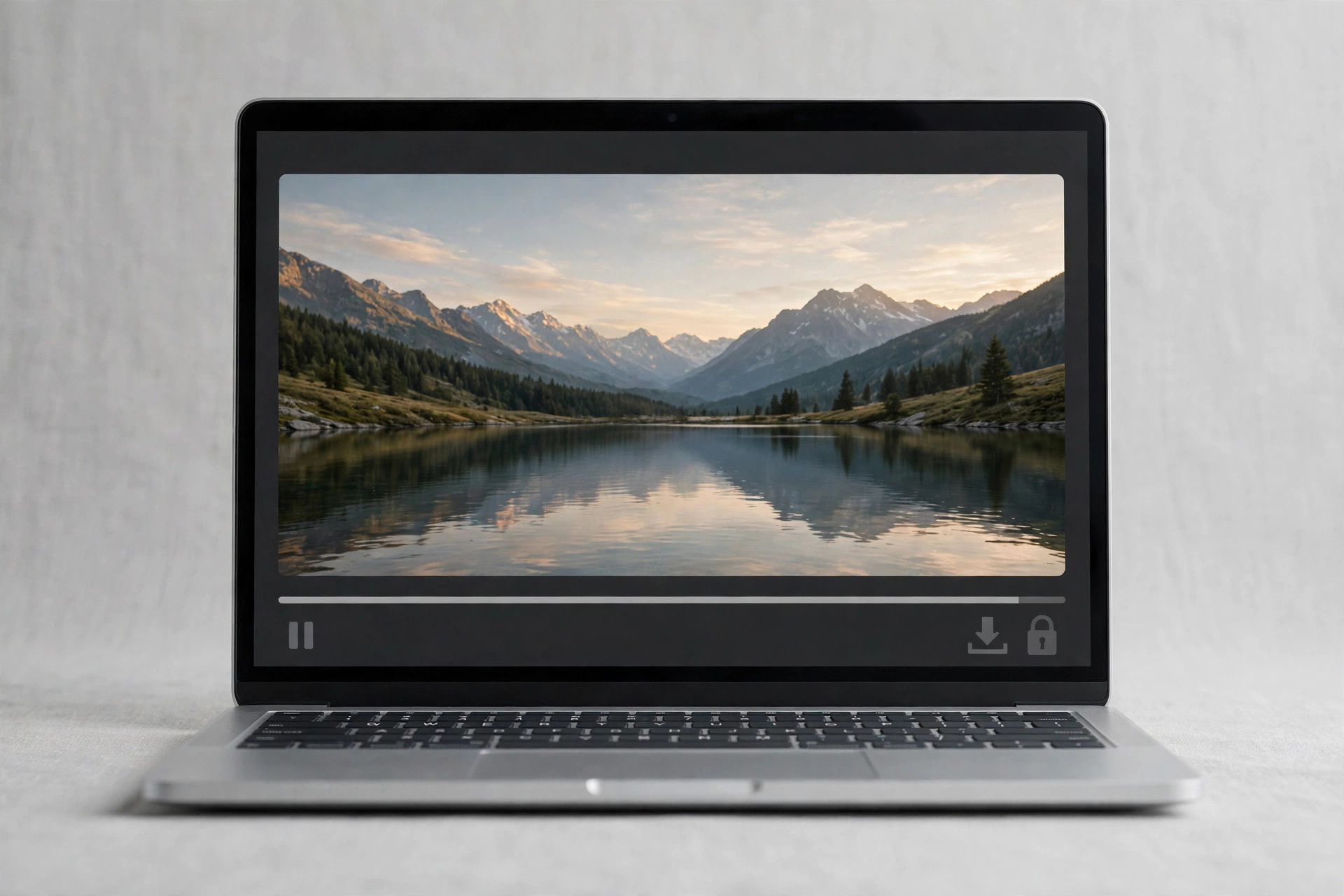
The second limit is bigger than the watermark, and it is the one most reviews skip. On the free plan you cannot download your videos. You cannot share them by link either, and you cannot embed them. The Help article says: "If you'd like access to any of the features included in our paid plans like sharing, downloads, and multiple songs you can update your account at any time." The pricing comparison confirms it: "Download your videos" and "Ad-free hosting" are paid-only features.
Stop and think about what that means. You can build unlimited videos inside Animoto for free — and then you cannot take any of them out. A free Animoto video lives inside Animoto. You can watch it, preview it, and show it on your screen. You cannot post it to your channel, send it to a client, or embed it on your site without upgrading. For a creator whose whole workflow ends in publishing, that is not a small print detail. It is the whole ballgame.
Commercial use on the free plan is the one question we could not fully close today. Animoto's own Help article on selling or monetizing videos sat behind a human-verification check that would not clear, so its wording is unconfirmed from that page. What the official pages do say is narrower: the Free Plan article grants no commercial right, sharing and downloads are paid features, and the pricing FAQ says you retain full rights to your videos after cancellation. An earlier read of Animoto's Terms of Service (last updated June 22, 2026) found no commercial-use grant for free users at all — the first express personal-or-commercial use grant in the Terms starts at Basic. So the safe, honest position is this: treat free Animoto videos as personal and preview use unless Animoto's own Terms say otherwise. Do not assume a free video is cleared for monetised publishing.
Why does this matter? Because "unlimited free videos" sounds like a content pipeline, and a pipeline that ends inside the app is not a pipeline. The watermark tells your audience the video was made with a free tool. The missing download button tells you the video was never really yours to publish.
How to Use It
Go to the official Animoto website and sign up for a free account — no payment information is needed, and the free plan is given automatically.
Choose a template that matches your video: slideshow, promo, social post, or event recap.
Upload your photos and video clips, or pick from the limited Getty stock included on free.
Arrange your media on the timeline, add text with one of the three standard fonts, and set your colours from the thirty swatches.
Pick one of the fifty licensed music tracks for your project — one audio track per project on free.
Preview the full video inside Animoto and check the timing, the text, and the music.
Remember before you invest hours: on the free plan you cannot download or share the finished video, and the "Made with Animoto" watermark runs throughout. If you need the file, compare the paid plans first — Basic is $19 a month billed monthly ($9 a month billed annually) and is the cheapest plan that removes the watermark and unlocks downloads.
If you upgrade, your videos stay saved beyond the 90-day free window and you keep full rights to them.
A practical tip: use the free plan the way it is designed to be used — as a workshop. Build your slideshow, test templates, try the music, and show the preview to a client or a friend on your own screen. Decide whether the tool earns the upgrade before you build anything you need to publish.
Honest Verdict
Animoto's free plan is the most generous creation offer in this series and the most limited publishing offer at the same time. Both halves are true, and both come from Animoto's own pages.
On the plus side, unlimited video creation at 720p, forever, with no card and no trial clock, is genuinely rare. Fifty licensed music tracks, Getty stock, three fonts, screen and webcam recording — the free toolbox is real, and for practising, prototyping, or making a slideshow to show on your own screen, it costs nothing. Animoto is also unusually upfront: the watermark, the missing downloads, and the 90-day save limit are all stated on the official pricing page and Help Center before you sign up.
On the minus side, a free video you cannot download is a video you cannot publish. The "Made with Animoto" watermark runs through every frame, the 90-day save limit means old free projects disappear, and the free plan grants no commercial-use right in the Terms we could read. For a creator building monetised content, the free plan is a demo room, not a studio.
So the verdict is simple. If you need a slideshow maker to practise with, test templates in, or show previews from, Animoto free is excellent and honest. If you need finished videos to post, the free plan will not give you one — the cheapest real publishing plan is Basic at $19 a month billed monthly, or $9 a month billed annually. And if you need AI to generate video from a prompt, Animoto is the wrong tool at any price.
The catch we held back is the combination, not any single limit: unlimited creation plus no download plus a permanent watermark means you can make everything and publish nothing. That is the deal, printed in plain sight — and it is the reason "unlimited free" needs a second look before you celebrate it.
You can try it yourself on the official Animoto website. Have you tested the free plan yourself — did the unlimited creation win you over, or did the missing download button end the experiment? Tell us in the comments.






Comments 0
Sign in to join the conversation.
No comments yet. Be the first to say something.