

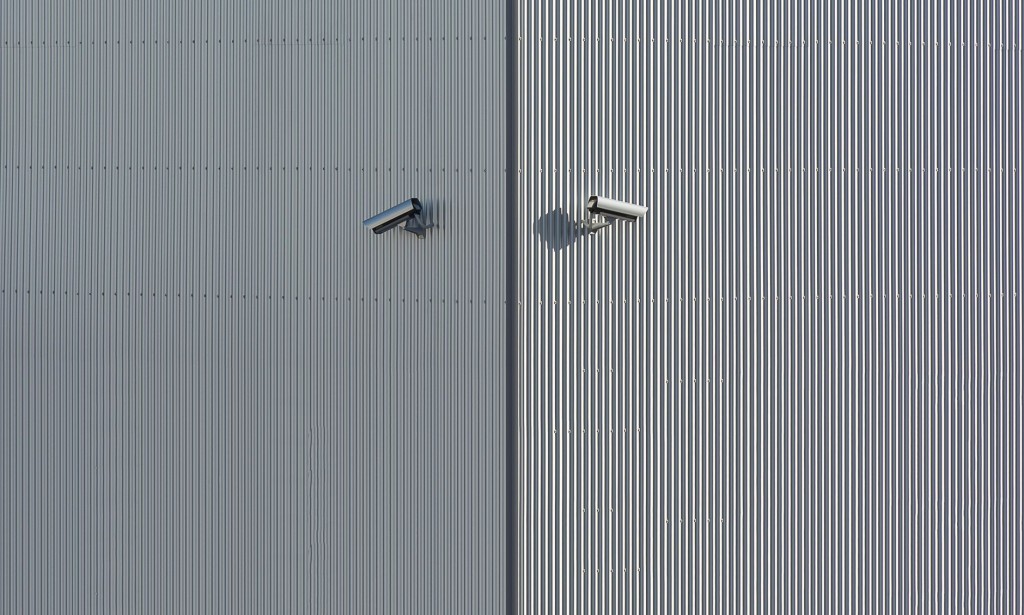
Home Security Systems: Complete Guide to Protecting Your Home in 2026
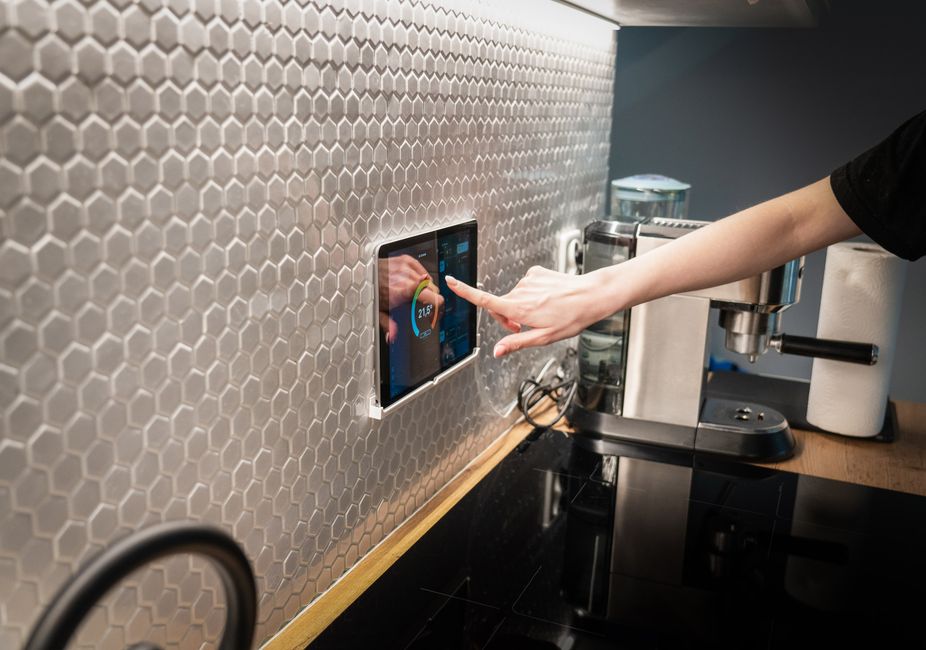
A reliable home security system provides peace of mind and protects your family and belongings from intruders, fire, and other emergencies. With advancing technology, modern security systems offer smart features, remote monitoring, and seamless integration with your smart home devices. In 2026, home security has evolved beyond simple alarm systems to comprehensive smart solutions that protect your home, monitor activity, and integrate with your daily life. The right security system combines deterrence, detection, and response capabilities to create a multi-layered defense against various threats.
Why Home Security Matters Today
Home security has become increasingly important as residential burglaries continue to affect millions of homeowners annually. According to recent statistics, a residential burglary occurs approximately every 26 seconds in developed countries. Beyond theft, home security systems protect against fire, carbon monoxide poisoning, and medical emergencies. The psychological benefit of knowing your home is protected cannot be overstated—homeowners with security systems report significantly higher levels of peace of mind and security. Furthermore, modern security systems often qualify you for insurance discounts that offset equipment and monitoring costs within the first year of installation.
Types of Home Security Systems
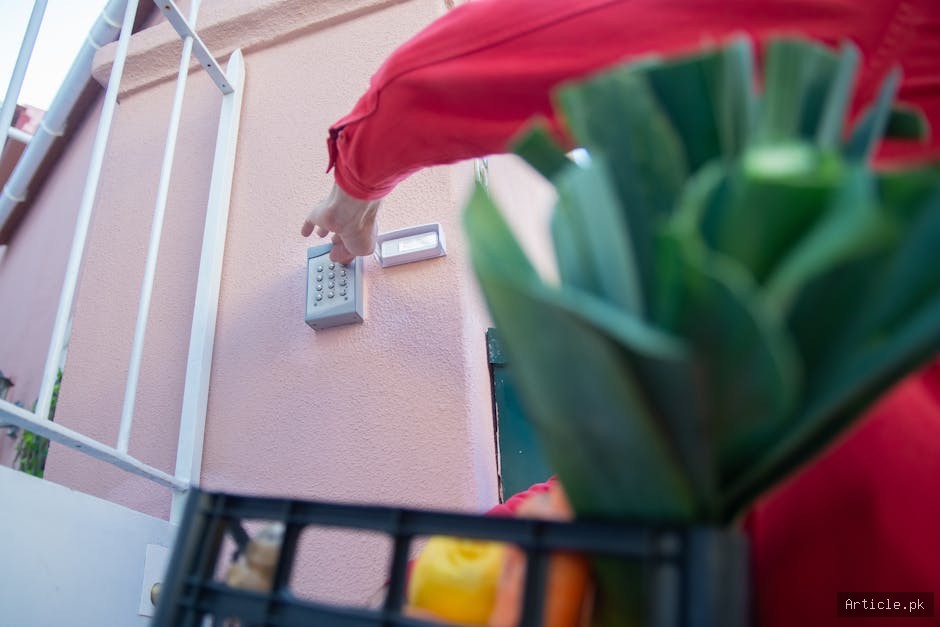
1. Professionally Monitored Systems
These systems connect to a monitoring center that watches your home 24/7:
- ADT: Industry leader with extensive coverage and fast response times, average response within 60 seconds
- Vivint: Smart home integration with professional installation and dedicated technician support
- SimpliSafe: Flexible monitoring without long-term contracts, perfect for those wanting trial periods
- Ring Alarm: Affordable option with excellent smart home integration and Amazon ecosystem benefits
- Frontpoint: Premium monitoring with white-glove installation and customer service
Pros: Professional response to emergencies, insurance discounts ranging from 10-25%, 24/7 human monitoring, verified emergency response capabilities, documentation for police reports
Cons: Monthly fees ($20-$50+), potential long-term contracts, less flexibility in customization, potential false alarm fees from monitoring center
Professionally monitored systems represent the gold standard in home security. When an alarm is triggered, trained operators immediately assess the situation through video verification when available and can dispatch emergency services to your address within minutes. This professional response can mean the difference between a minor incident and a major loss. Many insurance companies offer discounts of 10-20% on homeowners insurance when you have professional monitoring installed, which can save hundreds of dollars annually and often fully offset the cost of the system.
2. Self-Monitored Systems
You monitor alerts yourself through smartphone apps:
- Ring Alarm: Optional self-monitoring mode with Alexa integration
- Wyze Home Monitoring: Budget-friendly option with comprehensive app features
- Abode: Flexible DIY system with optional monitoring upgrades
- Controlly: Low-cost alternative with community-based features
Pros: No monthly fees, full control over your system, flexibility to add features anytime, no contracts limiting your options
Cons: Requires your attention and quick response, no professional backup for when you're unavailable, potentially slower emergency response
Self-monitored systems have become increasingly popular with homeowners who want to save on monthly monitoring fees. These systems alert you via smartphone app whenever a sensor is triggered or motion is detected. While you won't have professional emergency response, many self-monitored systems allow you to upgrade to professional monitoring at any time. This hybrid approach gives you flexibility while keeping costs low initially. Self-monitored systems work best for tech-savvy homeowners or those who are frequently home and can respond quickly to alerts.
3. Smart Security Cameras
Video surveillance for visual monitoring:
- Indoor Cameras: Monitor living spaces, nurseries, and common areas with discreet placement options
- Outdoor Cameras: Watch entry points and perimeter with weather-resistant features
- Doorbell Cameras: See who's at your door remotely with two-way audio capability
- Floodlight Cameras: Combine lighting with surveillance for dual-purpose protection
- PTZ Cameras: Pan, tilt, and zoom for larger properties or flexible monitoring
Modern security cameras go far beyond simple recording. Today's systems feature artificial intelligence that can distinguish between people, animals, and vehicles. Some cameras can even recognize familiar faces and alert you when strangers approach. Cloud storage and local storage options ensure your footage is protected and accessible from anywhere. High-resolution 4K cameras capture details that help identify intruders, while night vision ensures monitoring continues after dark.
4. Hybrid Security Solutions
Many homeowners choose hybrid systems that combine professional monitoring with self-monitoring features. This approach provides backup protection if the monitoring center is overwhelmed or if you want to respond faster to certain alerts. For example, you might receive immediate smartphone alerts while the monitoring center is also monitoring, giving you multiple layers of response capability. Hybrid systems offer the best of both worlds: professional emergency response combined with real-time mobile notifications and personal control.
Essential Security System Components
Entry Sensors
Door and window sensors alert you when entry points are opened. These are the foundation of any security system and should cover all accessible doors and windows. Modern entry sensors use wireless technology, making installation simple without running cables through walls. They typically have a battery life of 3-5 years and will alert you when batteries are running low. Professional installers recommend sensors on:
- All exterior doors (front, back, garage side entry)
- Basement windows and doors
- Sliding patio doors
- Any windows on the ground floor
- Upper floor windows accessible via roof or adjacent structures
Motion Detectors
PIR (Passive Infrared) sensors detect movement inside your home. Pet-immune versions prevent false alarms from animals up to 80 pounds. Motion detection technology has advanced significantly, with newer sensors able to distinguish between human movement and other motion sources. This reduces false alarms while ensuring you're alerted to genuine threats. The best motion sensors use dual-technology detection, combining infrared and microwave sensors for maximum accuracy. Strategic placement is critical—position sensors in hallways, bedrooms, and common areas where intruders must pass after entry.
Control Panel
The brain of your security system that processes signals and communicates with monitoring centers or your smartphone. Modern control panels are increasingly cloud-connected, allowing you to arm and disarm your system remotely from anywhere with an internet connection. They feature backup batteries that keep the system operational during power outages for several hours, ensuring your system remains functional during emergencies. The best control panels have built-in cellular backup so that the monitoring center can always communicate with your system even if your internet goes down.
Security Cameras
Provide visual verification of alerts and recorded evidence. Look for features like:
- 1080p or 4K resolution for clear identification of intruders
- Night vision capability with infrared or thermal imaging
- Two-way audio for communication with visitors or intruders
- Local or cloud storage with backup capabilities
- AI-powered person detection to reduce false alerts
- Weather resistance for outdoor models rated IP65 or higher
- Wide-angle lens (90-120 degrees) for better coverage
- Motion-activated recording to save storage space
Camera placement is critical to maximize coverage. Outdoor cameras should be positioned to cover entry points, with consideration for blind spots. Indoor cameras work best in common areas and hallways. Modern cameras offer continuous recording, event-based recording, or scheduled recording to manage storage needs and battery life.
Smart Locks
Keyless entry with remote control capabilities. Can integrate with your security system to auto-lock when armed. Smart locks eliminate the need to carry keys and allow you to grant temporary access to guests or service providers remotely. Many systems log all lock/unlock events, giving you a detailed history of home access. Look for locks with backup power options (emergency AA battery packs) and mechanical key overrides for emergency access. Integration with voice assistants allows hands-free control, while temporary access codes can be created for cleaners, repair technicians, or short-term guests.
Glass Break Detectors
Acoustic sensors that detect the sound of breaking glass. These are essential supplements to window sensors, as they alert you when a window is broken even if the sensor isn't triggered. Glass break detectors are particularly useful for larger windows and basement areas where windows might be missed by traditional sensors. They use frequency analysis to distinguish actual breaking glass from other loud noises, reducing false alarms.
Water Sensors
Detect moisture and prevent water damage from leaks. These smart sensors are increasingly integrated into home security systems, alerting you to plumbing problems before they cause significant damage. Placement near water heaters, under sinks, in basements, and near washing machines provides comprehensive coverage. Some advanced systems send alerts when moisture is first detected, potentially preventing thousands of dollars in water damage.
Smart Home Integration
Modern security systems integrate with smart home ecosystems:
- Amazon Alexa: Voice control and routine automation, works with Ring, SimpliSafe, and many others
- Google Home: Integration with Google Nest devices for comprehensive ecosystem
- Apple HomeKit: Works with Apple ecosystem for privacy-focused automation
- Z-Wave/Zigbee: Connect with compatible smart devices for unified control
- IFTTT (If This Then That): Create custom automations across multiple platforms
Smart home integration transforms your security system from a standalone product into a central part of your automated home. You can create routines that arm the system when you leave, unlock the door when you arrive, or turn on lights when motion is detected. Voice commands allow hands-free control, perfect for when your hands are full or you're away from your phone. Integration allows security events to trigger other smart home actions, such as turning on lights when motion is detected at night or unlocking smart locks when you arrive home.
Advanced Security Features
Geofencing
Automatically arm your security system when everyone leaves home and disarm when the first person returns. This eliminates the need to manually remember to arm the system, reducing one of the most common causes of break-ins. Geofencing uses your phone's GPS location to trigger these automations with customizable arrival times. Set a larger perimeter so the system arms when you're a few blocks away, ensuring it's active before you fully leave the area.
Mobile Alerts and Notifications
Real-time alerts to your smartphone whenever sensors are triggered. Customize which alerts you receive, set quiet hours to avoid notifications during sleep, and view live camera feeds instantly. The best systems allow you to dismiss false alarms directly from the notification to prevent unnecessary emergency dispatch. Push notifications can be customized by sensor type, time of day, and severity level.
Video Verification
Before dispatching emergency services, monitoring centers can view live camera feeds to verify an actual intrusion has occurred. This reduces false alarm fees and ensures emergency responders aren't sent unnecessarily. Video verification can also document exactly what happened for insurance claims and police reports. This feature alone can save hundreds in false alarm fees while ensuring emergency response is only dispatched when truly needed.
Environmental Monitoring
Beyond intrusion detection, modern systems monitor temperature, humidity, air quality, and smoke/CO detection. These features integrate with security platforms, providing comprehensive home safety monitoring beyond traditional security concerns. Some systems can alert you if your home reaches unsafe temperatures, protecting pets and preventing frozen pipes during winter.
Choosing the Right System
- Assess Your Needs: Consider home size (small apartments need 4-6 sensors, larger homes need 10-15+), entry points, and risk factors. A small apartment has different needs than a large suburban home with multiple entry points
- Set a Budget: Include equipment ($100-$500), installation ($0-$200), and monthly fees ($10-$50). Consider that paying for monitoring is an ongoing expense that varies by provider
- Compare Monitoring Options: Professional vs. self-monitoring vs. hybrid approaches, considering your lifestyle and availability
- Check Smart Home Compatibility: Ensure integration with existing devices you already own and use daily
- Read Reviews: Look at customer experiences and reliability ratings from verified purchasers and tech review sites
- Consider Installation: DIY vs. professional installation affects initial cost and setup time; professionals ensure optimal sensor placement
- Evaluate Expansion Potential: Can the system grow as your security needs change? Are additional sensors readily available?
- Check Contract Terms: Look for systems without long-term contracts for flexibility and option to switch providers
Security System Costs
- Equipment: $100 - $500+ for basic to comprehensive systems, with starter kits offering best value
- Professional Installation: $0 - $200 (often included or waived with contracts)
- Monthly Monitoring: $10 - $50/month depending on features and provider
- Self-Monitoring: $0 - $10/month for cloud storage and app access
- Additional Cameras: $50 - $300 each for high-quality models
- Smart Locks: $100 - $300 per lock, with premium options costing more
- Glass Break Detectors: $20 - $50 each
- Water Sensors: $15 - $40 each
Total annual costs typically range from $0 for a basic self-monitored system to $500+ for comprehensive professional monitoring. However, many homeowners recoup these costs through insurance discounts within the first year. A 15% discount on $1,000/year homeowners insurance saves $150, offsetting equipment and monitoring costs for many systems. Over 5 years, the savings compound significantly.
DIY Installation Tips
- Start with entry points most vulnerable to break-ins (main doors, garage doors) and expand from there
- Place motion sensors in hallways and common areas, avoiding direct sunlight that can trigger false alarms
- Mount cameras at 7-9 feet height for optimal coverage and protection from tampering by intruders
- Test all sensors after installation to ensure proper function and coverage
- Update firmware regularly for security patches and new features that improve system reliability
- Use strong passwords (16+ characters) and enable two-factor authentication on all accounts for maximum security
- Position outdoor cameras to avoid glare from streetlights or reflective surfaces that reduce image quality
- Label all components for easy troubleshooting and maintenance when problems occur
- Keep installation manuals and customer support contact information readily available
- Conduct a test run of your system before fully relying on it for security
Professional Installation vs. DIY
Professional installation offers several advantages: technicians design optimal sensor placement based on your home's layout, ensure proper wireless network range throughout the property, and provide complete system testing before activation. However, DIY installation has become accessible with modern wireless systems that require no wiring or technical expertise. Many providers offer hybrid options where you install basic components and professionals handle complex setup. Consider professional installation if your home is large, has unusual layout, or if you're less comfortable with technology.
Maintaining Your Security System
Regular maintenance ensures your system operates reliably. Check battery levels monthly, clean camera lenses regularly (use soft cloth to avoid scratching), and update firmware when available. Test sensors quarterly by triggering them intentionally to ensure responsiveness. Review access logs monthly to identify unusual activity patterns. Professional monitoring providers recommend annual system reviews to ensure coverage meets current needs. Replace batteries proactively before alerts warn of low levels, and keep backup batteries on hand for emergencies.
Protecting Your System from Hacking
Security systems are only as strong as their digital infrastructure. Use unique, complex passwords for all accounts and enable two-factor authentication whenever available. Keep all firmware updated to patch security vulnerabilities. Use a strong home WiFi password (WPA3 encryption if available) to prevent unauthorized access to your system. Never share passwords through email or text, and consider changing them periodically. Monitor account activity logs for suspicious login attempts from unfamiliar locations or devices.
Frequently Asked Questions
What is the best home security system for families with pets?
For pet owners, pet-immune motion detectors are essential. Systems like Ring Alarm, SimpliSafe, and Vivint offer motion sensors that can distinguish between pets up to 80 pounds and human intruders. The key is positioning these sensors above pet height and using dual-technology sensors that combine infrared and microwave detection. Many families use pet-immune motion sensors in main areas and standard sensors in bedrooms and upper floors where pets don't go. Additionally, ensure window and door sensors are used in combination with motion detection for comprehensive coverage, as pets can't trigger perimeter sensors.
Can I install a security system myself without professional help?
Yes, modern wireless security systems are designed for DIY installation. Most systems like Ring Alarm, Wyze, and SimpliSafe require no special tools or wiring. Setup typically takes 1-2 hours for a basic system. However, professional installation ensures optimal sensor placement and complete system testing. For renters or those wanting flexibility, DIY installation is perfect. For maximum coverage in large homes, professional installation may be worth the cost. Many providers offer video installation support or hybrid options where professionals verify your DIY setup.
How much will a security system save on homeowners insurance?
Homeowners insurance discounts for security systems typically range from 10-20%, though some insurers offer up to 25%. On an average homeowners insurance policy costing $1,000 annually, this saves $100-$250 per year. Professional monitoring systems qualify for larger discounts than self-monitored systems. Contact your insurance provider to confirm their specific discounts and requirements before purchasing a system. Some insurers may require specific monitoring companies or certification levels, so it's important to verify compatibility before buying.
Do I need both cameras and motion sensors?
While motion sensors are fundamental for intrusion detection, cameras provide visual verification and evidence. Cameras are particularly valuable for monitoring entry points and common areas. A comprehensive system combines both: motion sensors throughout the home for detection, and cameras at entry points for verification and evidence. Cameras also serve non-security purposes like monitoring children or elderly family members remotely. At minimum, place cameras at main entry points (front door, back door, garage) and motion sensors in hallways and bedrooms.
What should I do if my security system triggers a false alarm?
First, disarm the system using your code or app to stop the alarm. Contact your monitoring center immediately to cancel the emergency dispatch. Most monitoring centers allow you to cancel within 30-60 seconds. Keep a record of false alarms to identify patterns. Common causes include open windows or doors triggering sensors unexpectedly, motion sensors picking up pets, or forgotten disarm codes. Check sensor batteries, adjust motion sensor sensitivity, and ensure all doors and windows are properly secured to prevent false alarms. Many providers waive first false alarm fees, but repeated false alarms can result in charges.
How reliable are wireless security systems, and what happens during internet outages?
Modern wireless security systems are highly reliable with redundant communication methods. Most professional monitoring systems include cellular backup, allowing them to communicate with the monitoring center even if your home internet is down. This ensures emergency dispatch works regardless of internet status. Wireless sensors have excellent reliability with battery backup for 3-5 years. However, your smartphone alerts require internet connectivity. For complete reliability during outages, ensure your system has cellular backup and keep a landline or cell phone available for direct communication with the monitoring center if needed.
Conclusion
A home security system is an investment in safety and peace of mind. Whether you choose a professionally monitored system or a DIY smart security setup, the key is selecting components that match your specific needs and budget. Start with essential coverage at entry points and expand as needed to create a comprehensive security solution for your home. Modern systems offer flexibility to grow with your needs, integrate with smart home devices, and provide remote monitoring capabilities that keep you connected to your home from anywhere. With proper installation, maintenance, and monitoring, a home security system provides years of reliable protection and the confidence that your home and family are safe. Take time to assess your needs, compare options, and choose a system that fits your lifestyle. The investment in security today pays dividends in peace of mind tomorrow, and with insurance discounts offsetting costs, there's rarely a better time to upgrade your home security than now.






Comments 0
Sign in to join the conversation.
No comments yet. Be the first to say something.