


Searching for information, organising projects and preparing presentations can consume hours of your day. Fortunately, artificial intelligence has made many of these tasks easier.
You don't need expensive software or technical knowledge to get started. Several AI websites offer free features that help with studying, research, planning, translation and everyday work.
Whether you're a student preparing for exams, a freelancer working with international clients or a professional managing multiple responsibilities, these tools can help you spend less time on repetitive tasks.
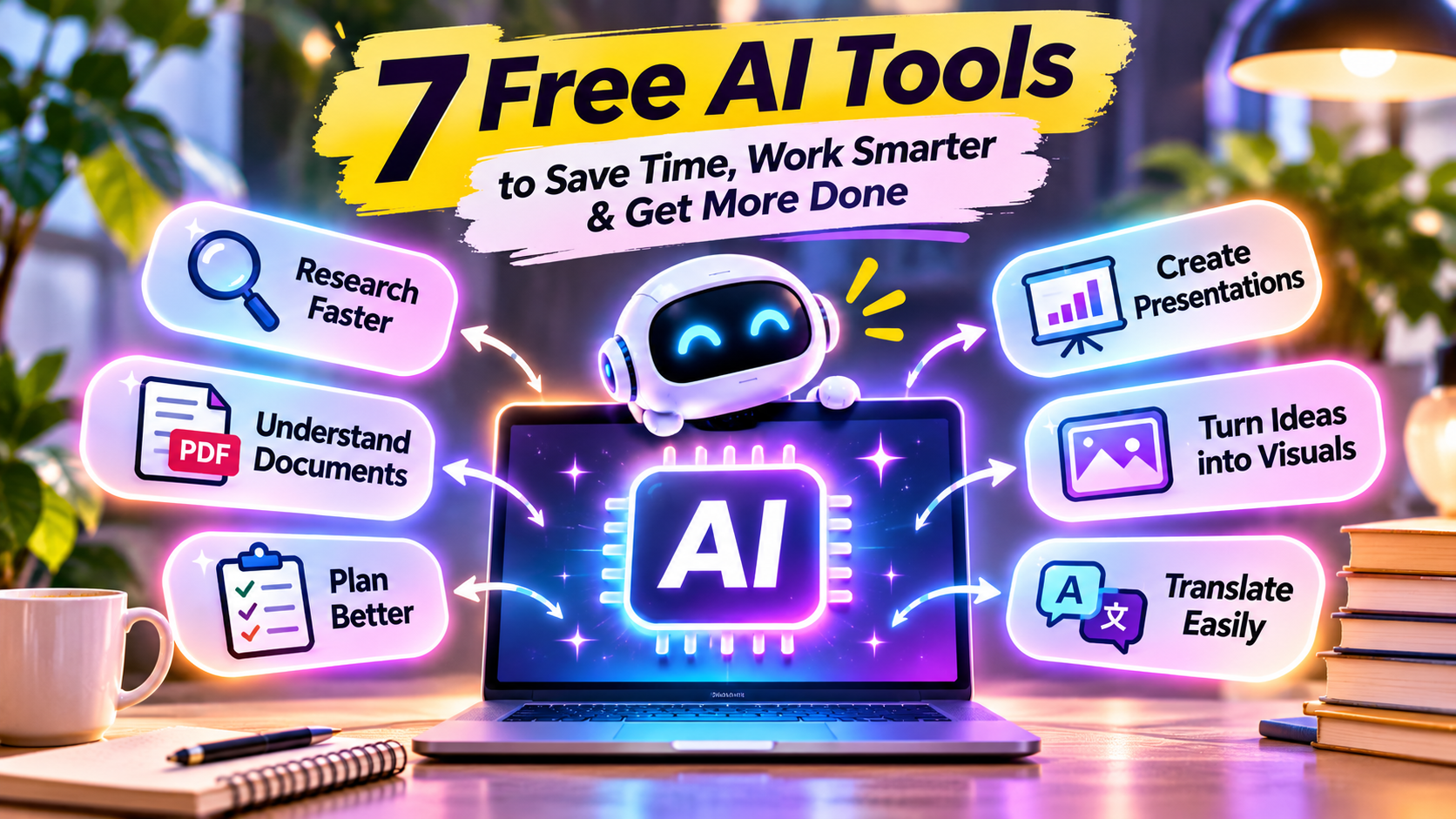
Here are seven useful free AI websites worth exploring in 2026.
1. NotebookLM – Understand Long Documents Faster
Website: notebooklm.google.com
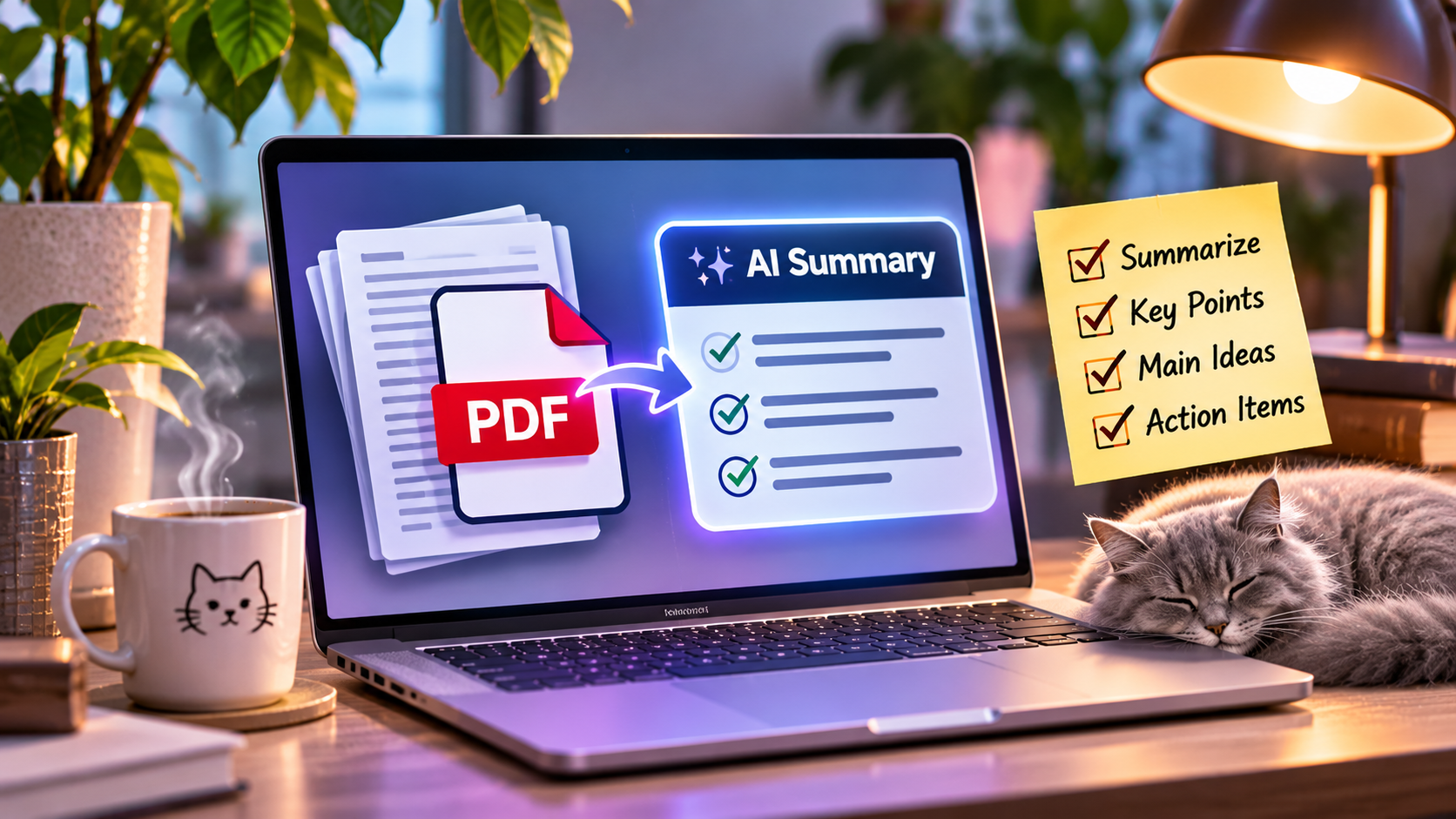
Reading lengthy PDFs and research papers can be time-consuming. Google's NotebookLM helps you understand documents without manually searching every page.
Upload supported files, ask questions about their contents and generate summaries of important information. You can also use it to identify key themes and compare information across your uploaded sources.
For example, students can upload lecture notes and ask for explanations of difficult topics. Professionals can use it to understand lengthy reports before meetings. You can even ask it to create revision questions from your study material.
Its Audio Overviews feature can turn uploaded material into conversational audio discussions.
Free access: A free version is available, with usage limits. Advanced features and higher allowances require paid plans.
2. Perplexity – Research Topics Faster
Website: perplexity.ai
Researching a topic often means opening multiple websites and comparing different explanations. Perplexity simplifies this process through AI-powered web search.
Enter a question in everyday language, and it generates an organised answer with links to relevant sources. You can ask follow-up questions to explore specific details without starting another search.
For instance, if you're researching remote job opportunities, you can ask about industries offering remote positions and explore the references behind the answers. Writers can also use it to understand unfamiliar subjects before drafting articles.
Unlike NotebookLM, which primarily works with sources you provide, Perplexity searches the wider web. This makes the two tools useful for different research needs.
Free access: Basic searches and citations are available for free. Advanced searches have usage limits.
3. Goblin Tools – Break Complicated Tasks into Smaller Steps
Website: goblin.tools
Sometimes, starting a task is harder than completing it. Preparing for an interview or organising a project can feel overwhelming when you don't know where to begin.
Goblin Tools helps turn complicated responsibilities into manageable steps.
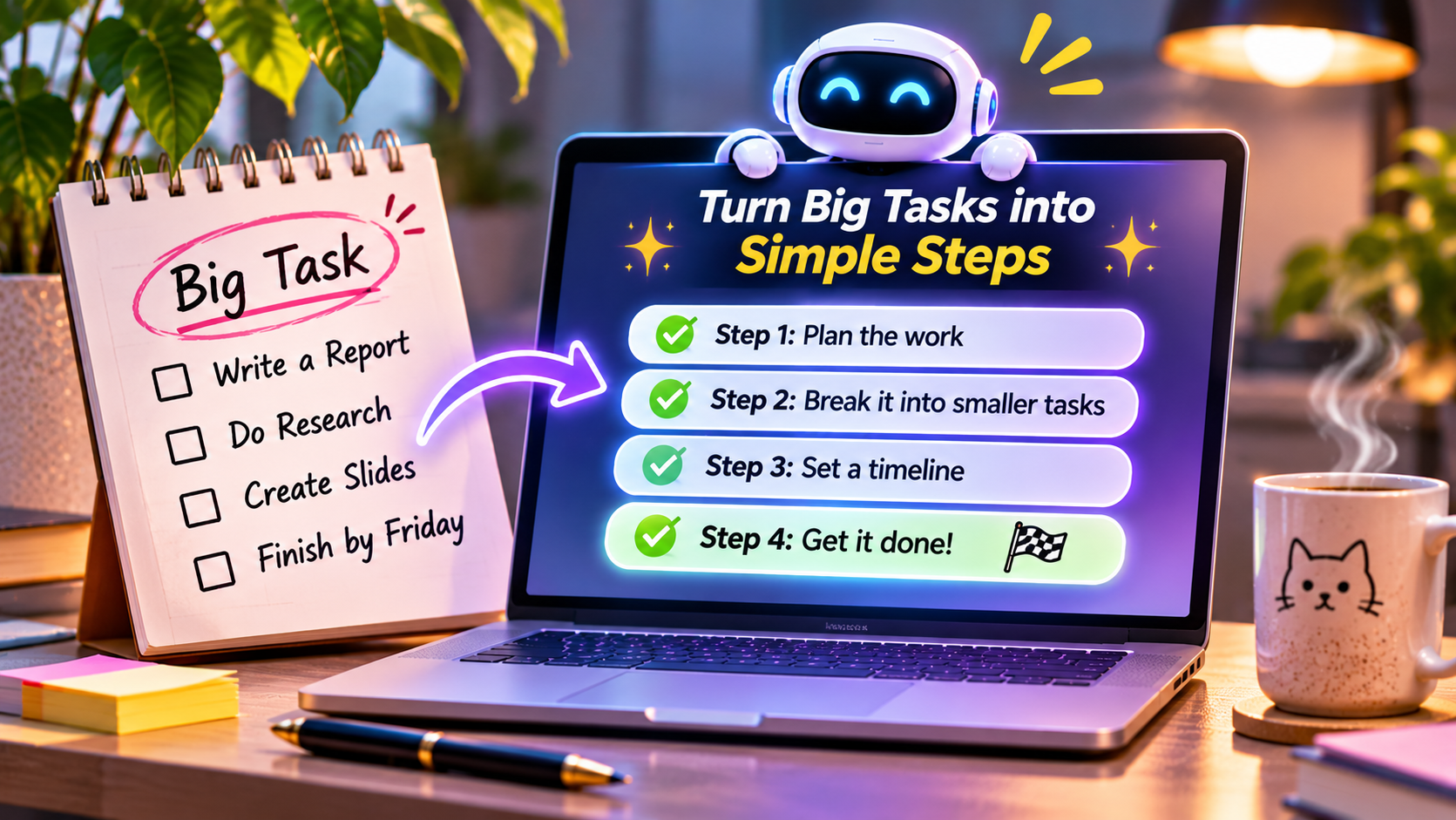
Its Magic ToDo feature can break down a task such as "prepare for a job interview" into actions like researching the company, reviewing the job description and practising questions. You can then work through the list one step at a time.
Its Formalizer feature can also rewrite messages in different tones, making it useful when preparing professional emails or simplifying complicated sentences.
Free access: Its core website tools are free. Optional paid features provide additional benefits, including synchronisation and saved history.
4. Napkin AI – Turn Written Ideas into Visuals
Website: napkin.ai
Creating diagrams and flowcharts from scratch can take time, particularly when you don't have design experience.
Napkin AI converts written ideas into visual content, including diagrams, flowcharts and infographics.
For example, a student can turn notes about a business process into a flowchart. A content creator can transform a complicated explanation into a visual that readers can understand more easily. Professionals can also use it to make reports and presentations clearer.
You can edit the generated visuals before exporting them, so the final result doesn't have to remain exactly as the AI created it.
Free access: The free plan includes 500 AI credits per week and PNG and PDF exports. Some features have restrictions, and free visuals include Napkin branding.
5. Gamma – Create Presentations with AI
Website: gamma.app
Preparing a presentation involves organising information, choosing layouts and designing slides. Gamma helps speed up this process by generating presentations from written prompts.
For example, enter a topic such as digital marketing and describe your intended audience. Gamma can create an initial presentation with organised sections and suggested visuals. You can then edit the content, adjust the design and refine the slides to match your requirements.
It can also create documents and simple websites, making it useful for people who regularly prepare visual content.
Free access: Gamma's free plan includes 400 starter AI credits and allows up to 10 slides per prompt. These credits do not automatically refresh, so free AI generation is limited. Existing presentations can still be edited manually.
6. Otter.ai – Turn Meetings into Written Notes
Website: otter.ai
Taking notes while participating in a meeting isn't always easy. Missing an instruction or forgetting an important discussion point can create problems later.
Otter.ai converts spoken conversations into written transcripts. It can identify speakers, generate summaries and highlight important discussion points.
Freelancers can use it to review client meetings, while students can revisit recorded discussions and lectures. Teams can also use meeting summaries to identify decisions and follow-up tasks.
It supports integrations with platforms such as Zoom, Google Meet and Microsoft Teams, making it useful for people who regularly attend online meetings.
Free access: Otter's Basic plan includes 300 transcription minutes per month. Each conversation or imported recording is limited to 30 minutes of accessible transcription. Only three lifetime audio or video file imports are included.
7. DeepL – Translate Content More Naturally
Website: deepl.com
Working with international clients or foreign-language material can be difficult when translations sound unnatural.
DeepL is an AI-powered translation service designed to preserve the meaning and context of sentences.
Freelancers can use it to understand messages from international clients, while students can translate foreign-language material for easier reading. It can also help content creators understand sources written in other languages.
DeepL offers writing assistance and document translation, depending on the subscription plan. However, always review important translations before sending professional messages or publishing content.
Free access: DeepL's free version allows up to 50,000 characters of text translation per month. Document translation is limited to one file per month, with a maximum file size of 5 MB.
Which Free AI Website Should You Try First?
Choose according to your needs:
Studying and understanding PDFs: NotebookLM
Online research: Perplexity
Organising tasks: Goblin Tools
Creating diagrams: Napkin AI
Building presentations: Gamma
Transcribing meetings: Otter.ai
Translating content: DeepL
Frequently Asked Questions
Which free AI website is best for students?
NotebookLM is useful for understanding lecture notes, while Perplexity helps with general research. Gamma can also assist with presentations.
Are these AI websites completely free?
Most offer free plans with restrictions on credits, usage or features. Check their current pricing before relying on them regularly.
Are AI-generated answers always accurate?
No. AI tools can misunderstand information or produce incorrect answers. Verify important details, especially for academic, financial, legal or medical topics.
Final Thoughts
You don't need dozens of applications to become more productive. Start with one website that solves a problem you regularly face.
Try NotebookLM for lengthy documents, Perplexity for research or Gamma for presentations. If organising responsibilities is your biggest challenge, Goblin Tools is another practical starting point.
Explore the free features before considering a subscription, and always review AI-generated information before using it.
Sometimes, finding one useful tool is enough to make everyday work easier.






Comments 0
Sign in to join the conversation.
No comments yet. Be the first to say something.