

Most people associate artificial intelligence with chatbots. You ask a question, write an email or generate an idea. But AI can do much more than that.
Some tools can turn written notes into diagrams, help you understand research papers, create videos or convert lengthy recordings into text.
The good news is that several specialized AI tools offer free plans or limited free access. Whether you're a student, freelancer, content creator or working professional, these six tools are worth exploring.
1. Napkin AI: Turn Text Into Visuals
A presentation can contain excellent information and still be difficult to understand. Sometimes, a simple diagram explains an idea much better than several paragraphs.
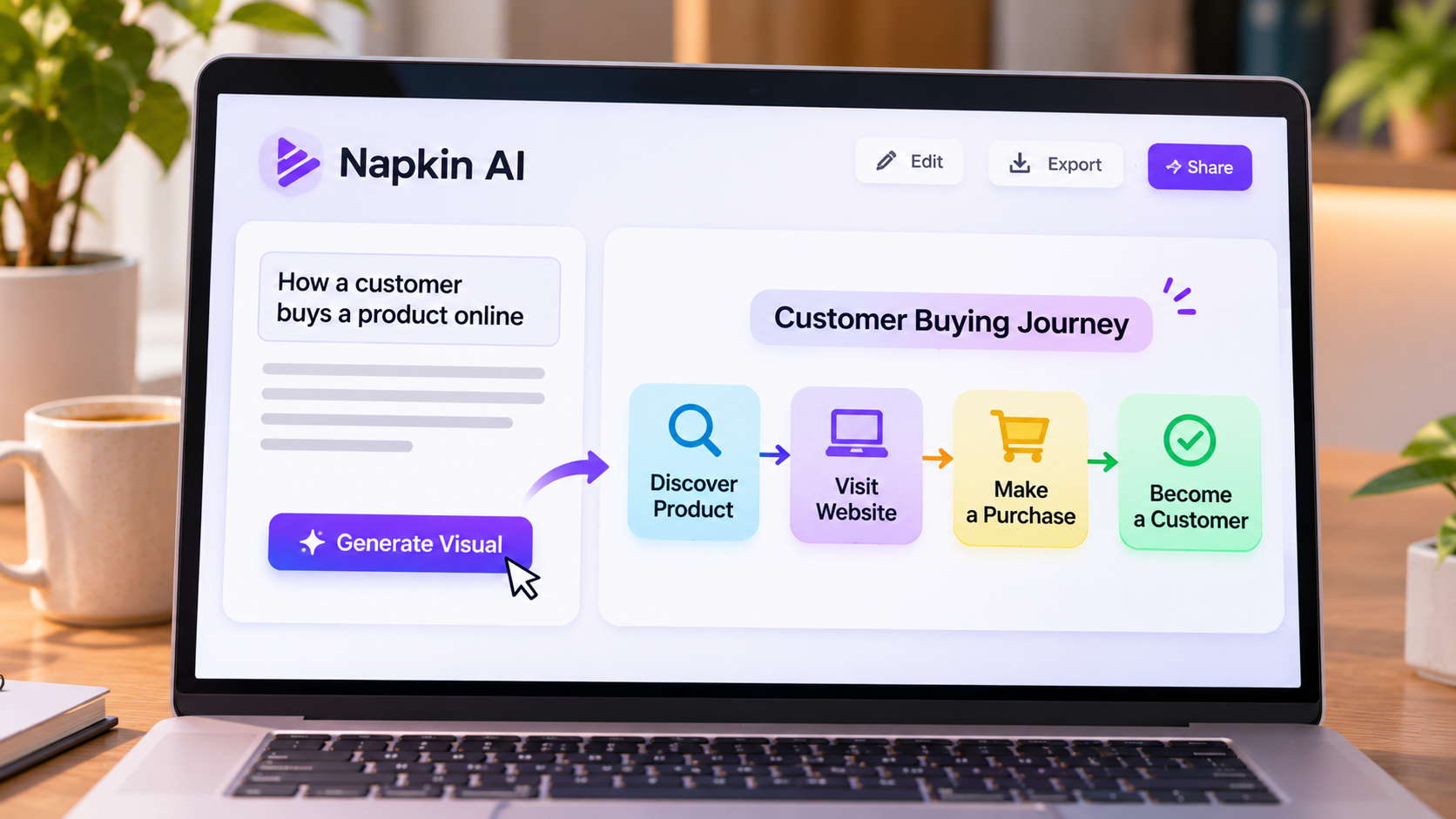
Napkin AI helps turn written content into visual representations such as flowcharts, timelines, diagrams and infographics. You can paste your explanation, generate visual suggestions and edit the results.
Imagine you're preparing a presentation about how customers discover a product, visit a website and eventually make a purchase. Instead of arranging every shape and arrow manually, you can give Napkin a written explanation and let it suggest a visual process.
It can be useful for students, freelancers, marketers and professionals who regularly prepare presentations or reports.
Napkin's free plan includes 500 AI credits per week, along with manual editing and PNG and PDF exports. Free exports include Napkin branding, while some additional options require a paid plan.
A useful tip: Start with a short explanation containing the main steps of your idea. Pasting an entire report may produce a cluttered visual.
You can explore it at Napkin AI.
2. NotebookLM: Research With Your Own Sources
Reading lengthy documents and research papers can take hours. Google's NotebookLM helps you work with information from sources you provide.
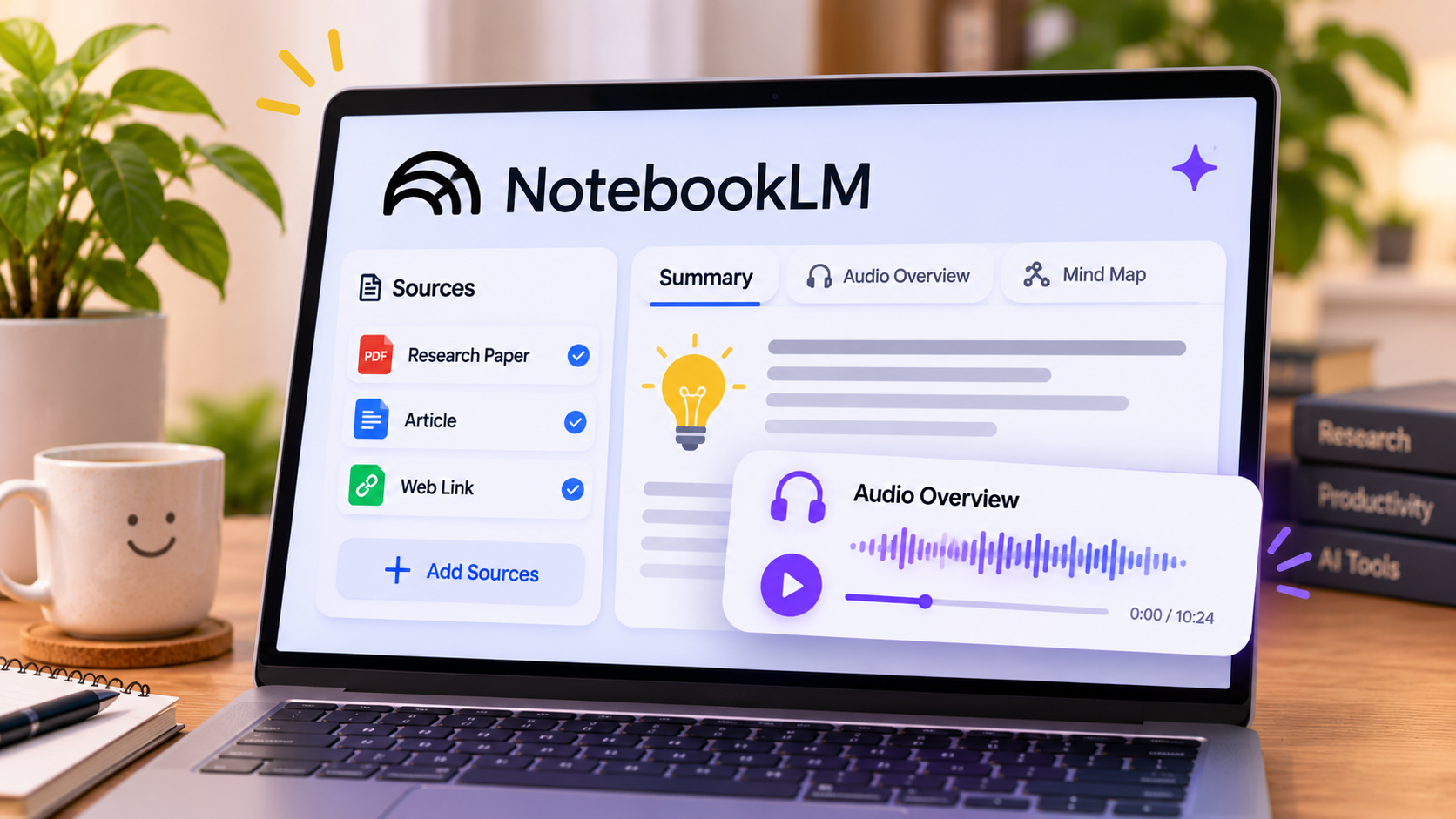
You can add supported documents, PDFs, websites and other materials, then ask questions about their contents.
For example, imagine you're researching remote work and employee productivity. You have three research papers discussing the subject. You can add them to NotebookLM and ask it to compare their findings, identify disagreements or explain the limitations mentioned by the researchers.
Another interesting feature is Audio Overview, which can turn information from your sources into a discussion-style listening experience.
NotebookLM is particularly useful for students, researchers, writers and professionals who regularly work with lengthy documents.
However, its answers depend on the quality of your sources. If your documents are outdated or incomplete, the results may reflect those weaknesses. Always verify important information against the original material.
NotebookLM offers a free version with usage limits. Paid Google AI plans provide higher limits and additional access.
3. Kling AI: Bring Still Images to Life
A photograph captures a moment, but a video can make the same scene feel completely different.
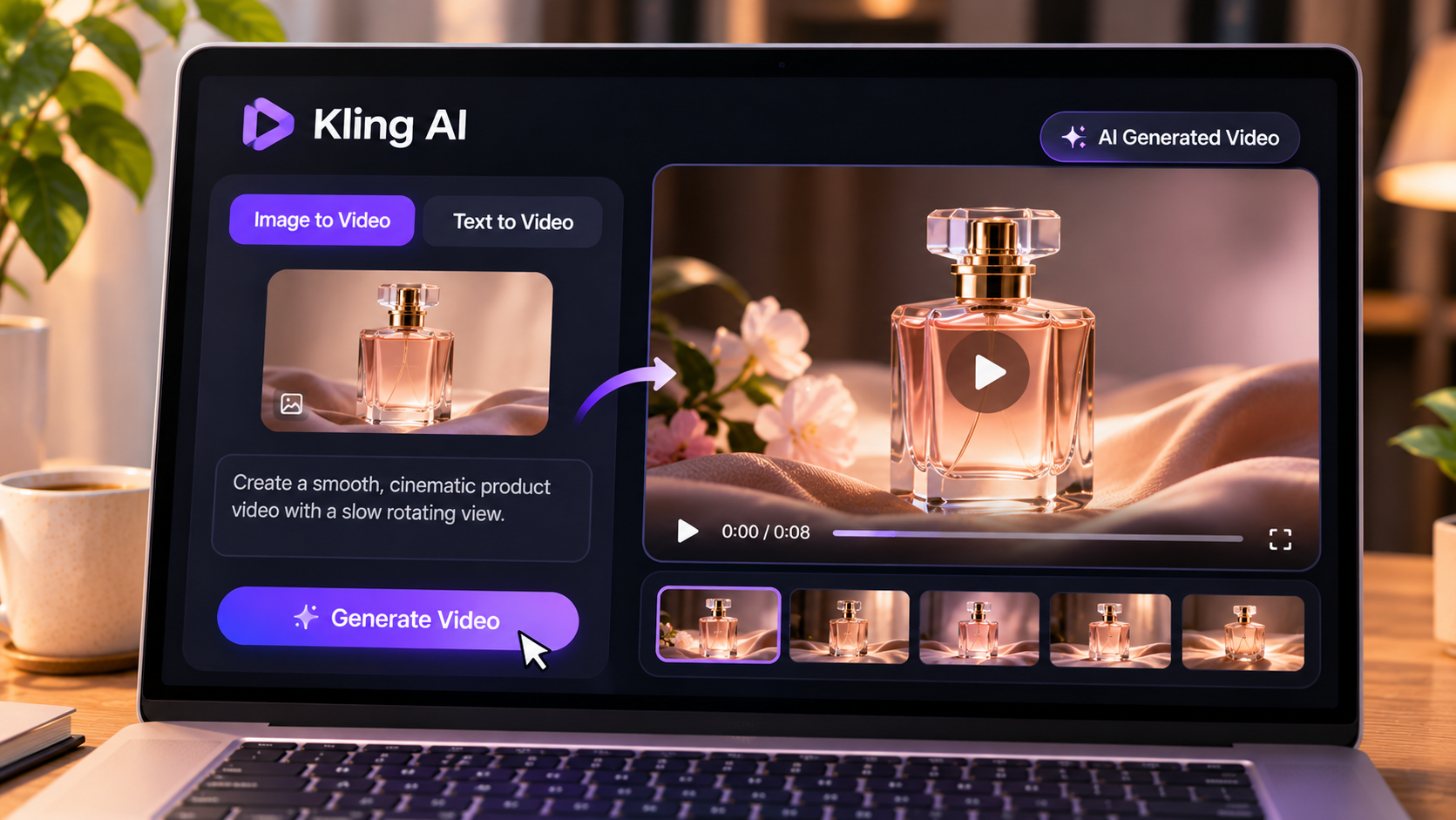
Kling AI is a video-generation tool that lets you create moving clips from written descriptions and still images.
Suppose you run a small online business and have a product photograph. You could upload that image and describe the movement you want, such as a slow camera movement or a rotating product. Kling AI attempts to turn that visual idea into a short video.
It can also generate scenes from text prompts, making it interesting for social media creators and people experimenting with visual storytelling.
However, don't expect every generation to look professional. Faces may change, objects can become distorted and movement may not follow your instructions precisely. You may need several attempts before getting a usable result.
Kling AI's free access and generation allowances can depend on its current plans and account availability. Check the options shown when signing up before relying on it for a project.
4. Fathom: Make Online Meetings Easier to Review
Taking notes during a meeting sounds simple until the discussion becomes complicated. You're trying to listen, understand and write everything down at the same time.
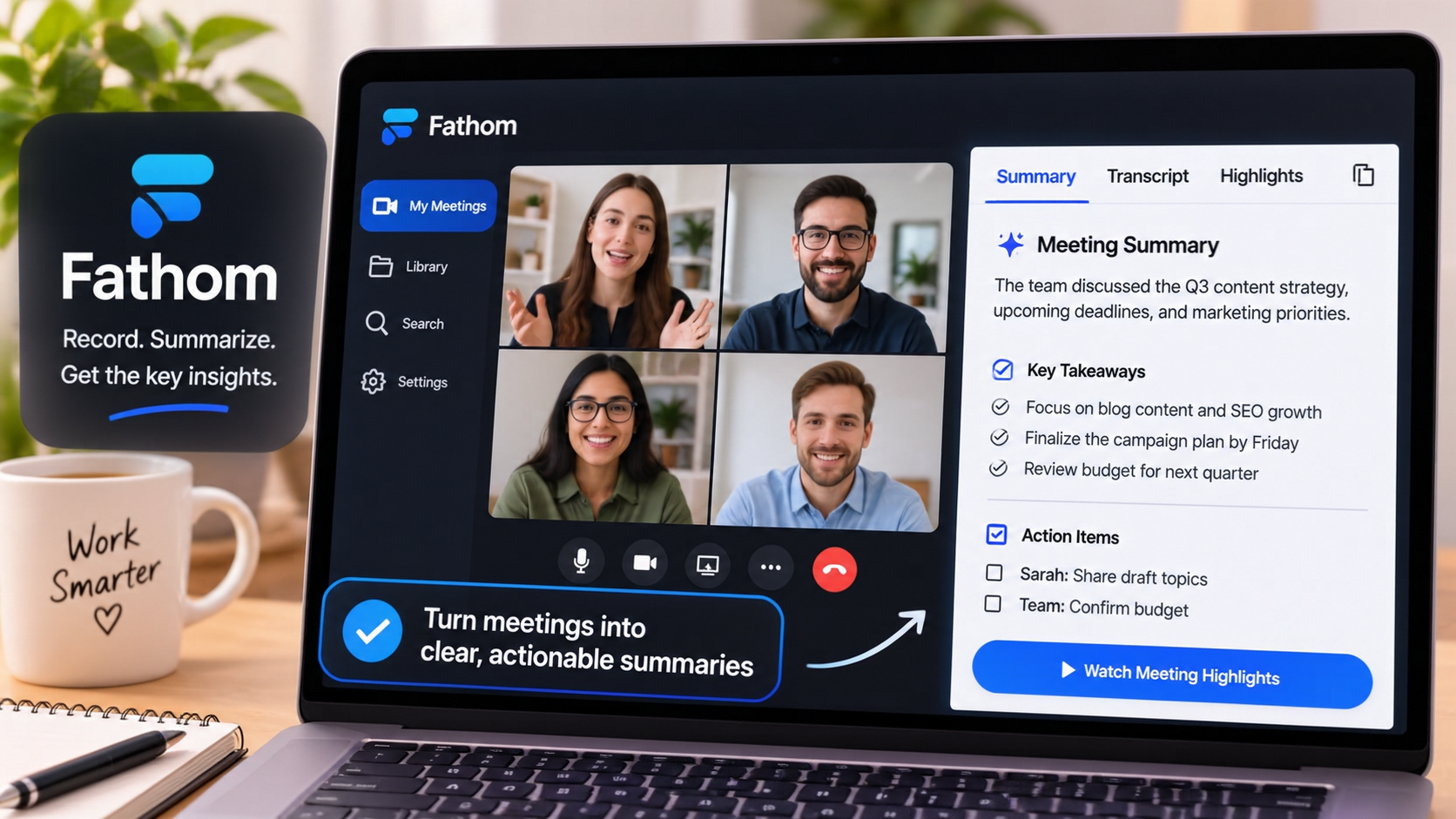
Fathom is an AI meeting assistant that can record supported online meetings, produce transcripts and generate summaries.
Consider a content writer attending a 45-minute meeting with a client. They discuss article topics, deadlines and revisions. Missing one important instruction could mean having to contact the client again.
With Fathom, the writer can revisit the meeting transcript and summary to check the agreed tasks.
It can be useful for remote employees, freelancers, managers and teams that regularly attend online meetings.
Remember that an AI summary may leave out important details. Review the transcript before relying on it for deadlines or decisions.
Fathom offers a free individual plan, with additional features available through paid options. Check its current pricing page.
Always inform meeting participants when recording, obtain any required consent and follow your organisation's privacy policies.
5. Consensus: Explore Scientific Research
Finding information online is easy. Finding reliable scientific evidence to support that information is a different challenge.
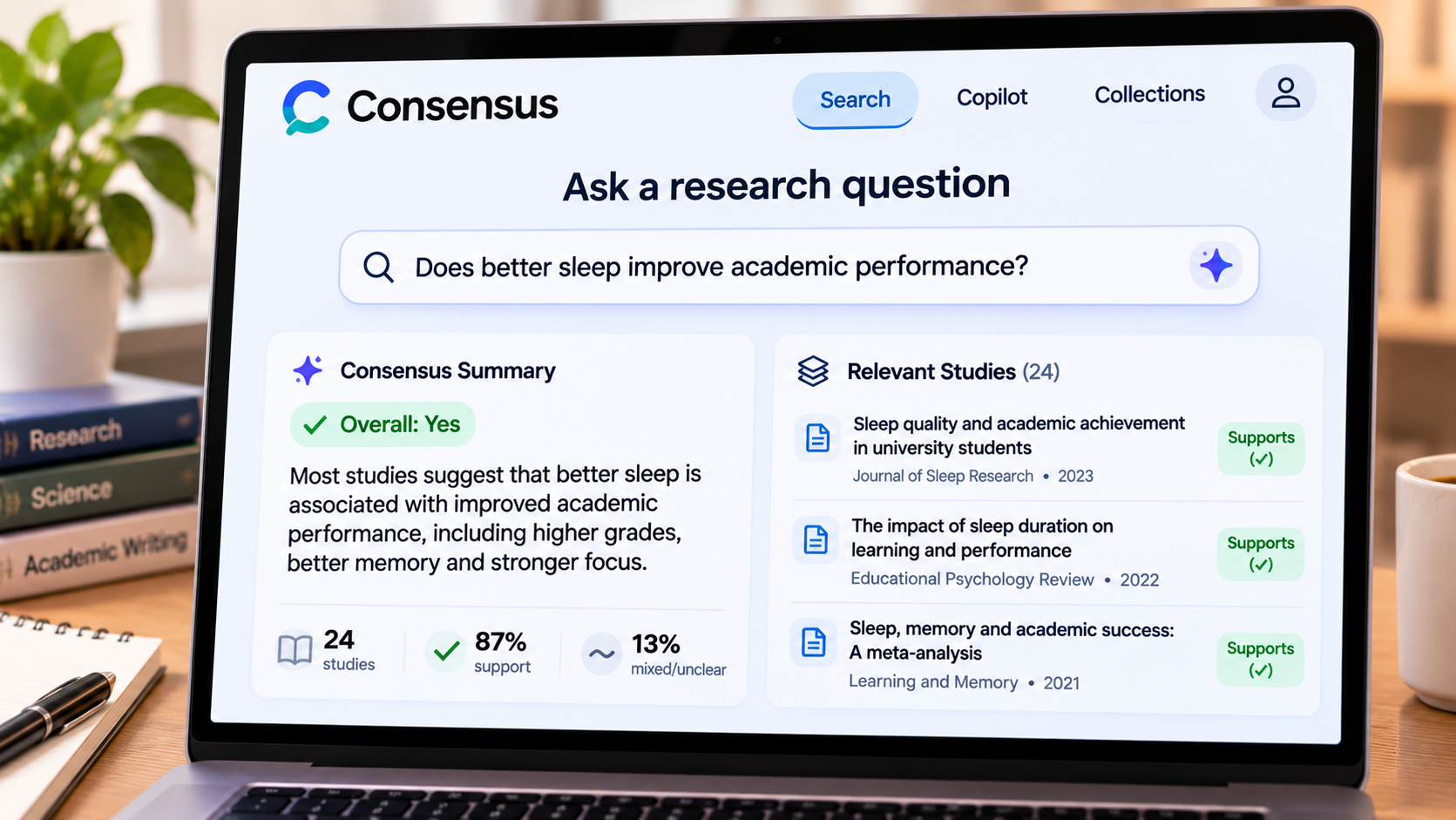
Consensus is designed to help users explore academic research by searching scientific papers and presenting relevant findings.
Imagine you're writing an article about sleep and academic performance. A general search might return lifestyle blogs, advertisements and research papers mixed together. Consensus helps narrow your search towards academic literature.
You can enter a question in everyday language, explore relevant studies and examine their findings.
It can be useful for students, writers and anyone interested in evidence-based information.
However, a scientific paper is not automatically reliable just because it appears in a research search. Studies can have small sample sizes, limitations or conflicting conclusions. Treat AI-generated summaries as a starting point, not a final scientific verdict.
Consensus provides free access with limits, while additional features may require payment. Check which features are currently included in its free version.
6. TurboScribe: Convert Audio Into Text
Imagine recording a one-hour interview for an article. Listening to the entire recording again while typing every sentence can be exhausting.
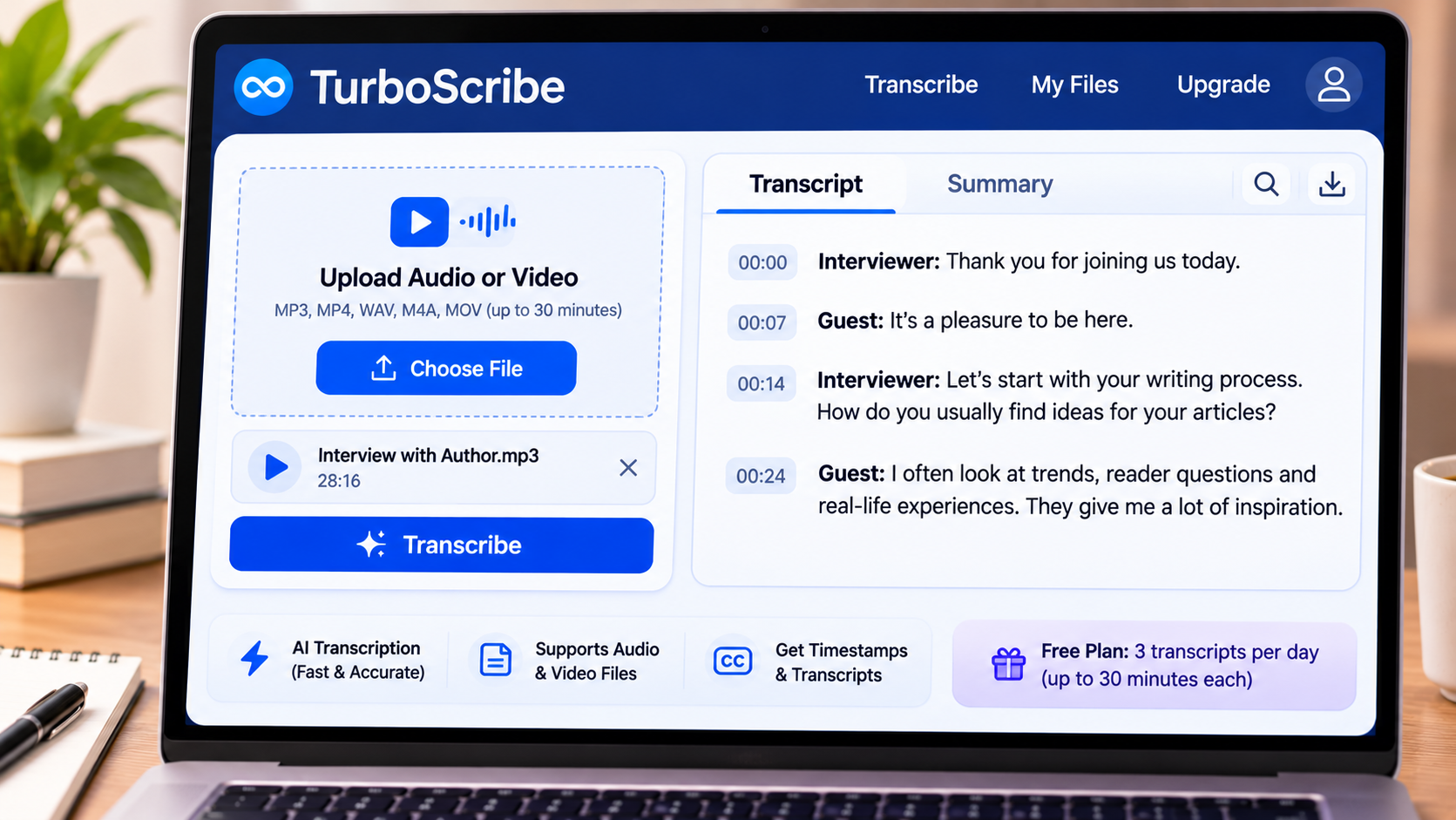
TurboScribe uses AI to convert audio and video recordings into written transcripts.
For example, a journalist could use it to create a first draft of an interview transcript. A student could turn a recorded lecture into searchable notes, while a content creator could use a transcript as the starting point for an article or video captions.
TurboScribe's free plan currently allows three transcripts per day, with a maximum upload length of 30 minutes per file. Free users also have lower processing priority than paid subscribers.
The quality of a transcript depends on the recording. Background noise, overlapping voices and unfamiliar accents can affect accuracy.
Always review the text before publishing it, particularly names, technical terms and important statements.
For occasional interviews and shorter recordings, its free allowance may be enough to get started.
Which AI Tool Should You Try First?
You don't need to sign up for all six tools. Start with the one that solves a problem you regularly face.
Your task | Tool |
|---|---|
Create diagrams and visuals | Napkin AI |
Understand research documents | NotebookLM |
Generate short videos | Kling AI |
Explore academic studies | Consensus |
Review online meetings | Fathom |
Convert recordings into text | TurboScribe |
Are Free AI Tools Worth Using?
Free plans are a useful way to test a tool before deciding whether it deserves a place in your daily workflow. However, free access doesn't always mean unlimited usage.
Before depending on a tool, check its usage limits, export options, watermarks and privacy policies. Some services restrict the number of generations or recordings, while others reserve advanced features for paid subscribers.
Also, avoid uploading confidential client documents, private recordings or sensitive personal information unless you've checked how the service handles your data.
Frequently Asked Questions
Are these AI tools free to use?
The tools listed offer free plans or limited free access. However, the available features and usage limits differ. Check the latest pricing before signing up.
Which AI tool is best for students?
NotebookLM can help students understand supplied study materials, while Consensus can help them discover academic research. Both are useful learning assistants, but neither replaces independent research.
Which tool is useful for content creators?
Napkin AI can help create diagrams, Kling AI can generate video concepts, and TurboScribe can convert interviews and recordings into text.
Can AI-generated content be used professionally?
Yes, but always review the results. Check accuracy, respect copyright, obtain necessary permissions and follow the platform's usage terms.
Do free AI plans stay free forever?
Not necessarily. Companies can change their pricing, usage limits and available features. Always check the latest terms.
Final Thoughts
AI becomes much more interesting when you stop thinking of it as just a chatbot.
You can use it to create diagrams, understand research, experiment with videos or save time when working with recordings.
You don't have to use every tool on this list. Choose one that addresses a task you regularly struggle with, explore its free features and decide whether it genuinely saves you time.
The real benefit of AI isn't having more tools to play with. It's finding a smarter way to do something that used to take you much longer.







Comments 0
Sign in to join the conversation.
No comments yet. Be the first to say something.