


1. Introduction to SSH Keys
Secure Shell (SSH) keys are cryptographic authentication credentials used in place of passwords for accessing remote systems. SSH keys are widely adopted for secure logins, automated processes, and encrypted communications. Compared to traditional passwords, SSH keys provide enhanced security by eliminating the risks associated with weak or compromised credentials.
SSH keys operate on a public-private key pair system. The private key is kept securely by the user, while the public key is placed on the server. When authentication is attempted, the server verifies the user’s identity by matching the private key’s signature with the stored public key. This method reduces the likelihood of brute-force attacks and password leaks, making SSH keys a preferred authentication mechanism for system administrators, developers, and IT professionals.
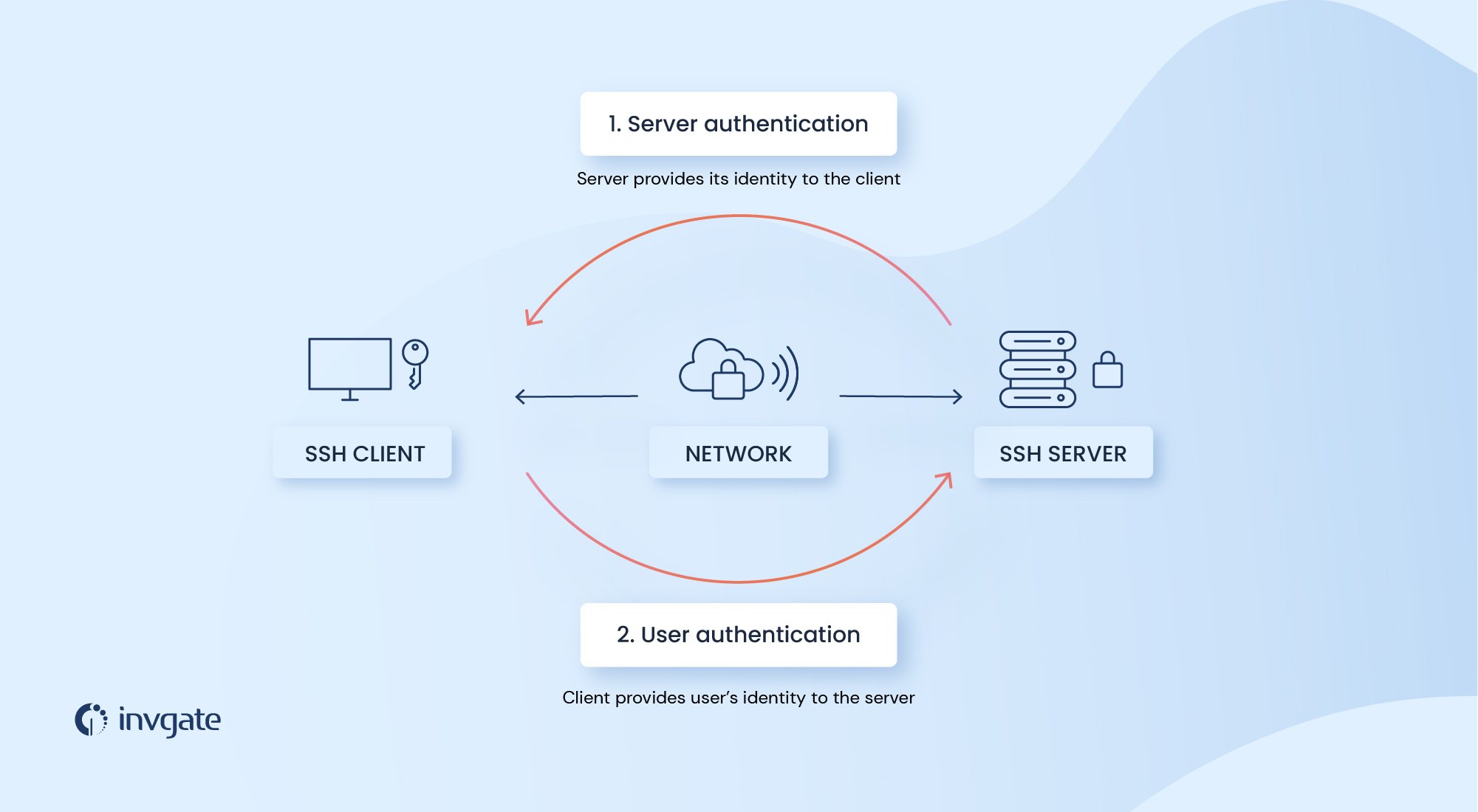
2. How SSH Keys Work
SSH keys utilize asymmetric cryptography to establish secure connections. The process involves:
-
Key Pair Creation – Users generate a pair of cryptographic keys: a public key and a private key.
-
Public Key Deployment – The public key is placed in the
~/.ssh/authorized_keysfile on the remote server. -
Authentication – When the user attempts to log in, the server matches the public key with the private key stored on the user’s local machine.
-
Secure Access – If the keys match, the user gains access without needing a password.
This authentication process eliminates the need for password-based logins, significantly reducing security vulnerabilities and simplifying automation processes.
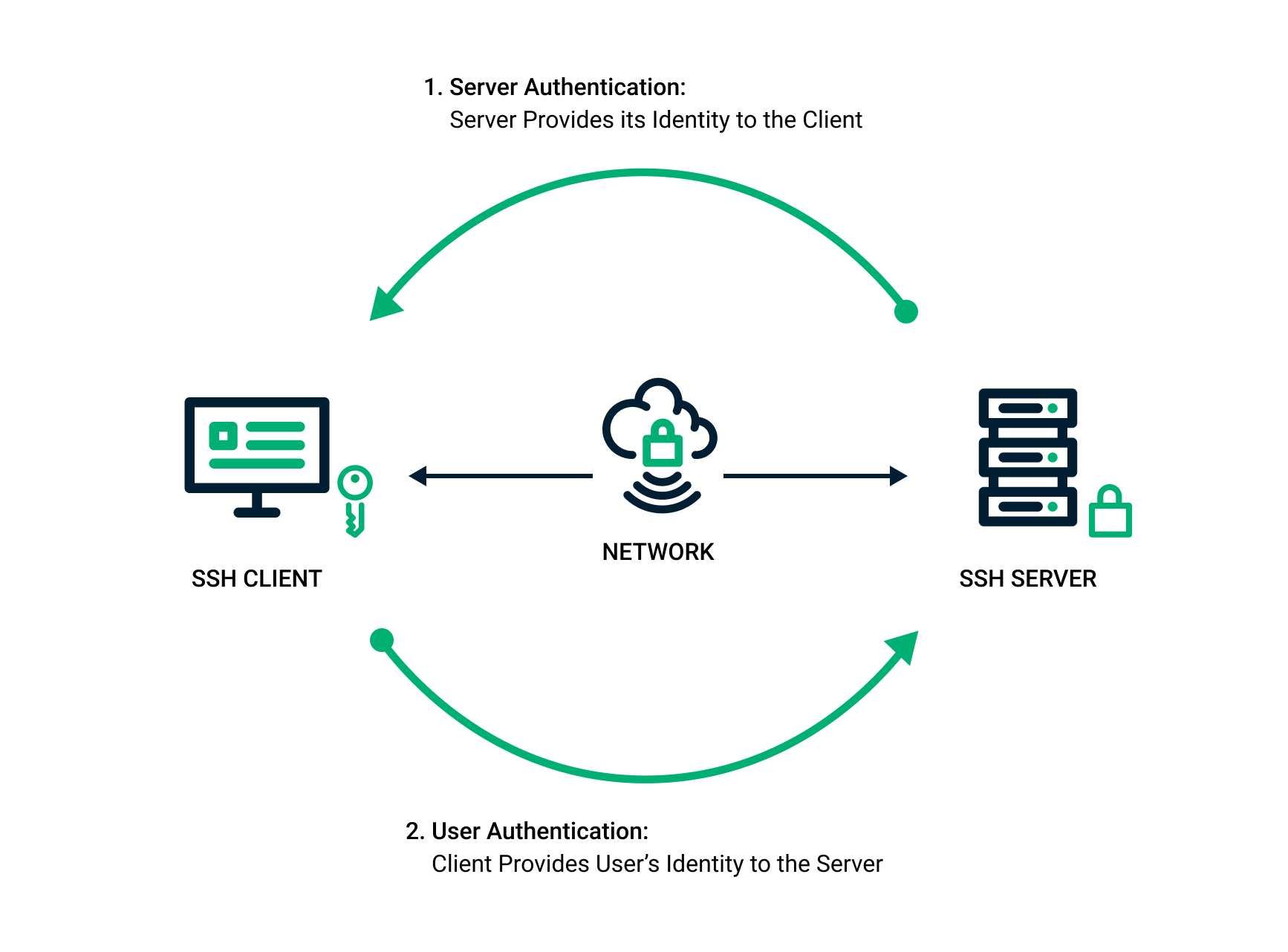
3. Generating and Managing SSH Keys
To generate SSH keys, use the following command in a terminal:
ssh-keygen -t rsa -b 4096 -C "[email protected]" This command creates a strong 4096-bit RSA key pair. Users can specify a custom filename and passphrase for additional security.
Managing SSH Keys
-
Adding Public Keys to a Server: Use
ssh-copy-id user@serverto transfer the public key automatically. -
Storing Private Keys Securely: Keep private keys in
~/.ssh/with proper file permissions (chmod 600). -
Using SSH Agents: Load private keys into an SSH agent for seamless authentication (
ssh-add ~/.ssh/id_rsa). -
Revoking Access: Remove outdated public keys from
~/.ssh/authorized_keyswhen users no longer require access.
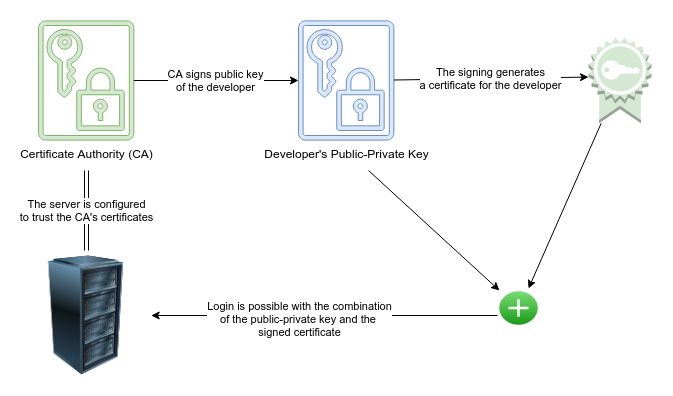
4. Enhancing Security with SSH Key Best Practices
To maximize security when using SSH keys:
-
Use Strong Key Encryption: Opt for RSA 4096-bit or newer algorithms like Ed25519.
-
Set a Passphrase: Protect private keys with a passphrase for added security.
-
Disable Password Authentication: Configure the SSH daemon (
sshd_config) to accept only key-based authentication. -
Regularly Rotate Keys: Update SSH keys periodically to mitigate potential compromises.
-
Implement Multi-Factor Authentication (MFA): Combine SSH keys with MFA for an additional security layer.

5. Common Use Cases for SSH Keys
SSH keys are widely used across various applications, including:
-
Secure Server Access: System administrators use SSH keys for passwordless authentication to remote servers.
-
Automated Deployments: DevOps teams utilize SSH keys for CI/CD pipelines and infrastructure automation.
-
Git Authentication: Developers configure SSH keys for secure access to Git repositories.
-
Cloud Infrastructure Management: Cloud platforms like AWS and Google Cloud support SSH key authentication for virtual machines.
-
Tunneling and Port Forwarding: SSH keys enable encrypted tunnels for secure data transfers and remote access.
By leveraging SSH keys, organizations can enhance security, streamline workflows, and minimize authentication-related risks.
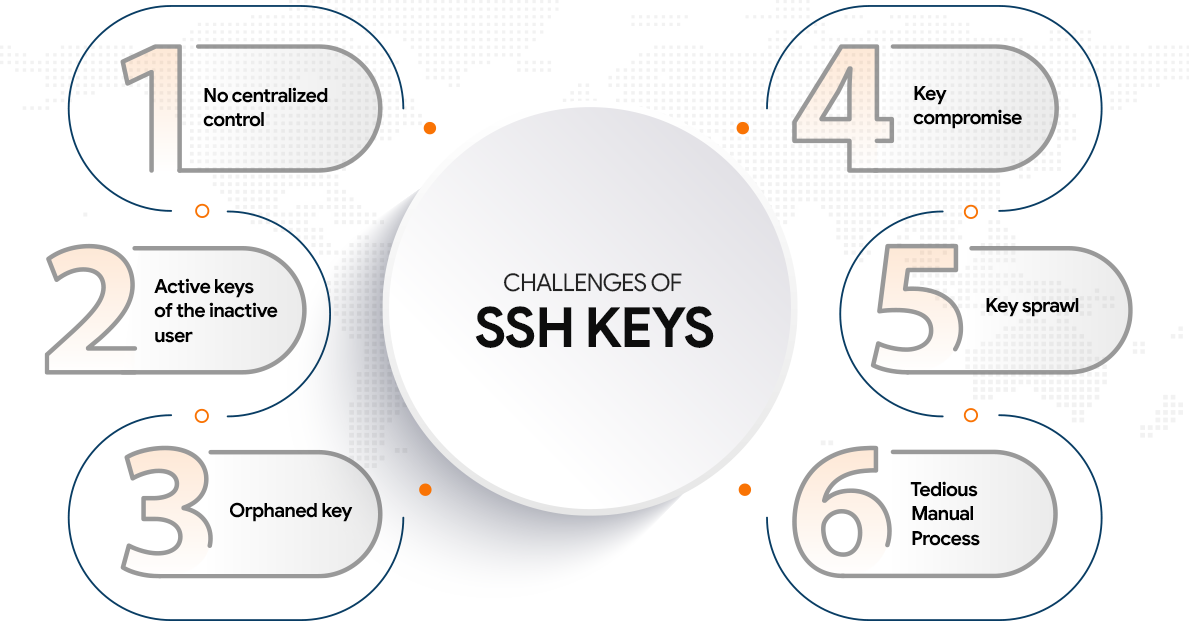







Comments 0
Sign in to join the conversation.
No comments yet. Be the first to say something.