

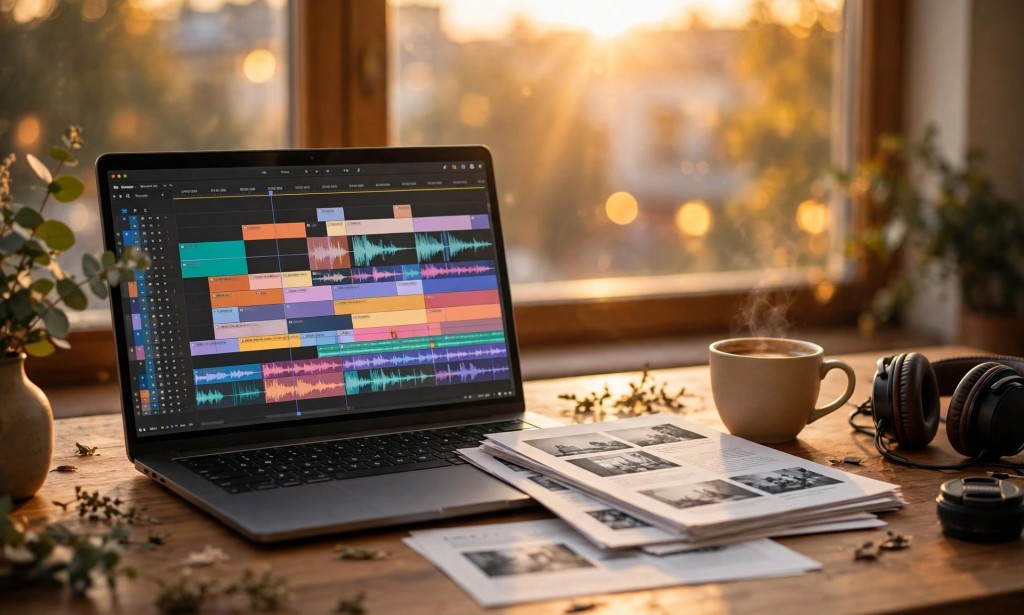
What if a tool let you turn a blog post into a finished video — script, voiceover, captions and all — without asking for your credit card?
Pictory says it does exactly that, and it hands you 300 free credits to prove it. But there is a catch hiding in the official pages, and it is not the one you would expect. The catch is in the verdict below.
For creators in the United States, the pitch sounds almost too good. Pictory is one of the biggest names in script-to-video, trusted by more than 20,000 teams by its own count, and it now packs Google's Veo 3.1 inside its editor. So what is the real price of "free" here?
We checked every number against Pictory's official pages. Here is what the trial gives you, what it quietly takes away, and whether it is worth your 14 days.

What It Is
Pictory is not a camera app or a timeline editor. It is a script-to-video platform: you give it words, it gives you back a finished video.
You can start from almost anything: a blog post link, which Pictory reads and turns into a scripted set of scenes; a script of your own; an idea in one sentence; a deck, a PDF, a document, an audio recording or a photo.
What separates Pictory from a template tool is its AI video agent. It plans the story with you from a short brief: describe the video, answer a few setup questions, review the script and scenes before anything is generated, then refine the result by chat or in the scene editor. There is no timeline to learn — edit the words, and the video follows.
Each scene gets a visual from the stock library or AI Studio, a voiceover from one of 170-plus AI voices in 29-plus languages, captions timed to the voice, and your brand kit's logo, colours and fonts. Exports come in 16:9, 9:16 and 1:1.
Then there is AI Studio, the generative side: images from Flux Schnell, Google Nano Banana, Seedream and Nova Canvas, and video clips from Veo 3.1, Veo 3.1 Fast, Pixverse and Omni Flash — including clips with sound. Extend any clip, generate four versions at once, and keep a character consistent with a reference image.
Pictory aims itself at marketers, trainers, bloggers and small businesses — people who need video regularly and do not have an editor on staff. It runs in a browser, with nothing to install, and is open to US creators with no region restriction stated.
But it is not a cinematic clip generator. Its home turf is explainers, training videos, product videos and blog-to-video — scripted, narrated videos built from stock footage. The Veo 3.1 clips inside AI Studio are real, but they sit inside a workflow built for speed and volume, not spectacle — a distinction that decides whether the trial is useful to you.
Free Plan Details
Pictory has no free plan. It has a free trial — a 14-day window, and when it ends, the free ride ends with it.
The trial gives you 300 generative AI credits — about 10 minutes of video — for 14 days, with no credit card required. You can create 3 video projects from a script or URL, each up to 5 minutes. The AI video editor handles recordings up to 15 minutes, with 500 MB of storage.
The trial is surprisingly full-featured: all video and image models are included, as are the ElevenLabs voices, automatic subtitles, one brand kit, PowerPoint-to-video, the Storyblocks and Getty libraries, and 5,000 premium music tracks.
Now the limits. Three projects — that is the whole trial. A project is the collection of assets behind one video, and Pictory's FAQ confirms the trial allows exactly 3. Multiple versions of one project still count as one, but three finished videos is the ceiling.
Then resolution: trial exports top out at 720p, while paid plans export at 1080p. On a phone, 720p is watchable — but not the crisp 1080p your audience expects from a $25-a-month tool.
And what do those 300 credits actually buy? Pictory says about 10 minutes of video — but credits are one shared pool across every AI feature, and the pricing page publishes no fixed per-clip cost for an AI Studio video. A clip's cost depends on duration, extension and audio, and is shown in the prompt box when you generate. So the 10-minute figure is an overall guide, not a promise per model — you only learn the real price by spending the credits.
Download your videos before you cancel — projects are deleted when your account is cancelled. Paid subscriptions carry no refunds.
After day 14, plans start at $25 a month, billed annually. Starter is $29 a month if you pay monthly, with 24,000 credits a year for up to 360 minutes of video. Professional is $35 a month billed annually, or $59 monthly, with 72,000 credits for up to 1,080 minutes a year. Teams is $199 a month billed annually, with 216,000 credits for up to 3,600 minutes a year. Enterprise pricing is custom.
One timing note: a Black Friday offer is currently live — Starter $12.50 a month billed annually ($14.50 monthly), Professional $17.50 ($29.50 monthly), Teams $59.50 ($99.50 monthly). No end date is stated.
Watermark and Commercial Use
Here is the question every creator asks first, and Pictory answers it plainly: "Videos you download on the free trial are watermarked." The pricing table agrees — under "Pictory branding", the trial column reads "Included" and every paid plan reads "Not included". Only a paid plan removes the branding.
A watermarked video cannot go on a monetised channel, a client project or a paid ad without advertising the tool that made it. The trial is a test drive, not a free production lane: you can judge the quality, the voices and the workflow, but you cannot publish the result cleanly. Three watermarked videos, in 720p, inside 14 days — that is the trial's real cost.
Commercial use is the second half of this section, and the official FAQ is genuinely reassuring — with one careful note. The blog-to-video FAQ states: "Your videos, including stock footage, images and music from the library, are cleared for commercial use. Just make sure you have the rights to the post you turn into a video." The pricing FAQ adds that Pictory has already licensed all the video clips, music and voiceovers for use in your videos.
That is a real clearance, covering the stock library most Pictory videos use. But the wording is general, not trial-specific: no separate clause says trial exports carry the same clearance. Since trial exports are watermarked anyway, the practical point is simple — test on the trial, publish from a paid plan, and check the terms before you spend money behind any video.
How to Use It
Pictory's official product page lays out the process in four steps; we have expanded them slightly for a first-timer.
1. Describe the video. Go to pictory.ai and start the free trial — no credit card required. Add the topic, audience, purpose and length, plus any source files you have.
2. Answer the setup questions. Choose the voiceover, visual sources, aspect ratio — 9:16 for Shorts and Reels, 16:9 for YouTube — and brand kit.
3. Review the script and scenes. Correct the story before anything is generated — edit the script like a document, swap any visual in one click, or ask the AI to shorten it.
4. Refine and generate. Ask the agent for a change by chat, or adjust a scene in the editor. Select Generate video, and download the file when it is ready.
5. Check the watermark first. Export one short clip and watch it through. Check the corners for the Pictory branding, and the resolution — it will be 720p.
6. Spend credits on the script, not the spectacle. Stock visuals and your own footage are the cheapest way through the trial; AI Studio generations draw from the same 300-credit pool, and their cost only shows in the prompt box, so generate sparingly.
7. Download before day 14. Trial projects are permanently deleted when your account is cancelled, so save anything you want to keep — watermark and all.
Start with a real piece of content you already own — a blog post, a script, a deck. That is where the trial shows its best side.
Honest Verdict
Here is the catch we promised at the top. It is not a hidden fee — it is a countdown.
Pictory's trial is generous in the ways that look good on a pricing page — 300 credits, Veo 3.1 plus three more video models, ElevenLabs voices, Getty and Storyblocks libraries, no credit card — and stingy in the ways that decide whether you can use it: three projects, fourteen days, 720p, a watermark on every export. You can test everything and publish nothing cleanly. That is the design: the trial is a showroom, and the showroom has Pictory's name on every wall.
The deeper catch is the credit math. "About 10 minutes of video" sounds solid until you realise the credits are one shared pool for everything — script-to-video, AI Studio generations, images, voices — and Pictory publishes no fixed per-clip cost for the Veo 3.1 clips that make the trial exciting. You learn the price by spending the credits, and a creator who burns the trial on cinematic AI clips may find the allowance gone before the workflow is tested.
None of this makes Pictory a bad tool. It is a real, serious product: a script-to-video engine with a genuine AI agent, a full model library, 29-plus languages, automatic captions and a stock library most competitors cannot match. For a blogger turning posts into videos, a trainer turning decks into lessons, or a small business turning product pages into ads, it is one of the strongest workflows available — and the Black Friday pricing halves the entry cost while it lasts.
But for a creator hunting a free lane to publish clean short-form video, the verdict is plain: no free lane, only a 14-day trial with a watermark. Try it this week with one real project, and watch two things: whether the workflow saves you real time, and how fast 300 credits disappear. If both answers are good, the $12.50 Black Friday Starter price is the cheapest honest way in. If the watermark is a deal-breaker, keep your money.
You can try it yourself on the official Pictory website.
Have you tested the free trial yourself — did 300 credits stretch to three real videos, or did the watermark and the 14-day clock stop you first? Tell us in the comments.







Comments 0
Sign in to join the conversation.
No comments yet. Be the first to say something.