

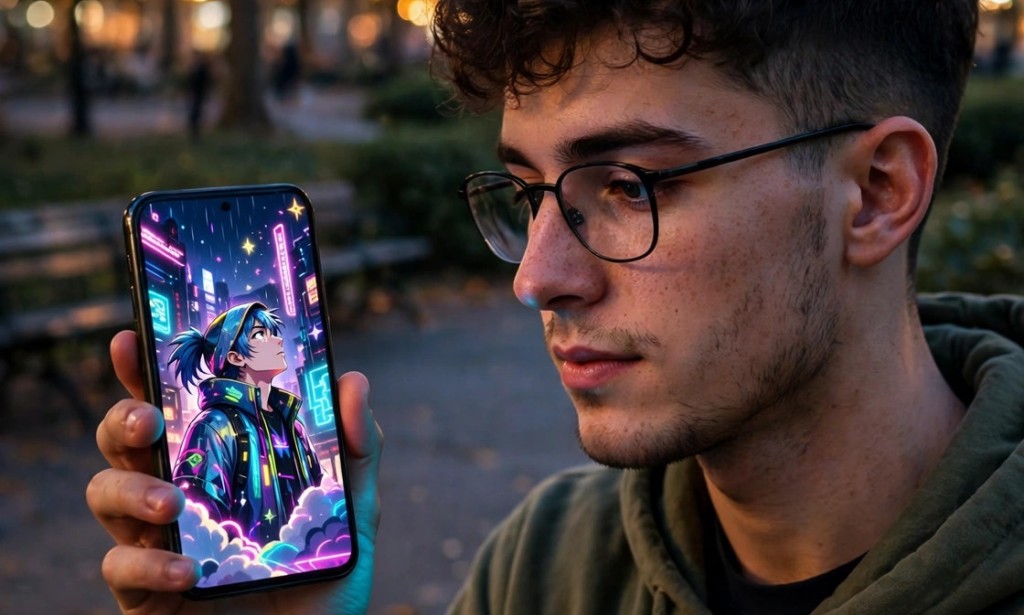
What if your phone could turn three short sentences a day into three finished videos — music, voiceover and captions included — without you spending a single cent?
That is the promise printed on VideoGPT's official pages right now: a free plan with three videos a day, each up to 30 seconds long, with background music included. But one question decides whether those three free videos are actually worth your time, and the official pages never answer it cleanly. The catch is in the verdict below.

What It Is
VideoGPT is a mobile AI video generator app for iOS and Android, built for creators who want short, stylised videos without a camera, a crew, or an editing timeline. You type a few words — a mood, a few keywords, or lines from your lyrics — pick a look, pick a soundtrack, and the app builds the video for you.
That phone-first design is the first thing to understand. VideoGPT's website exists for information, pricing and blog content only. Generation happens inside the app, on your smartphone or tablet. If you are a desktop creator who works in a browser, this is not your tool. If you create on your phone, it fits the way you already work.
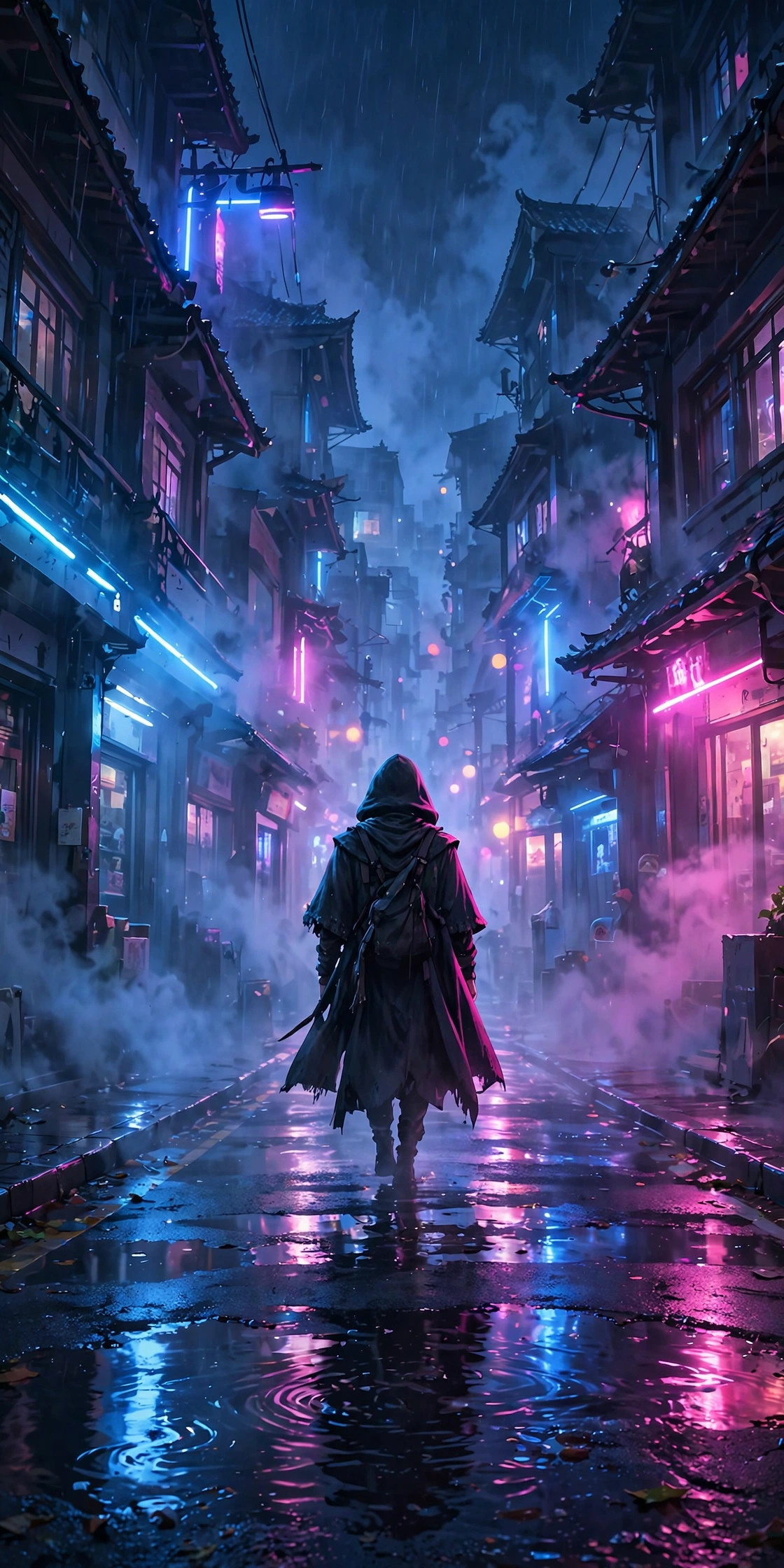
What kind of video does it make? Three styles lead the official pages: anime, cinematic and photorealistic. Anime is the app's home turf — expressive characters and bold colour, with the official blog describing Ghibli-style visuals and cel-shaded animation produced directly by the AI model rather than applied as a filter. Cinematic brings blockbuster-style lighting and drama for trailers and teasers. Photorealistic offers a lifelike finish for polished promos and lyric stories.
Here is the honest limit on that list. These are stylised looks. The app generates animated, illustrated-feeling video from your words. It is not a camera replacement and it is not a realistic footage generator. If your channel needs photorealistic real-world scenes, a stylised anime-style clip will not do that job. What it does well is short, mood-led, story-style video: a fan-style anime clip, a teaser for a new song, a 30-second story for social media.
The app bundles the extras that usually force creators into three separate tools. A built-in Extensive Music Library supplies soundtracks across genres and moods, so the music matches the story. An AI voiceover feature adds professional-grade narration, and captions are built in too. One app takes you from prompt to a post-ready clip without opening anything else.
One privacy detail from the official FAQ is worth knowing. Your videos stay private by default. They appear in VideoGPT's public feed only if you choose to post them — useful if you are testing ideas you do not want public yet.
Free Plan Details
Yes, VideoGPT has a genuine free plan, and its numbers are stated plainly on two official pages — the pricing page and the AI music video generator page. Both say the same thing, word for word.
The free plan gives you up to three videos per day. Each video can run up to 30 seconds. Background music is included. Basic styles are free. The allowance refreshes daily.
Stop and think about what that means for a real posting schedule. Three 30-second videos a day is 90 seconds of fresh content every day, or 21 videos a week, without paying anything. For a creator testing a new format, that is enough to post every day and still have spare generations for experiments. It is a real daily habit, not a one-time trial.
What does paying unlock? Two paid tiers: Basic, billed weekly, and Pro, billed yearly. Both give unlimited videos, up to 60 seconds per video, premium voiceovers and premium AI styles. The free plan's 30-second cap doubles to a full minute, and the style library opens up beyond the basic looks.
And here is where our honest reporting has to pause. The official pricing page lists the three tiers — Free, Weekly and Yearly — but it did not show readable dollar amounts during our check on 26 November 2026. We are not going to quote prices we could not read on the official page. Secondary sources disagree with each other about the Pro price by a wide margin, which is exactly why we will not repeat either figure as fact. Check the live pricing page inside the app before you pay for anything.
Two more facts the official pages do not state: the free export resolution, and whether signing up for the free plan requires a credit card. Treat both as unconfirmed until you test the app yourself.
One practical note: processing time depends on how many videos are being handled at once, and premium users get priority. Free users should expect to wait longer at busy times.
Watermark and Commercial Use
Now the question from the top: do the three free videos a day export clean, or do they carry a watermark?
VideoGPT's own blog, in its list of the best free AI video apps with no watermark, says the free tier gives new users access to core generation features "without a watermark" and lists VideoGPT as watermark-free on its free trial. That sounds like a clear yes.
But read the words carefully. The blog says "free trial" and "new users" — it is talking about initial use, not necessarily the ongoing free plan. The pricing page, where the free plan's limits are spelled out in detail, says nothing at all about watermarks. And an independent review from May 2026 lists the free plan as watermarked. Those two accounts cannot both describe the same free plan, and the official pages do not settle the argument.
So here is the honest position: the watermark status of VideoGPT's ongoing free plan is unconfirmed. The official blog suggests your first videos come out clean. Nothing official promises that every free video, every day, stays clean. Before you build a posting schedule around this app, export one short video on the free plan and watch it all the way through. Check the corners. That single test tells you more than any review can.
Commercial use is clearer. The official homepage FAQ says you may use its videos for commercial projects if you have the necessary rights to everything in them and comply with the rules of the platform where you publish. The same FAQ adds the warning: VideoGPT cannot guarantee that a video will qualify for monetisation or be free from a rights claim.
That warning connects to the copyright FAQ beside it. An AI-generated video is not automatically free of copyright or other third-party rights. If your video includes someone else's character, music, brand, image or voice, you are responsible for making sure you have the rights needed for your intended use. Review your video before sharing it. In practice, the music library and voiceover inside the app are the safe path; importing a famous character or a chart song into your prompt is where the risk lives.
For a creator in the United States, that commercial-use answer is the difference between a toy and a tool. A free plan that allows commercial projects — with the rights condition attached — means the three daily videos can go on a monetised channel or behind a paid promotion, as long as everything inside them is yours to use. Just remember the guarantee runs one way: VideoGPT permits the use, but it does not promise YouTube or TikTok will monetise the result.
How to Use It
VideoGPT's official guide lays out the process in four steps, and the whole point is that no editing skill is required.
1. Describe your idea. Open the app on your iPhone or Android phone and type a few keywords, a mood, a short story or lines from your lyrics. That is all the AI needs to begin.
2. Pick a style. Choose anime, cinematic or photorealistic, depending on how the song or story feels. Basic styles are free; premium styles come with the paid plans.
3. Choose your sound. Select a soundtrack by genre and mood from the built-in music library, and add an AI voiceover if the video needs narration.
4. Generate and share. Let the AI build your video, then publish it to YouTube or TikTok.
A few practical tips make the free plan go further. Write your prompt like a tiny story, not a single word: a place, a mood and one clear action beat. Test one style at a time instead of spending all three daily videos on three different styles. And generate early in the day if you can — free users sit behind paying users in the queue at busy times.
Remember the daily rhythm, too. Three videos a day is a use-it-or-lose-it allowance. Unused generations do not roll over into tomorrow, as far as anything official states. The smart routine is small and daily: one idea in the morning, one test in the afternoon, one keeper in the evening — or three attempts at the same idea until one of them lands.
Honest Verdict
Here is the catch we promised at the top. It is not a hidden fee, and it is not a missing feature. It is a missing answer.
VideoGPT's free plan is real and daily: three videos a day, 30 seconds each, background music included, with commercial use permitted when you hold the rights to everything inside the video. For a phone-first creator making stylised short-form content — anime stories, music teasers, lyric clips — that is a genuinely useful free tier, and the built-in music, voiceover and captions mean one app covers the whole job.
But the free plan's watermark status is unresolved on the official pages themselves. The blog says your first videos come out clean. The pricing page says nothing. An independent review says the free plan is watermarked. Until you export one video and look at it yourself, you do not know which version is true — and a watermark is the one detail that decides whether a free video is publishable at all.
Add the other limits and the picture stays honest. The output is stylised, not realistic footage. Generation happens only in the mobile app, never in a browser. Thirty seconds is the free ceiling, and the paid prices were not readable on the official page during our check.
So here is our verdict, in one line: try VideoGPT free, this week, with one real video, and watch two things — whether the export is truly clean, and whether the stylised look fits your channel. If both answers are good, you have found the cheapest daily video habit of 2026.
You can try it yourself on the official VideoGPT website.
Have you tested the free plan yourself — did your export come out clean, or did the watermark show up? Tell us in the comments.







Comments 0
Sign in to join the conversation.
No comments yet. Be the first to say something.