


Your best blog post is sitting on your website right now, gathering dust. It took you hours to write, and most of your audience will never read it. What if that same post could become a video in about five minutes, without you ever opening an editing timeline?
That is the promise Lumen5 makes. On paper, the free plan looks generous: five videos every month, no credit card, no editing experience needed. So why do so many creators try it once and never come back?
The answer is not the five-video limit. It is one unanswered question in Lumen5's own terms — a question that decides whether those free videos can ever earn you a single dollar. The catch is in the verdict below.

What It Is
Lumen5 is an AI video platform built for businesses, marketers, and publishers. Its own description is simple: turn blog posts, scripts, and ideas into studio-quality video, with no video editing experience required.
One thing to say plainly: Lumen5 is a text-to-video tool, but not the kind you might be picturing. It does not generate cinematic AI footage from a prompt the way newer AI video generators do. There is no photorealistic scene generation, no character consistency, no camera movement invented from nothing.
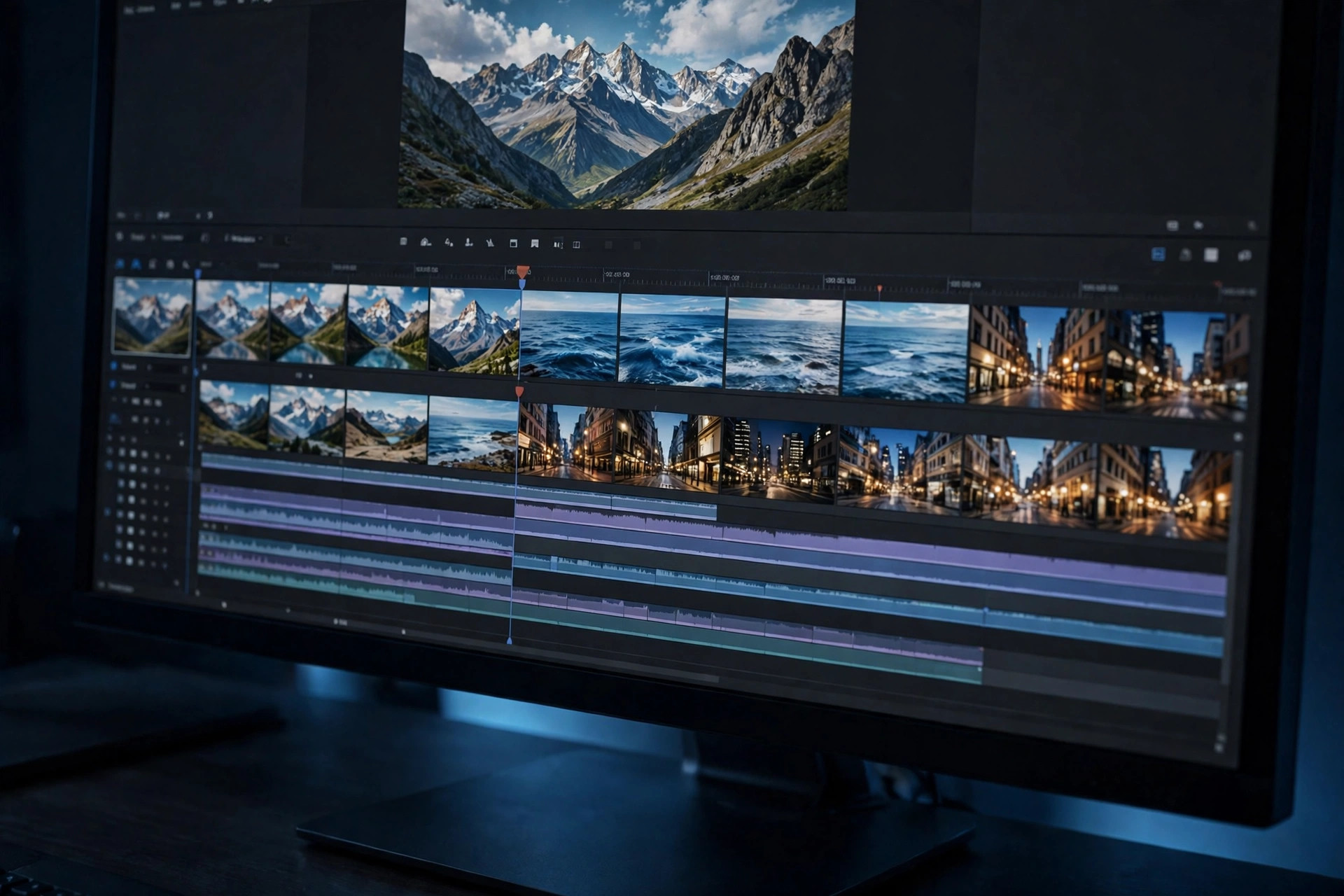
Instead, you paste in a blog post, a script, or a document. Its AI breaks the text into scenes, picks matching stock photos and video clips from its library, and lays your words over them as text on screen. You then rearrange scenes, swap clips, and adjust the timing in a storyboard-style editor.
Lumen5 says over 5,000,000 companies use it to tell their stories, and its customer list includes large names such as Siemens, Cisco, and Emerson. That framing tells you who this tool is really for: marketing teams, internal communications, training videos, and publishers who need to turn written content into video quickly. It is not built for cinematic short films, and it is not built for creators chasing viral Reels.
So the real question is narrower than "is Lumen5 good?" It is: does the free plan give a US creator anything genuinely useful?
Free Plan Details
The free plan costs $0, forever. That is stated plainly on Lumen5's official pricing page. You can sign up and start creating videos without entering any payment details — the pricing page's own FAQ says a credit card is only required when you choose to upgrade to a paid plan.
Here is what that $0 buys, all from the official pricing page checked November 21, 2026.
You get five videos per month. Not five per day, not unlimited. Five. When you have used them, you wait for the next month.
Each video can be up to two minutes long. That is a hard ceiling on the free plan. Two minutes is enough for a short explainer or a social clip. It is not enough for a full tutorial.
Your videos export at 720p — standard high definition, not Full HD. Fine on a phone screen; visibly softer on a large monitor next to a 1080p video.
The free plan also includes 24 AI voiceover minutes per year and automated captions on every plan — genuinely useful for social video, where most people watch on mute.
You also get the licensed stock library, the 100+ premium templates, custom colors, the font library, and media and music uploads. The free plan is not a hollow demo: you can build a real video, with real stock footage, your own images, and your own music.
But clear lines are drawn around it. The Shutterstock library is not included — that starts on the Starter plan. There is no access to the 1,000+ lifelike AI voices, no premium AI images, no voice cloning, no animation minutes, and no translations.
Five videos a month, two minutes each, 720p, with stock footage and basic AI voiceover. That is the honest shape of the free plan. But it comes with a condition that changes everything, and it is printed right on the pricing page.
Every free video ends with a Lumen5 branded outro.
Watermark and Commercial Use
Let us be precise here, because this section is where most reviews get sloppy. A watermark and a branded outro are not the same thing.
A watermark is a logo stamped across your video while it plays. Lumen5's pricing page does not state that free videos carry one, and the comparison table's dash under "Watermark upload" only means you cannot upload your own custom watermark.
What the free plan does carry is a branded outro. The pricing page says it directly: "Contains Lumen5 branded outro." Every video you export on the free plan ends with Lumen5's own closing screen. The first paid plan, Basic at $19 per month billed yearly, is described as having "No Lumen5 branding."
That distinction matters. Your video itself is clean — but the ending advertises Lumen5. For an internal training video, that hardly matters. For a video you post publicly to build your own brand, it does.
Now the harder question: can you use free-plan videos commercially — on a monetized channel, as ads, or to promote a business?
Here is the honest answer. Lumen5's official pages do not clearly state the answer for the free plan. The pricing page's general line says the platform includes "millions of commercially licensed stock assets," but that is a general marketing statement, not a plan-specific licence for free videos.
The terms of service do not expressly allow or forbid commercial use of free-plan videos. The general terms grant permission to use the service for "personal, internal use," but that is a general service-use permission, not a free-plan commercial licence. So the commercial status of a free Lumen5 video is unconfirmed — not approved, not forbidden, simply unstated.
That is not a small detail. If you plan to monetize videos made on the free plan, you are working in a grey area — know that before you build a workflow around it. The FAQ does say your videos are yours to keep permanently, even if you cancel — but that is about ownership of your output, not a commercial licence.
So the branding picture is this: no watermark burned across your footage as far as the official pages state, a Lumen5 outro on every free export, and commercial use unconfirmed. If the outro bothers you, the only official way to remove it is to pay.
How to Use It
If you want to test the free plan yourself, the process is straightforward. Here is how it works, step by step.
Go to the Lumen5 website and sign up for the free plan. No credit card is required — the pricing page confirms you can start creating without entering payment details.
Choose your starting point. Paste in a link to a blog post, upload a document, or paste a script directly. Lumen5's AI reads the text and builds a first cut.
Review the storyboard the AI creates. It splits your text into scenes and matches each scene with a stock photo or video clip.
Swap anything that does not fit. Click a scene to replace its clip, change the text on screen, adjust the timing, or upload your own media.
Pick your look. Apply one of the 100+ templates, set your colors, and choose a font. On the free plan, these branding basics are included.
Add voiceover or captions. You have 24 AI voiceover minutes per year on the free plan, and automated captions are included.
Preview, then export — remembering the limits: 720p, two minutes maximum, a Lumen5 branded outro at the end. Lumen5 says your videos are yours to keep permanently.
The whole flow is designed to take minutes, not hours. That is the tool's real strength: a library of blog posts becomes video versions in an afternoon of reviewing storyboards.
Honest Verdict
Now the catch we signalled at the start:
The free plan is genuine. Five videos a month, 720p, stock footage, captions, no credit card — real numbers from Lumen5's own pricing page, and enough to test the tool properly.
But the free plan is also a careful trap for the wrong user. Three limits stack up, and together they decide who should use it and who should walk away.
First, the branded outro. Every free video advertises Lumen5 at the end. If you are building your own brand, that is a real cost, even though no money changes hands.
Second, the five-video monthly cap. Five videos a month is roughly one video a week — fine for repurposing your best post each week, nowhere near enough for a daily posting schedule.
Third, and most important, the commercial question is unanswered. Lumen5's official pages do not clearly confirm that free-plan videos can be used commercially, and the general terms speak of "personal, internal use." A creator planning to monetize these videos is building on unconfirmed ground. That is the single most valuable detail in this review, and it is the reason the verdict is not a simple yes.
So who should use it? If you write blog posts and want quick video versions for social media, test the free plan. If you run internal communications or training and the outro does not matter, it is a good fit.
Who should skip it? If you make cinematic AI videos, this is the wrong tool entirely — Lumen5 does not generate footage, it assembles stock clips. If you need daily volume, five videos a month will frustrate you within a week. And if you plan to monetize the output, do not build your channel on the free plan until the commercial question has a clear, official answer.
Paid plans start at $19 per month billed yearly for Basic, which removes the Lumen5 branding and unlocks unlimited videos up to ten minutes. Starter is $59 and adds 1080p, the Shutterstock library, and voice cloning; Pro is $149. For a business that lives on video, Basic is the honest entry point — the cheapest plan that removes the outro.
The bottom line: Lumen5's free plan is a real, usable tool for turning text into short video, and the five free videos a month are not a trick. But the branded outro, the monthly cap, and the unconfirmed commercial status make it a testing lane, not a publishing lane. Use it to learn whether blog-to-video fits your workflow — do not build a monetized channel on it.

You can try it yourself on the official Lumen5 website. Have you tested the free plan yourself — did the export come out clean, or did the branded outro bother you? Tell us in the comments.







Comments 0
Sign in to join the conversation.
No comments yet. Be the first to say something.