


What if the tool promising you a free animated video every month is quietly keeping the best part behind a paywall — and the watermark is only the beginning?
Animaker hands every new user 300 free AI video credits a month. That number looks generous, and for a creator who has never made an animated explainer, it sounds like a free pass to studio-style videos. But the free plan has a catch — actually, it has three — and the catch is in the verdict below.

What It Is
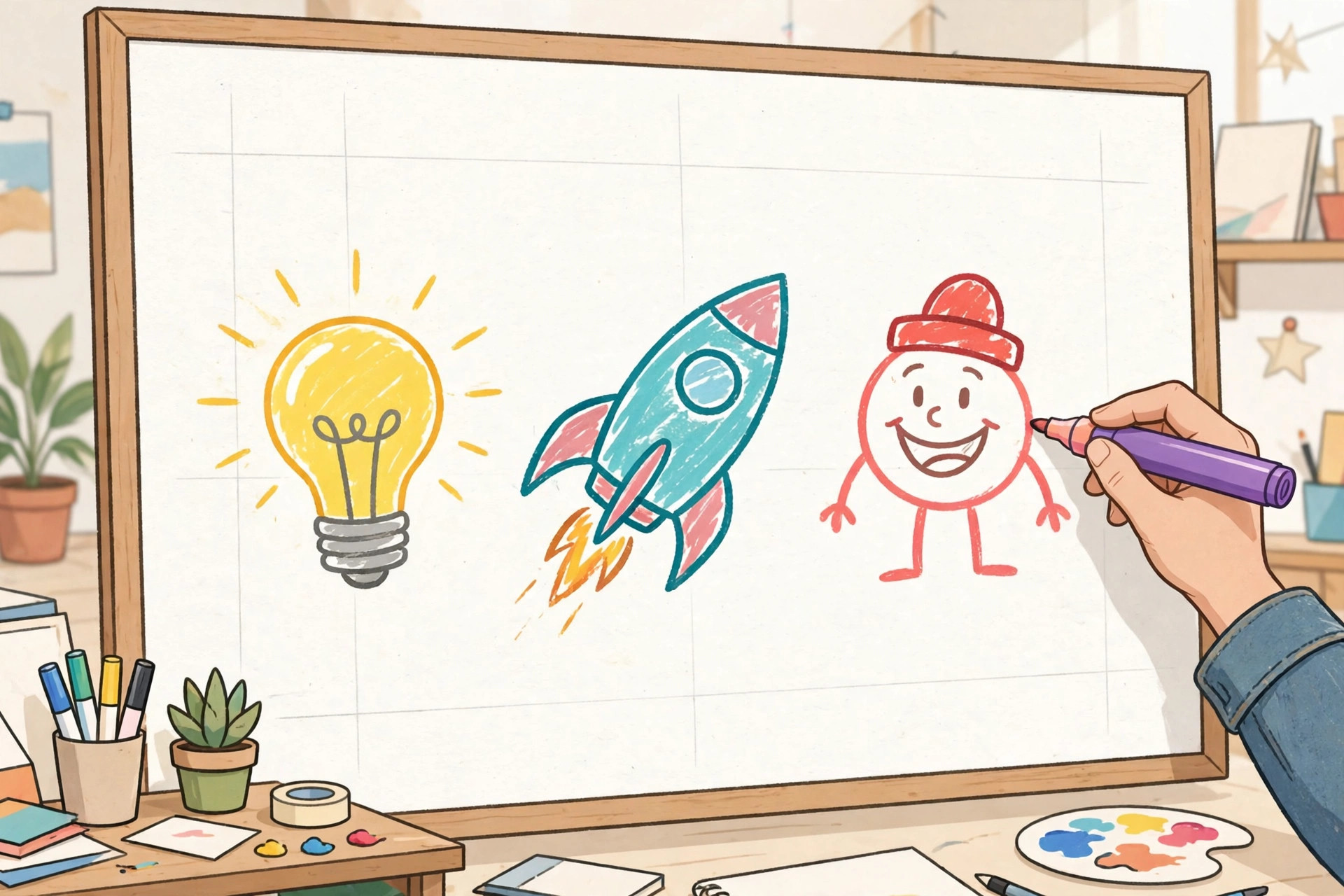
Animaker is a browser-based animation studio built for one job: turning an idea into an animated video without a camera, a crew, or any animation skill. You open it in your web browser, pick a template or type a prompt, and build your video from cartoon characters, props, backgrounds, and scenes that you drag into place on a timeline.
The styles it is known for are 2D cartoon animation, whiteboard animation, and infographic videos — the bright, friendly explainers you see in product demos, training lessons, and how-to channels. It also offers an AI prompt-to-video mode, where you describe your video and the tool drafts scenes, adds a voiceover, and syncs lip movements to animated characters.
Here is the honest part most roundups skip: Animaker is an animated explainer maker, not a photorealistic video generator. It will not turn a text prompt into a cinematic live-action clip of a real-looking person in a real city. If your goal is realistic footage for Reels or TikTok, this is the wrong tool, and no plan tier changes that. What it does well is the opposite job — clear, colourful, character-led animation that explains something in sixty seconds.
Who is it actually for? Small business owners who need a product explainer, teachers and trainers making lessons, marketers building social ads, and YouTubers who want an animated intro or a whiteboard-style explainer. Animaker's pricing page shows a 4.7 rating from more than 1,000 reviews, and its customer stories lean heavily on marketing, learning, and internal training teams rather than filmmakers.
Free Plan Details
Yes, Animaker has a genuine free plan, and it costs $0. You sign up, and the free plan lets you create and download animated videos using its animation tools, a limited selection of premium assets, and watermarked exports. That is Animaker's own description from its pricing FAQ, checked on November 21, 2026 — not a review blog's summary.
So what do you actually get each month? Here are the numbers from Animaker's official pricing comparison, first verified on October 26, 2026 and still shown consistently in later checks of the same page: 300 AI video credits per month, 3 video downloads per month, and 10 Gen AI asset credits per month. Let us unpack what those numbers mean in practice, because they decide how far the free plan really goes.
Three hundred AI video credits sounds like a lot, and for testing it is. Credits are the fuel for Animaker's AI features — generating video from a prompt, creating AI assets, and using AI-assisted tools. You can experiment and learn the editor without paying anything.
But the second number is the one that bites. Three downloads a month means you can only take three finished videos out of Animaker every month. A creator posting one animated video a week would run out before the month is half over.
The third number is the quietest limit of all. Ten Gen AI asset credits a month covers AI-generated images and visual assets for your scenes. Once they are gone, you are back to the standard library and the limited premium assets the free plan includes. And here is a detail worth knowing before you plan a project around it: the free plan includes no generative video credits at all. That allowance — the seconds of AI-generated video footage — starts at the Starter plan, with 90 seconds a month.
What about the basics every creator asks first? Animaker's pricing page does not state a free-plan export resolution or a free-plan video length limit. Paid tiers spell theirs out — Starter exports in FHD with videos up to 15 minutes, Pro reaches 2K with 30-minute videos, Enterprise goes to 4K with unlimited length — but the free plan's resolution and length are simply not published there. Treat any blog that quotes an exact free export resolution as unconfirmed, because Animaker itself does not say it on the pricing page.
Would you build a weekly series on three downloads a month? That is the question the free plan forces you to answer honestly, and it is the reason most creators treat Animaker's free tier as a test drive rather than a production plan.
Watermark and Commercial Use
Now the part that decides whether a free Animaker video can ever earn you money. Every video you export on the free plan carries the Animaker watermark. Animaker's own FAQ says it plainly: "Only the free version has the Animaker watermark." Every paid plan removes it, and the cheapest way to do that is the Basic plan at $15 a month.
A watermark is not just a cosmetic problem. On a YouTube explainer or a client demo, a logo stamped across your video tells every viewer you did not pay for the tool. For personal practice, that is fine. For anything public or professional, it is the first reason creators upgrade. But the watermark is not even the biggest limit. The bigger one is commercial rights — and this is where the pricing page surprises people who only read the headline prices. Commercial rights do not start at Basic, and they do not start at Starter either. According to Animaker's official pricing page, commercial rights first appear on the Pro plan, at $79 a month, or $43 a month when billed yearly. The Pro card lists "Commercial rights" as a feature. The higher Max plan and Enterprise go further, listing "Commercial & Reselling rights." The Free, Basic, and Starter plans do not list commercial rights at all.
Read that again, because it changes the maths completely. A creator who pays $15 a month for Basic gets a clean, watermark-free export — but still without commercial rights. A creator on Starter at $25 a month billed yearly gets FHD quality, 10 premium downloads a month, and 90 seconds of generative video — but still no commercial rights listed. If you want to use Animaker videos commercially, the official pricing page points you to Pro at $43 a month billed yearly, or $516 a year.
That is the catch the free plan never mentions in its headline, and it is the detail this article held back until now. The free plan's 300 credits are real, the watermark is visible, and the three-download cap is annoying — but the commercial-rights line is the one that decides whether Animaker can ever be part of a money-making channel. A free Animaker video is a practice video. A monetized Animaker video starts at Pro. Does that make the free plan useless? No — it makes it honest. Test the tool, learn the editor, make a video for your own classroom or channel test. Just do not build a business on free exports and discover the rights question after you have already published.
How to Use It
If the free plan fits your goal — a test, a lesson, a personal project — here is how to get your first video out of it in one sitting.
Go to the official Animaker website and create a free account. The tool runs entirely in your browser, so there is nothing to install.
From the dashboard, start a new project. Choose a template that matches your video — an explainer, a whiteboard lesson, an intro — or start from a blank scene.
Type your script or idea into the AI prompt-to-video flow if you want Animaker to draft the scenes for you, or build the scenes yourself by dragging characters, props, and backgrounds onto the canvas.
Add a voiceover. You can record your own, type text for an AI voice, or use the music library. Keep each scene to one idea so the pacing stays tight.
Preview the whole video inside the editor. Watch for scenes that run long, text that is hard to read, and characters that enter or exit awkwardly — these are the flaws viewers notice first.
Export your video. Remember that the free plan gives you three downloads a month and stamps the Animaker watermark on each one, so save your downloads for versions you are happy with.
Review the exported file before you share it anywhere. Check the watermark position, the audio levels, and the ending, because a rushed export wastes one of your three monthly downloads.
Honest Verdict
Animaker is a good tool in the wrong conversation. It is often listed next to cinematic AI video generators, and that comparison does it no favours, because photorealistic footage was never its job. Judged as what it actually is — a friendly, template-driven animation studio for explainers, lessons, and whiteboard videos — it is genuinely capable, and its editor is far easier than learning real animation software.
The free plan is a fair test drive and a poor production plan. Three hundred AI video credits a month is a generous allowance for learning, and three downloads a month is enough to finish and share a small project. But the watermark marks every export as unpaid, the three-download cap stops any serious posting schedule, and the absence of commercial rights until the $43-a-month Pro plan means free videos stay personal projects, not business assets.
The surprise in this review is not that Animaker charges for the good stuff. Every tool does. The surprise is how far up the price ladder the good stuff sits — watermark-free at $15, commercial rights at $43 — while the free plan's headline number, 300 credits, quietly distracts from both. Know that before you build, and Animaker will not disappoint you. Expect it to be a free video business, and it will.

You can try it yourself on the official Animaker website. Have you tested the free plan yourself — did the export come out clean, or did the watermark show up? Tell us in the comments.





Comments 0
Sign in to join the conversation.
No comments yet. Be the first to say something.