

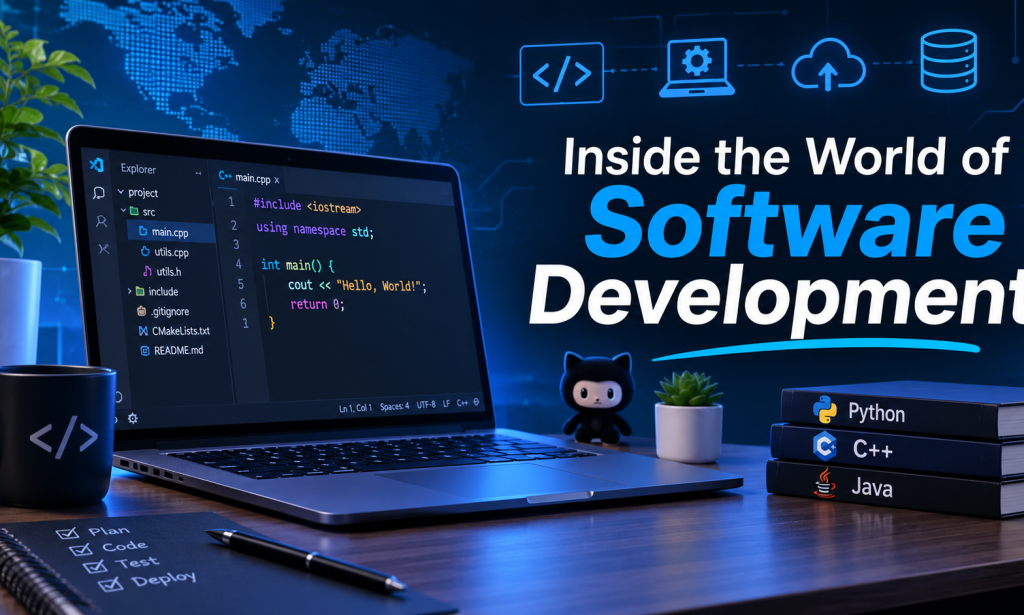
HOW SOFTWARE DEVELOPMENT REALLY WORKS
Have you ever wondered how the applications you use every day are created? Whether it is a messaging app, an online shopping platform, a banking application, or a website, every piece of software starts with an idea. Behind the simple buttons, menus, and features that users interact with is a process involving planning, programming, testing, and continuous improvement.
Software development is more than just writing lines of code. It is about understanding problems, finding practical solutions, and creating digital products that make people’s lives easier. In today’s technology-driven world, software plays an important role in almost every industry, making software development one of the most valuable fields to understand.
Let’s explore how an idea becomes a working application and what happens behind the scenes.
1. Every Application Starts with a Problem
Before a developer writes a single line of code, there must be a reason for creating the software.Most successful applications are designed to solve a particular problem or make an existing process easier.
For example, an online shopping application helps customers purchase products without visiting physical stores. A calendar application helps people organize their schedules, while a navigation app helps users find directions.
The first stage of software development involves identifying the problem and understanding the people who will use the application. Developers and project teams usually ask questions such as:
* What problem are we trying to solve? * Who will use this application? * What features will make it useful? * What should the application allow users to do? * What limitations or challenges might occur?
Answering these questions helps establish a clear direction for the project. Without proper planning, developers may spend time building features that users do not actually need.
2.Planning and Designing the Application
Once the purpose of the application is clear, the next step is planning and design.This stage focuses on deciding how the software should look and function. Developers, designers, and project managers may work together to create a plan that explains the application’s structure and features.One important part of this process is user interface (UI) design. UI refers to the visual elements of an application, including buttons, menus, icons, colours, and layouts.Another important concept is user experience (UX). UX focuses on how people interact with the application and whether they can use it comfortably.
For example, imagine opening a shopping application for the first time. You should be able to find products, view prices, add items to your cart, and complete a purchase without unnecessary confusion. A well-designed application makes these tasks straightforward.
Designers often create wireframes and prototypes before development begins. A wireframe is a basic visual outline of a screen, while a prototype provides a more interactive preview of how the application might work.These designs help the team identify problems early, before investing time in programming.
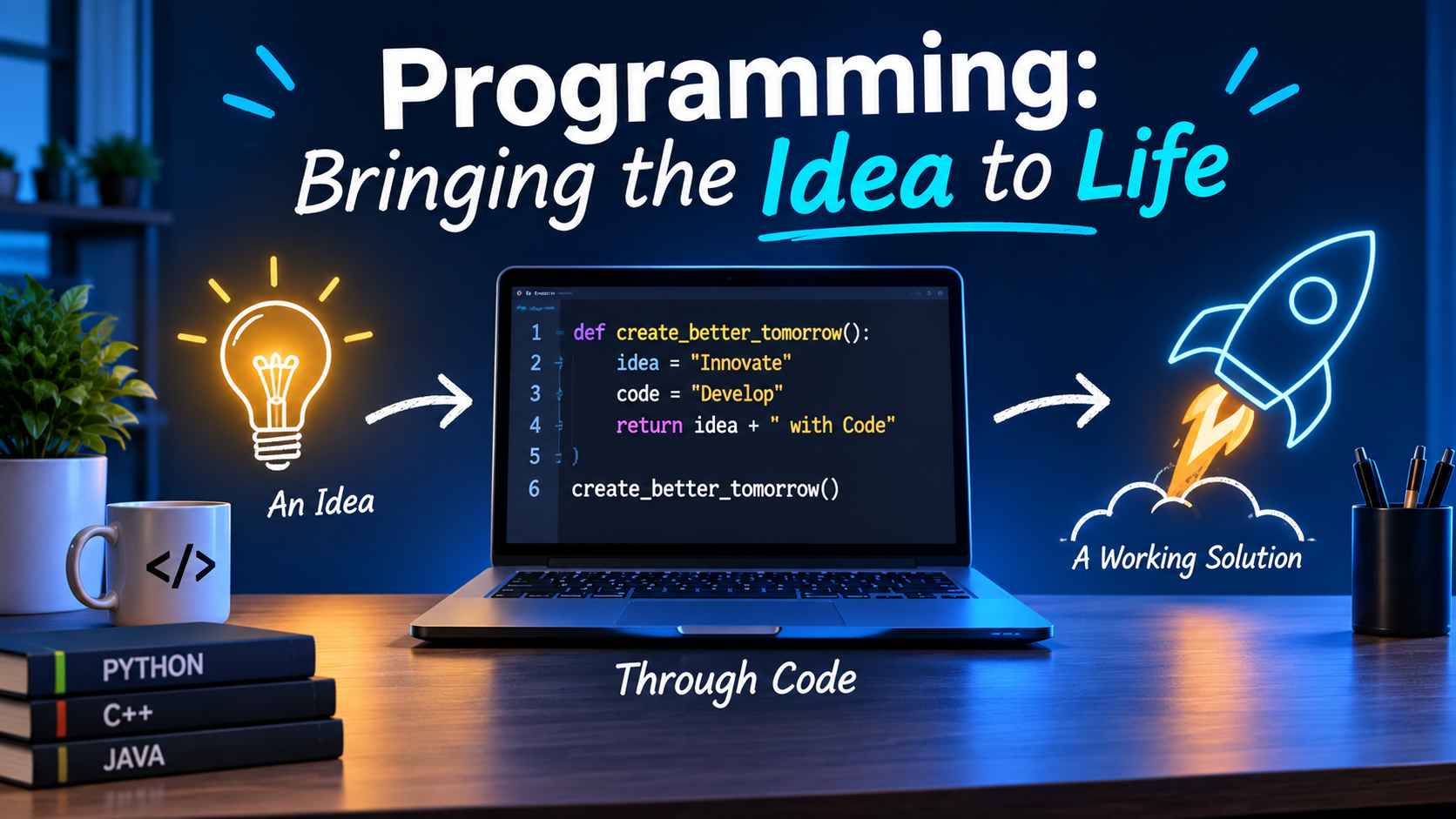
3. Programming: Bringing the Idea to Life
This is where programming becomes essential.Programming is the process of writing instructions that tell a computer what to do. Developers use programming languages to create the features and functions of software.There are many programming languages, and each has different strengths and common applications.
Some popular examples include:
Python: Python is known for its relatively simple syntax and readability. It is commonly used in automation, data analysis, artificial intelligence, and web development.
JavaScript: JavaScript is widely used to make websites interactive. It also supports server-side development through technologies such as Node.js.
Java: Java is used in enterprise software, backend systems, and many other applications.
C++: C++ is often used in game development, system software, and applications where performance is important.
PHP: PHP is a server-side programming language commonly used in web development and content management systems.
Choosing a programming language depends on the project’s requirements. Developers do not necessarily need to learn every language. Instead, they usually focus on the technologies that are most suitable for the software they want to build.Programming is not simply about memorising commands. It involves logical thinking, problem-solving, and understanding how different instructions work together.
4. Understanding Frontend and Backend Development
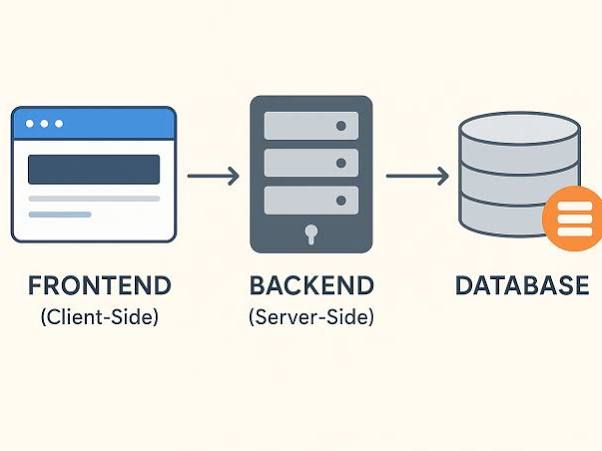
When discussing software development, two terms appear frequently: frontend and backend.Although they work together, they have different responsibilities.
Frontend development:Frontend development focuses on the parts of an application that users can see and interact with.
For example, when someone opens a website, the text, images, navigation bar, forms, and buttons are part of the frontend.
Common frontend technologies include HTML, CSS, and JavaScript.HTML provides the structure of a webpage, CSS controls its appearance, and JavaScript adds interactive functionality.
Backend development:Backend development handles the operations that happen behind the scenes.
For example, when a customer logs into an online shopping account, the backend helps process login information, communicate with databases, and retrieve the customer’s account details.
Backend development often involves programming languages such as Python, Java, PHP, and JavaScript, along with databases and server technologies.Both areas are important. A website may look attractive, but without a functioning backend, many of its features would not work correctly.
5. Databases: Where Information Is Stored
Most modern applications need a way to store and manage information. This is where databases come in. A database is an organised collection of information that software can access, update, and manage.
Consider an online shopping application. It may need to store:
* Customer names and account details.
* Product descriptions and prices.
* Available stock.
* Shopping cart information.
* Order histories.
Without a database, an application would struggle to manage this information efficiently.Some commonly used database management systems include MySQL, PostgreSQL, and MongoDB.Different databases organise information in different ways. For example, MySQL uses a relational structure with tables, while MongoDB commonly stores information in document-based formats.Developers select databases according to the needs of their projects, considering factors such as data structure, performance, scalability, and security.
6. Testing: Making Sure Everything Works
Writing code does not automatically mean that an application is ready for users.Software needs to be tested to identify errors, unexpected behaviour, and features that do not work as intended.These errors are commonly called bugs.
For example, imagine a registration form that accepts a user’s name and email address but fails to save the information. The application might look perfectly fine, but the feature is not functioning correctly.Testing helps developers identify and fix such problems.
There are different types of software testing:
* Unit testing: Checks individual parts of a program. * Integration testing: Checks whether different components work together correctly. * System testing: Evaluates the complete application. * User acceptance testing: Checks whether the software meets user and business requirements.
Testing is an ongoing process. Developers may discover new problems whenever they introduce additional features or change existing code.The goal is not simply to make the software work once. It is to make sure it works reliably in different situations.
7. Deployment: Making the Software Available
After development and testing, the application moves towards deployment.Deployment means making software available in an environment where its intended users can access it.
For example, a website may be deployed to a web server so that people can visit it through a browser. A mobile application may be prepared for release through an application store.
However, deployment does not mean the development process is completely finished.Once an application becomes available, developers need to monitor its performance, identify issues, and respond to user feedback.They may also need to improve compatibility, address security concerns, and ensure the software can handle an increasing number of users.
8. Why Software Development Never Really Stops
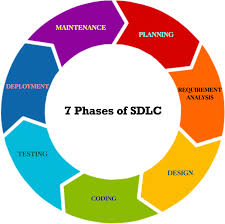
Technology changes constantly, and software needs to evolve with it.An application that works well today may require updates tomorrow. Operating systems change, security threats develop, user expectations increase, and new technologies become available.This is why software maintenance is an important part of development.Maintenance can involve fixing bugs, improving performance, updating features, and making the application compatible with newer devices and systems.Developers also use feedback from users to understand what needs improvement.
For example, if users frequently struggle with a particular feature, the development team may redesign it to make the application easier to use.
Successful software is not necessarily software that is perfect from the beginning. It is software that continues to improve over time.
9. Can Beginners Learn Software Development?
One common misconception is that software development is only suitable for people who are naturally good at mathematics or have advanced technical knowledge.In reality, beginners can learn programming by starting with basic concepts and gradually building their skills.A good starting point is understanding programming logic, variables, conditions, loops, and functions. These concepts appear in many programming languages and provide a foundation for more advanced topics.
Beginners can also practise by creating small projects, such as:
* A simple calculator.
* A personal portfolio website.
* A basic to-do list application.
* A digital notes application.
* A simple student record management system.
Small projects help learners understand how individual programming concepts work in real situations.It is also important to understand that making mistakes is part of learning. Errors in code are common, even among experienced developers. Learning how to read error messages, investigate problems, and find solutions is an essential programming skill.Consistency matters more than trying to learn everything at once.
Conclusion:
Software development is a combination of creativity, technical knowledge, planning, and problem-solving. What begins as a simple idea can eventually become an application used by thousands or even millions of people.From understanding a problem and designing an interface to writing code, managing databases, testing features, and maintaining the final product, every stage contributes to creating reliable software.As technology continues to develop, software will remain an important part of everyday life. Learning how it works can help people better understand the digital world and may even inspire them to create something of their own.
You do not need to be an expert to begin exploring programming. Sometimes, all it takes is curiosity, patience, and the willingness to learn one step at a time.







Comments 0
Sign in to join the conversation.
No comments yet. Be the first to say something.