

What if you could open a browser tab, drag in your clips, and export a polished 10-minute video in HD — no software to install and no monthly subscription?
That is exactly what FlexClip promises on its free plan. For a creator in the United States starting from zero, it sounds like the cheapest possible way into video editing. But there is a catch hiding in FlexClip's own official pages, and it is not the one you would expect. The catch is in the verdict below.
What It Is
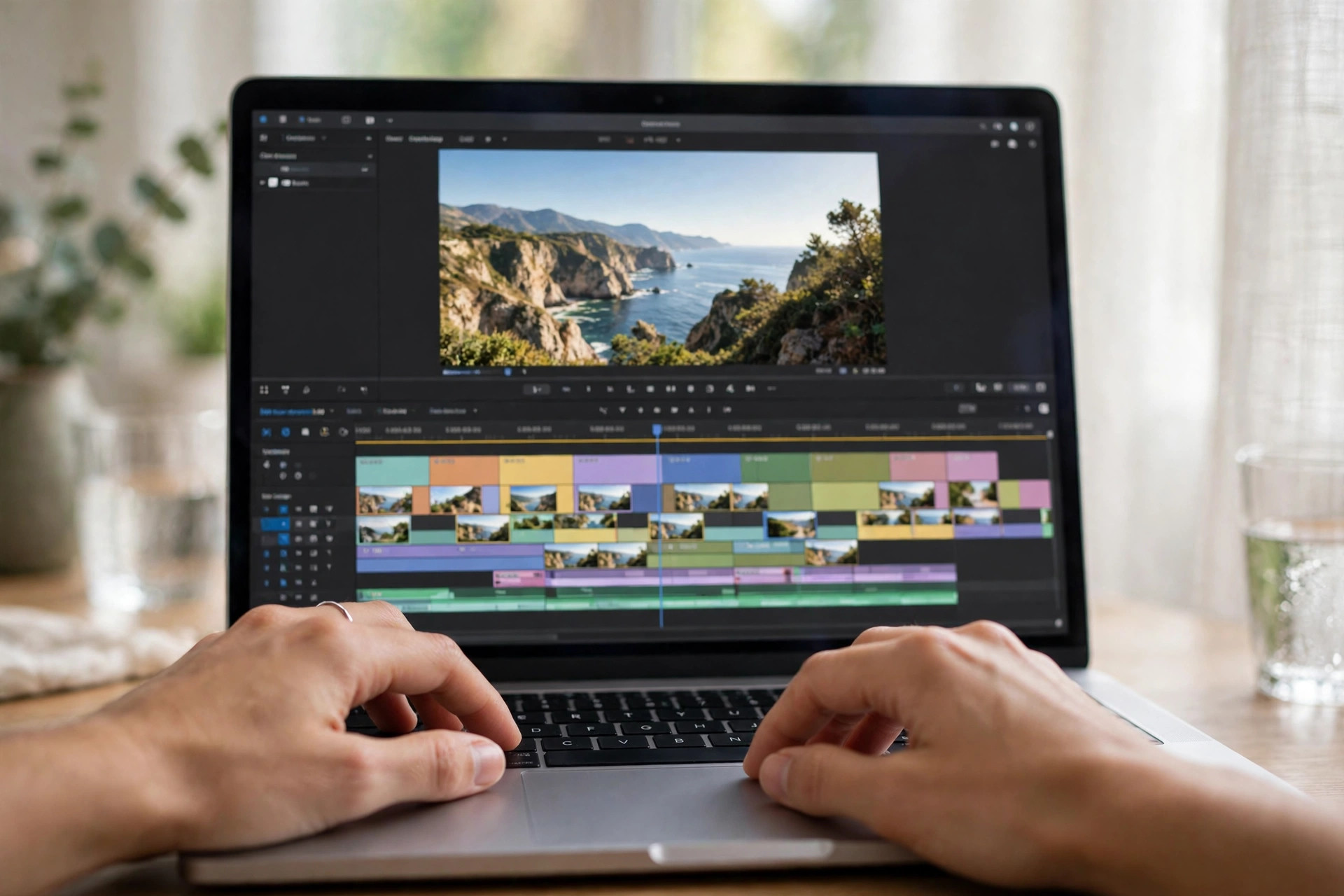
FlexClip is an all-in-one online video creation platform built around a timeline editor that runs entirely in your web browser. There is nothing to download and nothing to install. You open FlexClip, sign up for a free account, and start cutting video in the same window.
Do not confuse it with a pure AI video generator. FlexClip is, first and foremost, an editor. It gives you a drag-and-drop timeline where you can trim, split, crop, merge, rotate, resize, and speed up or slow down clips. On top of that sit the usual creator tools: text, transitions, animations, overlays, stickers, music, sound effects, and voiceovers. You can even record your screen, your webcam, or your voice directly in the browser.
So who is it actually for? FlexClip's own help pages aim it at content creators making videos for YouTube, TikTok, Instagram, and Facebook, at businesses making marketing videos and product demos, at educators building lessons, and at anyone who wants a finished video fast without learning professional editing software.
Here is the part that matters for anyone who has followed the AI video boom. FlexClip also bundles a wide set of AI tools into the same platform: you can create videos from text, images, PDFs, PowerPoint files, blog posts, or a web link; generate voiceovers with AI text-to-speech or clone your own voice; automatically generate, translate, and edit subtitles; and create AI images, AI videos, and AI avatars. Background removal, image enhancement, and photo restoration are in the same toolbox.
That sounds like a lot for a free plan. It is — and that is exactly why the fine print deserves a careful read before you build a workflow on it.
But before the fine print, one honest question: how much video can you actually make for free?
Free Plan Details
Yes, FlexClip has a genuine free plan, and its limits are published on FlexClip's official help pages. Here they are, exactly as stated.
The free plan costs $0 per month. It lets you download videos in 720p HD, with each video up to 10 minutes long, and it lets you save up to 12 projects online. Each project can use 1 stock video and 1 stock audio track from FlexClip's library.
Ten minutes at 720p is a real allowance. A YouTube Short is under a minute. A TikTok is usually under three. A 10-minute cap covers most short-form work and even a modest long-form video, and 720p still looks acceptable on a phone screen, where most of your American audience will watch.
Now the part FlexClip states only in vague terms. The free plan's AI features are listed simply as a "Free Trial for AI tools." No number is attached to that trial anywhere on the official pages we checked. There is no published count of free AI credits, no number of free AI-generated videos, and no statement of whether the trial refreshes daily, monthly, or never.
Think about what that means in practice. The AI tools — text-to-video, AI image generation, AI avatars, voice cloning — are the features FlexClip advertises most loudly. On the free plan, you get a taste of them, but you cannot plan around them, because FlexClip never tells you how big the taste is. The only way to learn the limit is to hit it.
A few more facts worth knowing. FlexClip exports in 16:9, 9:16, 1:1, 4:5, and 21:9 aspect ratios, with resolutions up to 4K on paid plans — but the official pages list those ratios for the platform in general, not specifically for the free plan, so treat free-plan 9:16 vertical export as unconfirmed until you test it yourself. FlexClip's library holds millions of royalty-free videos, photos, and music tracks, but remember the free-plan cap: 1 stock video and 1 stock audio per project.
So the free plan is a real editor with real limits. The question is what those exports look like when they leave FlexClip — and whether you are allowed to earn money from them.

Watermark and Commercial Use
Here is the first half of the catch, and FlexClip states it plainly. Videos exported under the free plan include a FlexClip watermark, and according to FlexClip's own help article, that watermark "cannot be removed due to copyright protection."
The watermark rule has a second trigger worth knowing. If your project uses features or resources beyond your plan's limits — for example, more stock videos than the free plan allows — FlexClip adds a watermark too. The fix, per FlexClip's help pages, is to open the export screen, see which limit was exceeded, and adjust the project until everything sits inside your plan.
Now the second half, and it is the more important one. FlexClip's official Commercial Use Regulations page states, in plain words: "Free users are not allowed to use any stock resources and generated content for commercial use."
Read that again, because it decides who this free plan is actually for. If you are a hobbyist making a birthday video or a school project, the free plan is fine. If you are a creator in the United States building a monetized channel, running paid ads, or making videos for a client, the free plan's output is not cleared for that work. The stock footage, the stock music, and anything the AI tools generate are all off-limits for commercial use until you pay.
Paid subscribers get the opposite deal. Users on the Plus, Business, or Team plans may use all FlexClip stock resources and AI-generated content for commercial purposes without extra authorization. People who buy AI credits on their own, without a subscription, may use AI-generated content commercially — but not FlexClip's stock resources. And those commercial rights survive even after a subscription or credit purchase expires, for content created during the active period.
One more reassurance from FlexClip's AI tools policy: you own the content you feed in and the output the AI produces, and FlexClip does not claim copyright over it. But ownership and commercial permission are two different things, and on the free plan, the permission is the part you do not have.
How to Use It
FlexClip's own help pages describe a straightforward process, and the whole thing happens in your browser.
1. Open FlexClip and create a free account. Go to flexclip.com in your browser. No software download is needed.
2. Start a project. Pick a blank project or choose a template. FlexClip offers templates for social media, marketing, education, and more.
3. Add your footage. Upload your own clips and photos, or pull from FlexClip's stock library — remembering the free-plan cap of 1 stock video and 1 stock audio per project.
4. Edit on the timeline. Trim, split, and arrange your clips, then add text, transitions, music, and voiceover. If you want AI help, this is where the text-to-video, subtitle generator, and text-to-speech tools live.
5. Set your format. Choose your aspect ratio — 16:9 for YouTube, 9:16 for TikTok and Reels — and check that your project stays inside the free plan's limits.
6. Preview the whole video. Watch it end to end before exporting, and check the corners for the watermark so there are no surprises.
7. Export in 720p. Download your finished video. On the free plan, expect the FlexClip watermark on the export.
Start with your own footage and your own music where possible. Every stock clip and every AI generation on the free plan spends a scarce allowance — and, as the last section showed, none of it is cleared for commercial use anyway.
Honest Verdict
Here is the catch we promised at the top, and it is bigger than a watermark.
FlexClip's free plan is genuinely useful. A browser editor with a real timeline, 720p exports, videos up to 10 minutes long, 12 saved projects, templates, stock media, and a set of AI tools — all for $0 — is a fair deal for learning, for personal projects, and for testing whether video editing is even for you. For a student, a hobbyist, or a creator drafting ideas before spending a dollar, it does the job.
But a creator who wants to earn from video needs two things, and the free plan gives neither. The first is a clean export: every free video carries a FlexClip watermark that cannot be removed. The second is the legal right to monetize the result: free users are explicitly barred from using FlexClip's stock resources and AI-generated content commercially. A watermarked video you cannot legally monetize is not a business tool — it is a demo.
Then there is the AI question. FlexClip markets its AI video maker, AI avatars, and voice cloning hard, yet the free plan offers only an unmeasured "free trial" of those tools, with no published credit count and no refresh schedule. The feature most people sign up for is the one FlexClip quantifies least. Compare that with the paid tiers, where the numbers are at least public: Plus gives 300 AI credits a month, Business gives 800.
So here is our verdict, in one line: use FlexClip free to learn and to draft, but do not build a monetized channel on it — the moment your videos need to look clean and earn money, the free plan has already said no.
If you do upgrade, the numbers are public. Plus costs $19.99 per month, or $11.99 per month billed annually at $143.88 a year, and adds 1080p exports, no watermark within plan limits, 300 AI credits a month, and 5 stock videos and 5 stock audios per project. Business costs $29.99 per month, or $19.99 per month billed annually at $239.88 a year, and adds 4K exports, 800 AI credits a month, and unlimited stock. FlexClip also offers a 7-day money-back guarantee on the first payment of a subscription.
You can try it yourself on the official FlexClip website.
Have you tried FlexClip's free plan yourself — did the 10-minute limit and the watermark matter to you, or did the editor itself win you over? Tell us in the comments.







Comments 0
Sign in to join the conversation.
No comments yet. Be the first to say something.