

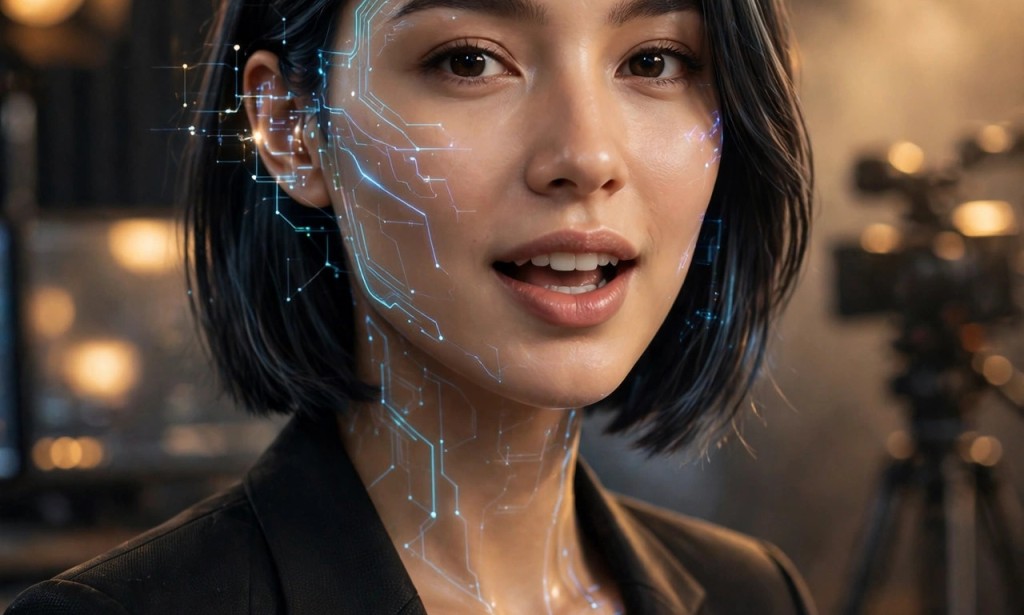
Three free minutes. That is the whole offer — and it comes with a watermark so big that D-ID calls it "full-screen" on its own pricing page.
If you have ever typed a script into an AI avatar tool and watched a photorealistic presenter speak it back to you, you know the appeal. No camera, no microphone, no filming day. D-ID is one of the oldest names in that game, and its free trial looks generous at first glance: zero dollars, fourteen days, a hundred-plus avatars to play with. But the free lane has a shape, and the shape matters more than the headline. The catch is in the verdict below — and it is not only the watermark.
What It Is
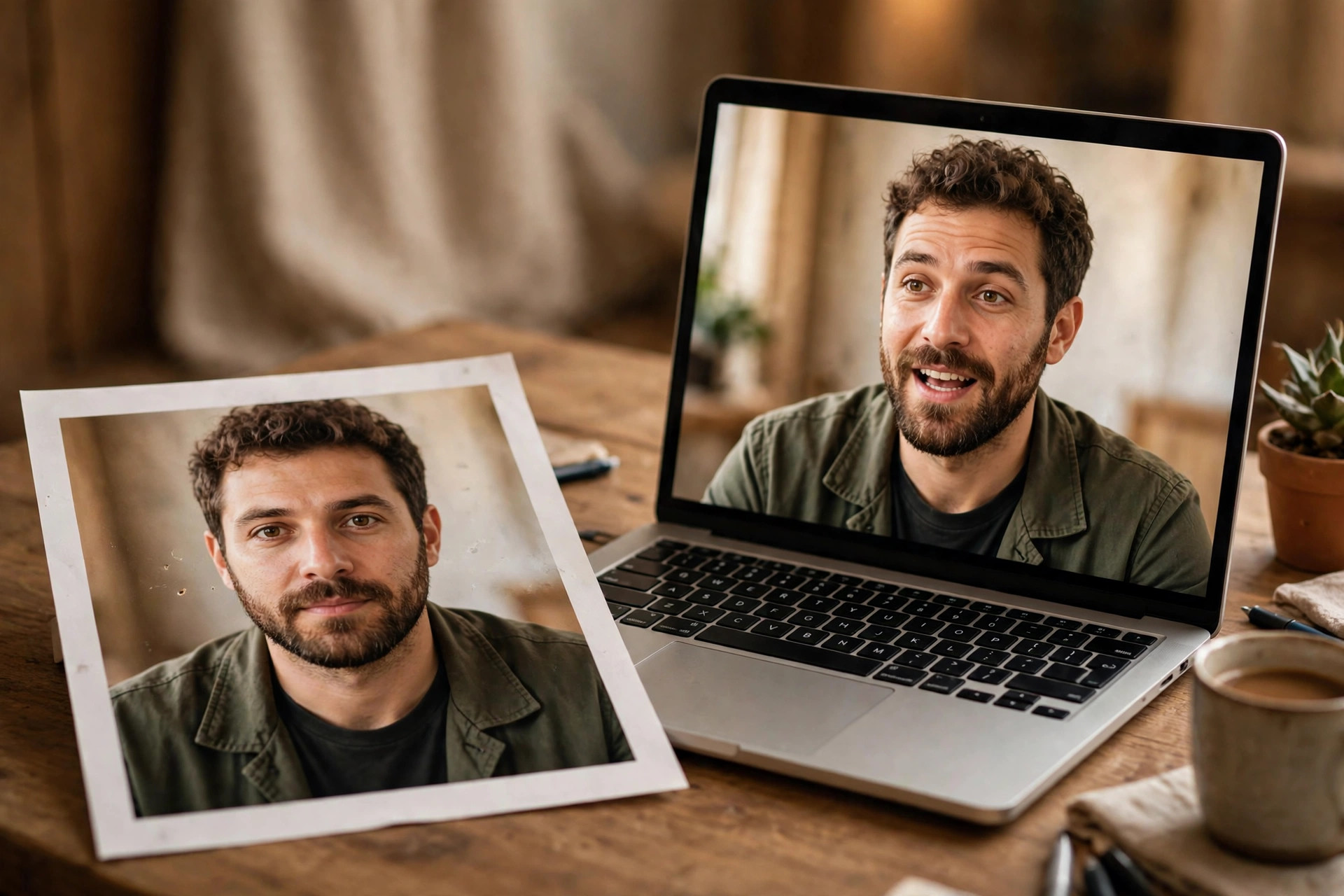
D-ID turns a still photo and a piece of text into a talking video. You pick an avatar — a stock AI presenter, a photo you upload, or a personal avatar built from your own face — type or paste a script, choose a voice, and the tool animates the face so it speaks your words with lip movement, blinking, and head motion.
The output is an MP4 video. It is a presenter format, not a cinematic scene generator. There are no AI-generated landscapes, no camera moves through imaginary worlds, no text-to-video scenes. D-ID makes one thing: a person talking to camera.
That narrow focus is also its strength. A talking-head explainer, a product announcement, a training clip, a translated message in another language — these are the jobs D-ID is built for. The platform also offers Agents (conversational avatars you can talk with), Video Translate (your video re-spoken in another language), and Campaigns (personalised video messages sent at scale).
One detail worth knowing before you sign up: D-ID measures everything in minutes. When you create a video, the duration is deducted from your plan's minute balance, rounded up to the nearest 15-second interval. A video that runs 1 minute and 10 seconds costs you 1 minute and 15 seconds of allowance. That rounding rule is printed on the pricing page itself, and it quietly eats into a small allowance faster than most people expect.
Free Plan Details
The free offer is a trial, not a permanent free plan. It is labelled "Trial, $0, 14-day trial" on D-ID's official pricing page, with a "Start Free Trial" button.
Here is exactly what the trial includes, as listed on that page. Three minutes in total for Videos, Agents, Video Translate and the API — one shared 3-minute allowance across all four, not three minutes for each. The trial lasts fourteen days from sign-up. Inside it you get more than a hundred stock AI avatars, video and photo avatars, one personal avatar, standard voices, API access, three agentic videos, and standard video processing.
Three minutes sounds small, and it is. But the arithmetic is what decides whether it is useful. A 30-second presenter clip costs 30 seconds of allowance. A 45-second clip costs 45 seconds. Four 45-second clips would use the whole trial. And remember the rounding: a 1-minute-10-second video is billed as 1 minute 15 seconds, so a handful of slightly-over-a-minute videos can drain the allowance in three or four generations.
Per-video length is generous on paper: a single video on the trial can run up to 30 minutes, the same limit as every paid plan. Translated videos on the trial are capped at 30 seconds each. So the trial does not limit how long one video can be — it limits how much total video you can ever make for free.
Two more facts from the pricing page. Unused minutes do not accumulate; they renew monthly and anything unused becomes void. And the trial is a one-time window: after fourteen days, the free access ends and you are on a paid plan or nothing.
What is not stated on the pricing page is the export resolution for trial videos. No 720p, 1080p or 4K figure appears anywhere in the plan comparison table or the FAQ on that page. D-ID's homepage FAQ, read in an earlier check, lists standard presenters at up to 1280x1280 and premium high-quality presenters at 1080p — but the pricing page itself, the page that defines the trial, states no resolution at all. So treat trial resolution as unconfirmed rather than assuming HD.
So who is the trial actually for? It is a test drive, honestly framed. You can learn the workflow, test whether an avatar presenter fits your content, translate one short clip, and build one personal avatar. It is not a content pipeline. If your plan is to publish a talking-head video every day for free, three minutes will not get you through the first week.
Watermark and Commercial Use
This is the section that decides the trial's real value, so read it carefully.
Every video made on the trial carries a full-screen watermark. That is D-ID's own wording, printed twice on the pricing page: the trial card says "Full-screen watermark — A D-ID watermark will appear on the video", and the FAQ answers the question "Why do videos have a D-ID watermark on the Trial and Lite plans?" with "Note, a full-screen watermark appears for trial users."
Full-screen is not a small corner logo. Itis a watermark across the video frame, visible for the whole clip. The next plan up, Lite, still carries a D-ID watermark (smaller, not full-screen). The Pro plan carries a smaller "AI watermark", and only Advanced and Enterprise let you use a custom logo instead.
The second half of the catch is the licence. Trial videos come with a personal use licence only. The trial card spells it out: "Personal use license — For non-business projects or individual use. Suitable for personal hobbies, learning, or non-commercial content creation." The comparison table says the same: "License for Trial plan: Personal use." Lite is personal use too. Commercial use starts at Pro.
That combination — full-screen watermark plus personal-use-only licence — is the real price of the free trial. A trial video cannot be posted to a monetised channel, used in a client project, or run as an ad without breaking the licence. It is fine for testing, learning, and showing a friend. It is not free stock footage for your business.
Why does this matter so much? Because many free tools hide their watermark and licence limits in the terms and conditions. D-ID prints both on the pricing page, in plain language, before you sign up. That honesty is worth noting — but it does not change the outcome. If you need a clean, commercial-ready presenter video, the trial will not give you one.
How to Use It
Go to the official D-ID website and click "Start Free Trial" on the Trial plan.
Create your account and confirm the 14-day trial has started — check that the trial shows 3 minutes available before you generate anything.
Choose your avatar: pick one of the 100-plus stock AI avatars, upload a photo to animate, or create your one personal avatar.
Type or paste your script. Keep the first test short — 30 seconds or less — so one experiment does not eat a third of your allowance.
Pick a standard voice and language for the narration.
Generate a preview first if the option is offered, and watch it fully before you spend minutes on a longer render.
Download the MP4 and check two things before you use it anywhere: the full-screen watermark, and the total minutes left in your trial.
If you need more, compare the paid plans on the same page before upgrading — Lite is $5.90 a month billed monthly ($4.70 a month billed annually) for 10 minutes a month, Pro is $29 a month ($16 a month annually) for 15 minutes a month with commercial use, and Advanced is $196 a month ($108 a month annually) for 100 minutes a month.
A practical tip: plan your script before you generate. Because minutes are rounded up to the nearest 15 seconds, a 46-second script and a 60-second script can cost the same. Short, tight scripts stretch the 3 minutes furthest.
Honest Verdict
D-ID's free trial is exactly what it says on the page — and that is both its virtue and its limit.
On the plus side, the trial is genuinely free, needs no payment to start, and gives you the real product to test: stock avatars, a personal avatar, translation, API access, and up to 30 minutes per video. The pricing page is unusually honest about the limits, printing the watermark and the personal-use licence where you can see them before signing up. For a creator deciding whether avatar video fits their channel, three minutes is enough to answer that question.
On the minus side, three minutes is a hard ceiling, not a monthly allowance. The full-screen watermark makes every trial video unusable for professional or monetised publishing, and the personal-use licence forbids commercial use outright. There is no free resolution figure on the pricing page, so you cannot even confirm HD output before you spend your minutes. And after fourteen days, the free door closes completely — there is no permanent free tier to fall back on.
So the verdict is simple. Use the trial to test D-ID, not to produce content. Write one short script, generate one clip, check the avatar quality and the voice, and decide whether the tool earns a paid plan. If you need watermark-free, commercial-ready presenter videos, the honest starting point is Pro at $29 a month billed monthly ($16 a month annually) — not the trial. And if your content needs cinematic scenes rather than a talking head, D-ID is the wrong tool entirely, free or paid.
The catch we held back is the combination, not any single limit: three minutes, a full-screen watermark, and a personal-use licence together mean the trial can show you the product but can never publish for you. That is the deal, printed in plain sight.
You can try it yourself on the official D-ID website. Have you tested the free trial yourself — did the 3 minutes stretch far enough for a real test, or did the full-screen watermark end the experiment? Tell us in the comments.






Comments 0
Sign in to join the conversation.
No comments yet. Be the first to say something.