

1. What Is WordPress Hosting?
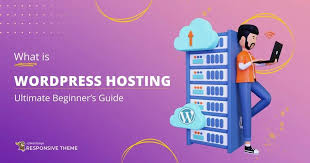
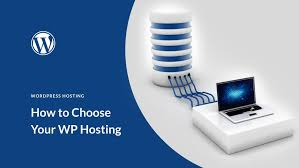
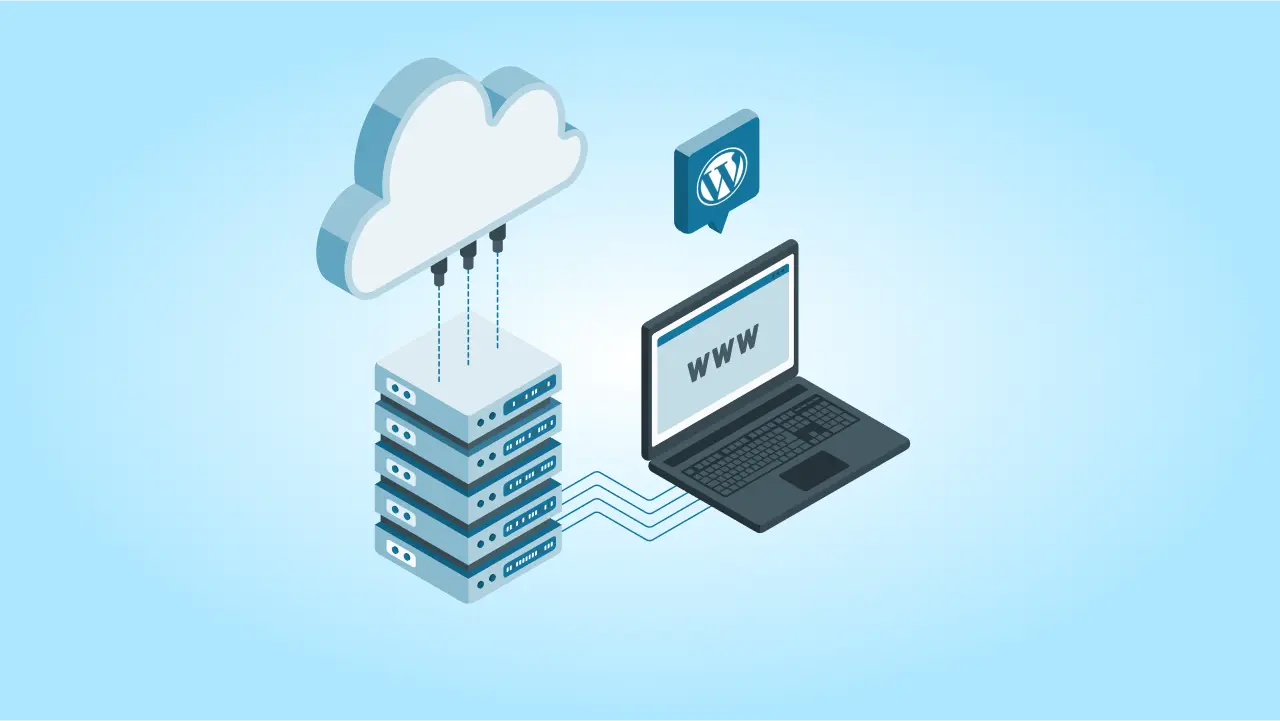
WordPress hosting is a specialized type of web hosting designed to optimize the performance and security of WordPress websites. Unlike generic web hosting, WordPress hosting comes with pre-configured settings, automatic updates, and enhanced security measures tailored for WordPress.
Hosting providers often offer features like one-click WordPress installation, automatic backups, caching, and WordPress-specific customer support, making it easier for users to manage their websites efficiently.
2. Types of WordPress Hosting
There are several types of WordPress hosting, each catering to different website needs and budgets.
1. Shared WordPress Hosting
- Best for: Beginners, personal blogs, and small websites.
- Pros: Affordable, easy to use, includes basic WordPress features.
- Cons: Limited resources, performance issues with high traffic.
2. Managed WordPress Hosting
- Best for: Businesses, agencies, and growing websites.
- Pros: Automatic updates, enhanced security, expert support, optimized performance.
- Cons: More expensive than shared hosting.
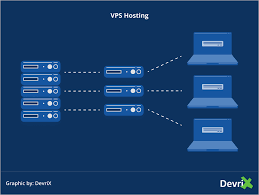
3. VPS WordPress Hosting
- Best for: Medium to large websites that need more control.
- Pros: Dedicated resources, faster performance, better security.
- Cons: Requires technical knowledge, costs more than shared hosting.
4. Dedicated WordPress Hosting
- Best for: Large enterprises and high-traffic websites.
- Pros: Full control over the server, top performance, high security.
- Cons: Expensive, requires server management skills.
5. Cloud WordPress Hosting
- Best for: Scalable websites and e-commerce stores.
- Pros: High scalability, better uptime, pay-as-you-go pricing.
- Cons: Can be costly depending on usage.
3. Key Features to Look for in WordPress Hosting
Choosing the best WordPress hosting requires evaluating essential features.
✅ 1. Speed & Performance
Look for hosting with SSD storage, caching technology, and a Content Delivery Network (CDN) to ensure fast load times.
✅ 2. Security Measures
A good host should provide SSL certificates, malware scanning, firewall protection, and automated backups.
✅ 3. Scalability
Choose a hosting plan that allows you to upgrade as your website grows.
✅ 4. One-Click WordPress Installation
Most top providers offer one-click WordPress installation, making setup easy for beginners.
✅ 5. Customer Support
Look for 24/7 customer support with WordPress expertise, preferably via live chat, email, or phone.
✅ 6. Uptime Guarantee
A reliable host should offer 99.9% uptime to ensure your website remains accessible.
4. How to Choose the Right WordPress Hosting Provider
When selecting a WordPress hosting provider, consider the following factors:
1. Identify Your Website Needs
Are you building a personal blog, a business website, or an online store? Your website’s size and traffic levels determine the hosting type you need.
2. Check Pricing & Features
Compare hosting plans based on pricing, features, and included services such as backups and customer support.
3. Read Customer Reviews
Check online reviews and testimonials to see what other users say about the provider's reliability, speed, and support.
4. Look for a Money-Back Guarantee
Most reputable hosts offer a 30-day money-back guarantee, allowing you to test their services risk-free.
5. Best WordPress Hosting Providers in 2024
Here are some of the top WordPress hosting providers based on performance, reliability, and customer support:
1. Bluehost
- Best for: Beginners and small businesses.
- Features: Free domain, one-click WordPress installation, 24/7 support.
2. SiteGround
- Best for: Performance and customer support.
- Features: High-speed servers, managed WordPress updates, free SSL.
3. Kinsta
- Best for: Premium managed WordPress hosting.
- Features: Google Cloud infrastructure, automatic scaling, daily backups.
4. WP Engine
- Best for: Large businesses and agencies.
- Features: Enterprise-level security, expert WordPress support.
5. Hostinger
- Best for: Affordable WordPress hosting.
- Features: Optimized WordPress speed, free SSL, LiteSpeed caching.
6. How to Optimize Your WordPress Hosting for Performance
Improving your website’s speed and efficiency is essential for a great user experience and SEO ranking.
1. Use a Lightweight Theme
Avoid themes with unnecessary scripts and animations that slow down loading times.
2. Enable Caching
Use plugins like WP Rocket or W3 Total Cache to store static copies of your web pages for faster access.
3. Optimize Images
Compress images using tools like TinyPNG or Smush to reduce file sizes without losing quality.
4. Minimize Plugins
Only install essential plugins to reduce server load and improve performance.
5. Use a Content Delivery Network (CDN)
A CDN distributes website content across multiple servers worldwide, speeding up load times for users in different locations.
6. Keep WordPress Updated
Regularly update WordPress, themes, and plugins to fix security vulnerabilities and improve performance.






Comments 0
Sign in to join the conversation.
No comments yet. Be the first to say something.