

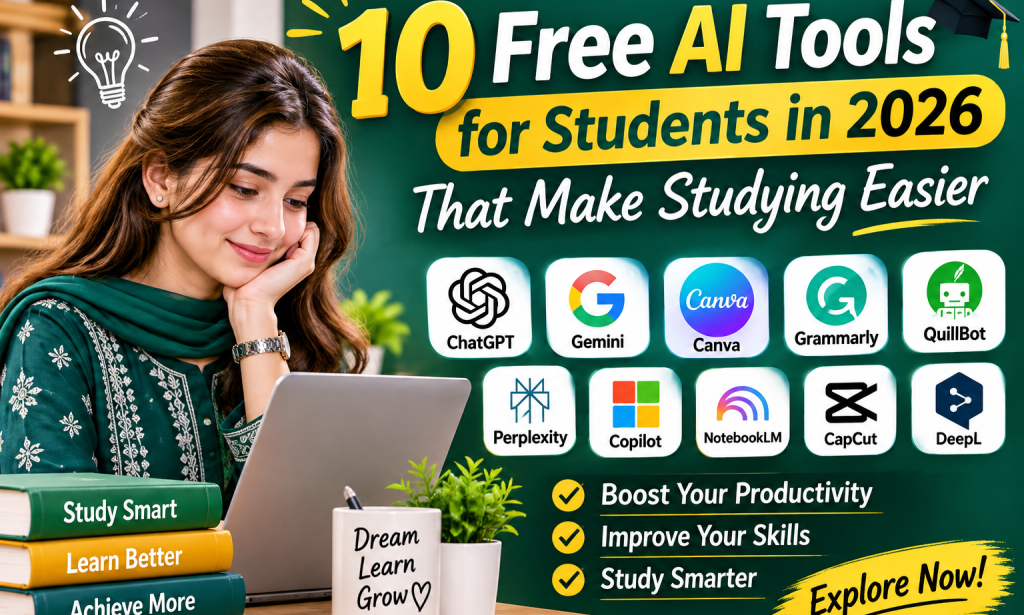
Technology is changing the way students learn, study, and complete academic tasks. Artificial Intelligence has become one of the most useful technologies for modern education. Today, students can use AI tools to understand difficult concepts, improve writing, prepare presentations, and organize their study schedules.
The best part is that many AI platforms offer free versions that students can explore without paying.
In this article, we will discuss 10 useful AI tools for students in 2026, their features, and how they can make studying easier.
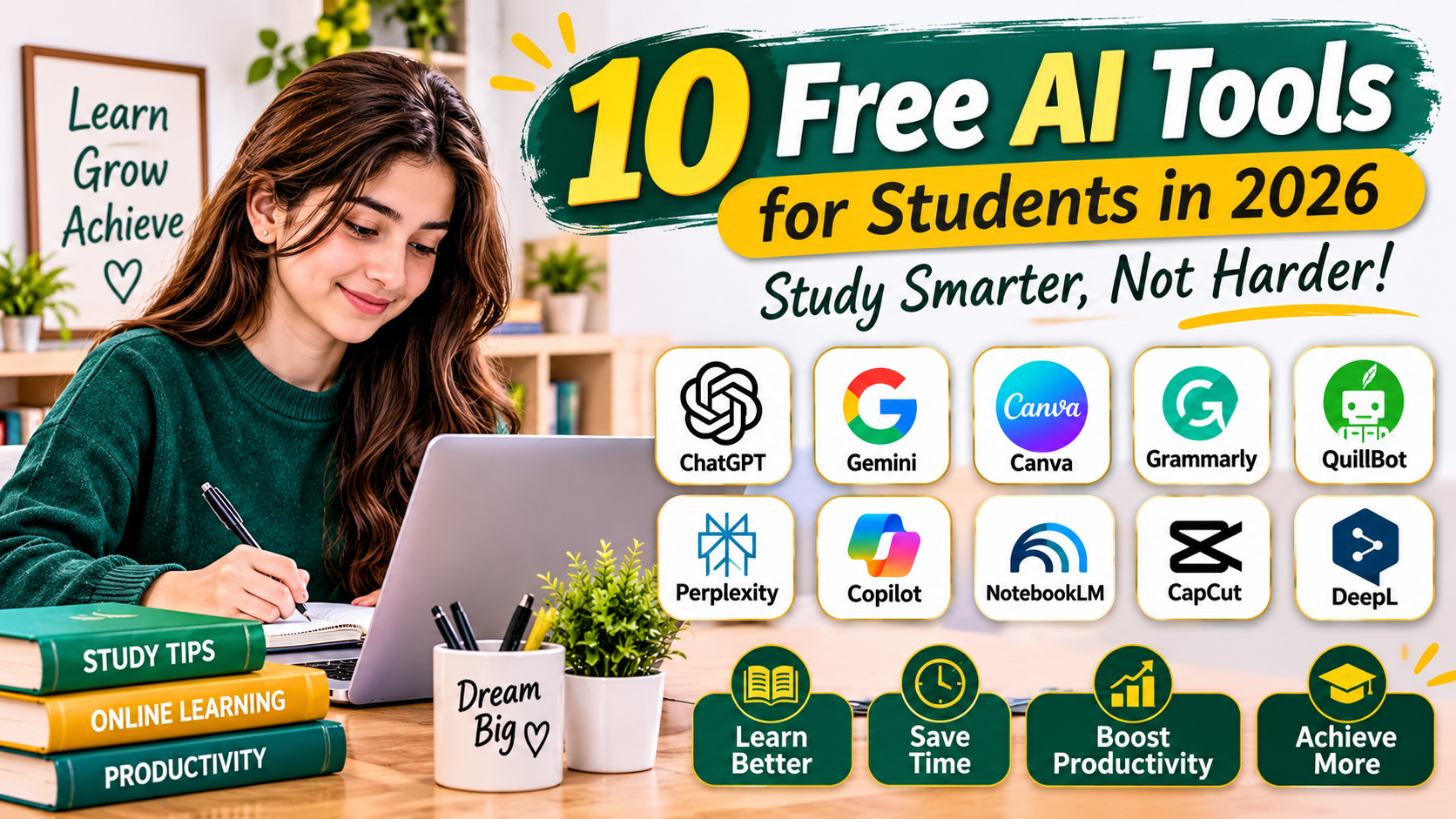
1. ChatGPT – Your Personal AI Study Assistant
ChatGPT is one of the most popular AI tools for students. It can explain difficult concepts, answer questions, summarize information, and help students brainstorm ideas.
Students can ask ChatGPT to explain a topic in simple language or provide examples to improve understanding.
For example, a student studying biology can ask it to explain DNA replication step by step.
Best for: Learning concepts, brainstorming, explanations, and study assistance.
2. Google Gemini – Helpful for Research and Learning
Google Gemini is another useful AI assistant that helps students explore different topics and understand complex information.
It can generate explanations, suggest ideas for assignments, and help students organize their learning.
Students should always verify important information using reliable academic sources.
Best for: Research assistance, brainstorming, and understanding topics.
3. Canva – Create Attractive Presentations
Canva is an excellent platform for students who need to create presentations, posters, infographics, and educational designs.
Its templates make designing easier, even for beginners who have no graphic design experience.
Students can create visually appealing assignments and presentations in less time.
Best for: Presentations, posters, infographics, and project designs.
4. Grammarly – Improve Your English Writing
Grammarly helps students improve their English writing by identifying spelling mistakes, grammar errors, and unclear sentences.
It is particularly useful for students who write essays, assignments, emails, and reports in English.
Its free features can help improve writing clarity and correctness.
Best for: Grammar correction, spelling, and writing improvement.
5. QuillBot – Paraphrasing and Summarizing
QuillBot is useful for students who want to improve sentence structure or understand lengthy text.
Its paraphrasing and summarization features can help students simplify information and review study material.
However, students should use it responsibly and avoid submitting copied or improperly paraphrased material as original work.
Best for: Summarizing information and improving sentence structure.
6. Perplexity – Explore Questions with Sources
Perplexity is an AI-powered research tool that helps users explore questions and discover information with references.
Students can use it to investigate topics and find sources that may help with academic research.
It is important to check the original sources before using information in assignments.
Best for: Exploring topics and finding research references.
7. Microsoft Copilot – Everyday Productivity
Microsoft Copilot can assist students with brainstorming, writing, explanations, and general productivity tasks.
It can help organize ideas before preparing assignments or presentations.
Some features may require a Microsoft account or paid subscription.
Best for: Writing assistance, brainstorming, and productivity.
8. NotebookLM – Understand Your Study Material
NotebookLM is especially useful for students who work with documents, notes, and educational material.
Students can upload supported study sources and ask questions based on those materials.
It can help organize information and make revision more efficient.
Best for: Studying uploaded documents and revising notes.
9. CapCut – Create Educational Videos
CapCut is a video editing platform with useful AI-powered features.
Students can use it to create educational videos, presentations, and visual projects.
Its editing tools can help beginners create engaging content without advanced video editing skills.
Best for: Educational videos and creative projects.
10. DeepL – Translation and Language Learning
DeepL is a useful translation tool for students who want to understand information written in different languages.
It can help translate sentences and improve understanding of foreign-language content.
Students should review translations carefully, especially when working with technical or academic terminology.
Best for: Translation and language understanding.
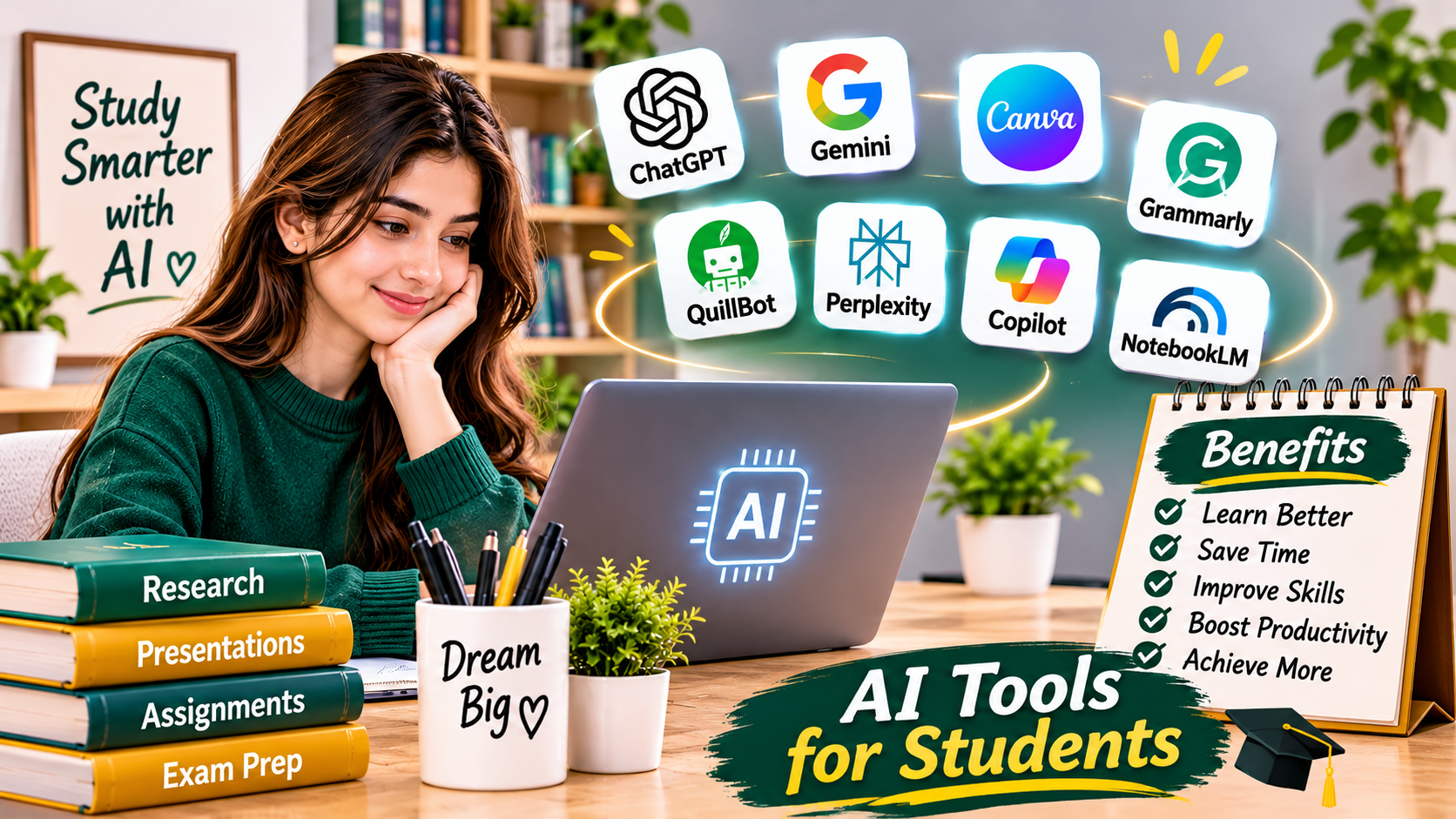
How Can Students Use AI Tools Effectively?
AI tools can make studying easier, but students should use them as learning assistants rather than replacements for their own efforts.
Here are some useful tips:
Ask AI to explain difficult topics in simple language.
Use AI-generated questions to practice before exams.
Verify facts using textbooks and reliable sources.
Improve your own writing instead of copying generated content.
Follow your institution's academic integrity rules.
Protect personal information when using online platforms.
Tips for Choosing the Right AI Tool
Not every AI tool is suitable for every task, so students should choose applications according to their needs. Before using a platform, think about what you want to achieve. If you need help understanding a lesson, an AI assistant may be useful. If you are preparing a presentation, a design platform such as Canva may be a better choice. For checking grammar, use a writing assistant.
It is also a good idea to explore the free features first. Some platforms offer paid plans for advanced features, but beginners can often learn a lot by using the basic versions. Always check the platform's official website for current features, pricing, and account requirements because these can change over time.
Students should remember that AI tools can sometimes provide incorrect or incomplete answers. Do not rely on a generated response without checking it against textbooks, teachers' guidance, or trusted websites. Avoid sharing private information, passwords, or personal academic records with online tools.
Most importantly, use AI to support your learning, not to do all the thinking for you. Try solving a problem yourself first, then use an AI tool to review your understanding. This approach can help you build confidence, develop independent thinking, and get more value from technology.
Final Thoughts
Artificial Intelligence is creating exciting opportunities for students in 2026. From writing assistance and research to presentations and revision, AI tools can support different aspects of academic life.
Students do not need to learn every tool at once. Starting with one or two applications and exploring their features can make a meaningful difference.
The most successful students will be those who combine technology with curiosity, critical thinking, and consistent learning.
Which AI tool do you find most useful for studying? Share your thoughts and experiences!








Comments 0
Sign in to join the conversation.
No comments yet. Be the first to say something.