

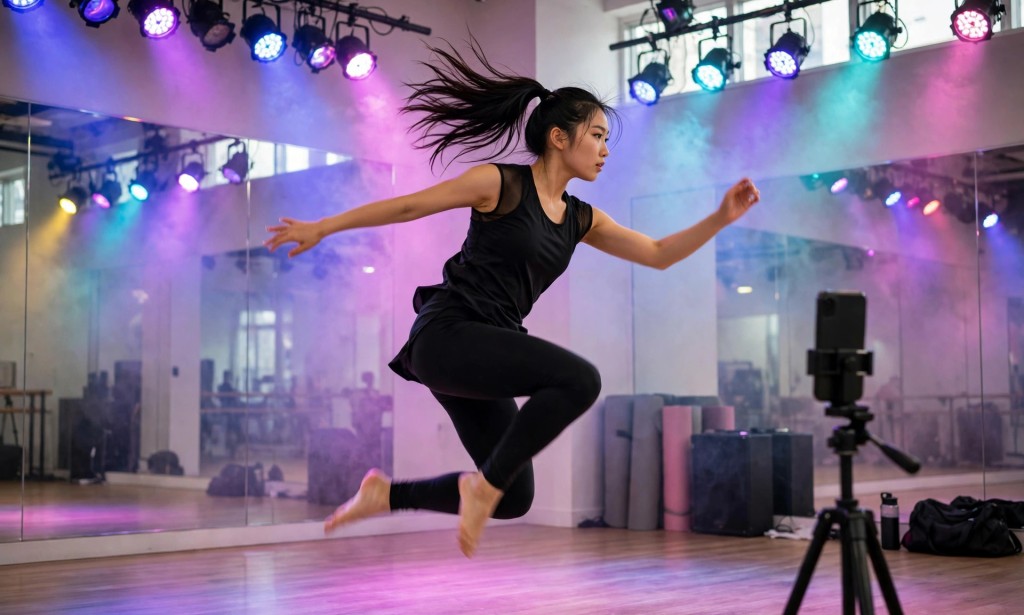
Viggle used to promise something simple: five free videos a day. That promise was on its official pages, in its FAQ, and in every review that quoted it. It was the reason creators bookmarked the tool.
That promise is gone. Today, neither the Viggle homepage nor its pricing page says "five free videos a day" anywhere — a text search of the pricing page finds no "free videos" phrase at all. The free plan has been rewritten in credits, and the number of videos those credits buy is no longer stated.
What It Is
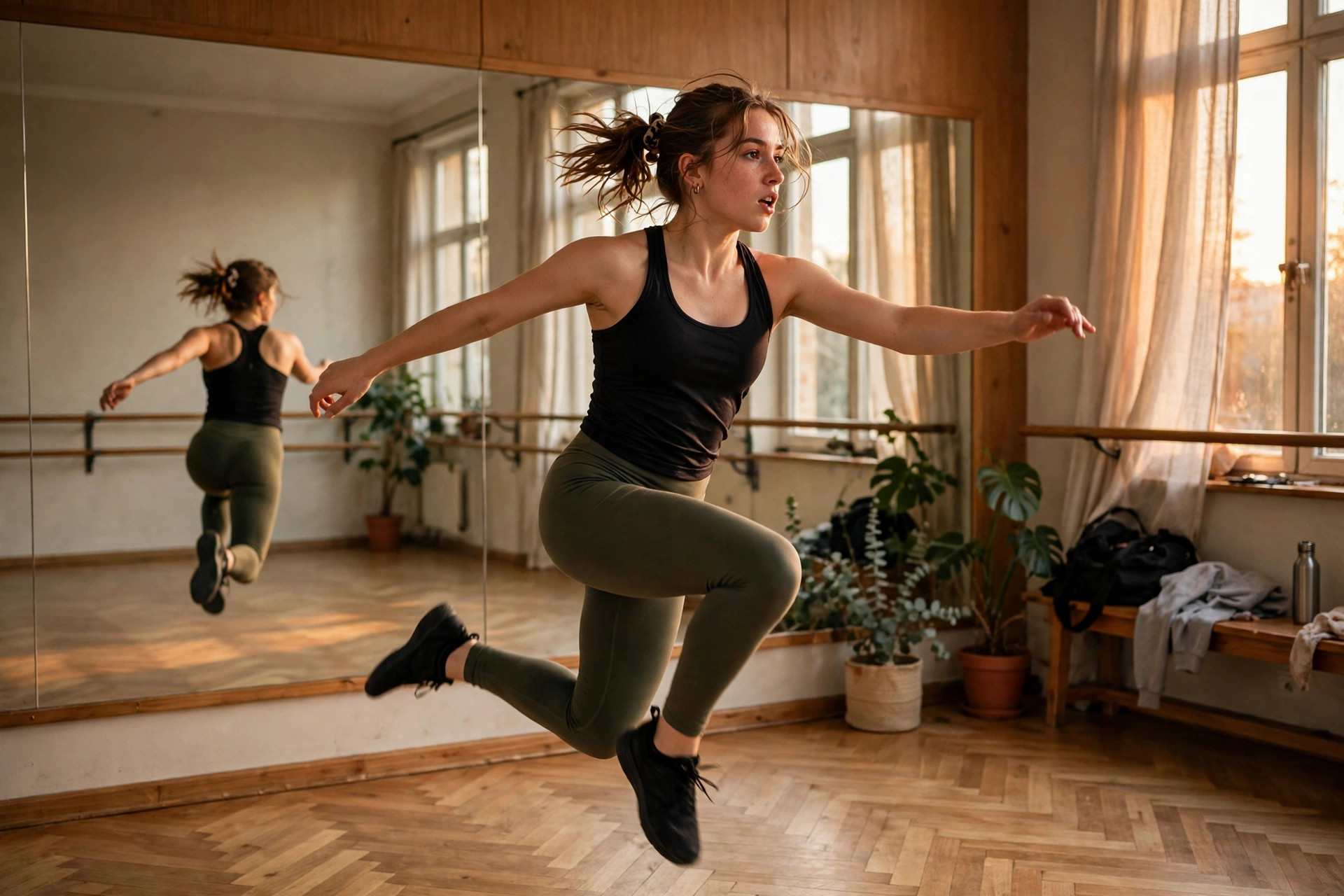
Viggle is an AI character-animation tool. You upload a photo of a character and a motion video, and Viggle makes the character move like the video — dance, walk, gesture, perform. It is the tool behind the viral dance clips where a still photo suddenly dances, and its pricing page says it is trusted by more than 50 million creators, developers and animators.
The product is built around three ideas. Mix videos combine a character image with a motion clip so the character performs the motion. Real-Time Swap puts a character into a live or recorded video in real time. Multi-track sessions put several characters in the same scene — limited on the free plan, unlimited on paid plans. The pricing page also lists models under the Viggle umbrella — Seedance, Kling, Veo, Wan, Happy Horse, ChatGPT and Nano Banana — with Seedance reserved for the higher paid plans.
For a US creator, the appeal is obvious and narrow. Viggle does one thing no general video generator does as well: it takes a single photo and makes that exact character dance. A meme, a music-video moment, a character test for a short — that is the use case. It is a motion-transfer specialist, and the free plan is how most creators first meet it.
Here is the surprising detail that frames everything else in this article. The old free deal — five free 5-second videos a day — was verified on Viggle's own pages on October 24, 2026. Three weeks later, the same pages describe the free plan only in credits: "Free credits refresh daily." No number of credits, no number of videos. The promise did not get smaller. It disappeared into a word — "refresh" — with no amount attached.
Free Plan Details
Let us get specific, because the free plan is the whole reason to read this article.
The free plan costs $0 a month, and the official pricing page says "Start creating for free." The comparison table lists the free plan's monthly credits as 0 credits — and then, in the next row, says the daily free credits "refresh daily." That is the entire statement of the allowance. No number is given for the free plan, while the Pro, Live and Max plans each show 5 daily credits of their own. The FAQ explains why a number cannot be converted into videos: "Credits are used across Viggle's generation tools and models. Each feature may use a different number of credits, depending on the model and output." So how many videos a day the free plan buys depends on which model you use and what you generate — and the page does not say how many credits each generation costs.
What the free plan does state, exactly, is its set of limits. You can run 1 video generation at a time. Your assets and generations are stored for 7 days, and then they are gone. Multi-track sessions are limited. Real-Time Swap sessions are limited to 5 minutes. The maximum video you can upload is 1 minute long — that is an input limit on the clip you feed the tool, not a stated output length. And the free plan's watermarked Mix videos use your daily credits, while the paid plans get unlimited Mix videos.
What the free plan does not state is just as important. No video resolution or quality tier is published for the free plan — the homepage and the pricing page mention no 720p, no 1080p, no "standard quality" label for free output. No clip length is published for free output either. The old pages said five 5-second videos a day; the current pages say nothing about seconds at all.
The paid plans start with Pro at $7.99 a month, down from $9.99: 80 credits a month, faster generation, up to 4 generations at once, permanent storage, no watermark, unlimited multi-track sessions, and all models except Seedance. Live costs $15.99 a month, down from $19.99, with 200 credits a month, up to 6 generations at once, 6 hours of Real-Time Swap, and all models including Seedance. Max costs $63.99 a month, down from $79.99, with 800 credits a month and up to 10 generations at once. Monthly plan credits expire on your billing date, while purchased credits do not expire but can only be used while you are subscribed.
So the free plan is real, but it is uncounted. Daily credits that refresh, an unstated amount, one generation at a time, seven days of storage — and no published number of videos per day.

Watermark and Commercial Use
For creators, two questions matter more than any feature list: will my video carry a watermark, and can I legally use it to make money? Viggle answers the first on its official pricing page, and leaves the second unanswered there.
The watermark answer is yes — on the free plan. The comparison table has a "No watermark" row, and the free column shows a dash while Pro, Live and Max all show "Yes." The "Watermarked Mix videos" row says the free plan's Mix videos use daily credits, while the paid plans get unlimited Mix videos. So every free export is watermarked, and removing the watermark starts at Pro, $7.99 a month.
The commercial-use answer is not verified. The official pages I read today do not state a commercial-use rule for the free plan. The October 24 check of Viggle's Terms of Use found no clear commercial grant for the main Viggle animations on the free tier, and noted that the Terms prohibit removing watermarks. The same check noted that a separate product, PINOC, has its own free terms — non-commercial for its free tier, commercial for API outputs — but PINOC is billed separately and is not the Viggle AI free plan this article covers. This article therefore writes the commercial-use position as unconfirmed: if you plan to monetize a free Viggle clip, read the current Terms yourself before you post it.
One more official fact belongs here. The pricing page warns that the free plan's assets and generations are stored for only 7 days. A free clip you do not download within a week is gone, and the watermark means you cannot clean it up later even if you keep it.
What is not verified on the official pages I read: the free plan's output resolution, the free plan's output clip length, the exact number of daily free credits, and the free plan's commercial-use rights. All four are written as unconfirmed in this article, because guessing any of them would be inventing facts.
How to Use It
Making your first free Viggle video takes minutes, and there is no card to enter first. Here is the process, as the official pages describe the product.
Go to the official Viggle website. The free plan is listed at $0 a month with no card mentioned for starting.
Start a Mix: upload a photo of the character you want to animate. This is the character Viggle will move.
Upload a motion video of up to 1 minute. This is the movement your character will copy — a dance, a walk, a gesture.
Generate one video at a time. The free plan allows only one generation at once, so queue your ideas in order and do not expect parallel renders.
Check the result, then download it within 7 days. Free assets and generations are stored for only 7 days, and the export carries a Viggle watermark.
If you want to try Real-Time Swap, note the free limit: 5 minutes of sessions, with limited multi-track sessions. Longer or multi-character work needs a paid plan.
If you hit the daily credit limit, wait for the refresh. The page says free credits refresh daily, but it does not state the reset time or the amount — so do not plan a shoot around a specific number of free videos.
Do not remove the watermark. The Terms prohibit removing watermarks, and watermark-free exports start at Pro, $7.99 a month.
One practical tip: because the daily allowance is now an unstated number of credits, generate your best idea first while the allowance is fresh. A single strong dance clip is worth more than five rushed tests.
Honest Verdict
Viggle's free plan is the most changed free plan in this series — and the least countable. Three weeks ago it promised five free videos a day. Today it promises daily credits of an unstated amount, watermarked exports, one generation at a time, and seven days of storage. The tool itself is still the best at what it does — no other free tool turns a single photo into a dancing character this easily — but the free deal is no longer a number you can plan around.
But here is the catch this article promised at the start. The old number is gone, and this article will not repeat it as fact. If you read a review that still says "5 free videos a day," that review is quoting pages that no longer exist. The current official pages say the free plan refreshes daily, and they do not say by how much. That is the whole story: a free plan that is real, daily, watermarked — and uncounted.

So who should use it? If you want to test whether your character dances well — one photo, one motion clip, one test — the free plan is genuinely useful and genuinely free. If you want a guaranteed number of clips a day, clean exports, or commercial use you can rely on, it is not: the number is unpublished, the watermark is on every free export, and the commercial position is unconfirmed. Pro at $7.99 a month is where the tool becomes a workflow.
The bottom line is simple. Viggle still lets you animate a photo for free — but the "5 free videos a day" promise is gone from its official pages. Test it for free, count nothing until you have tried it yourself, and pay only when the watermark starts costing you viewers.
You can try it yourself on the official Viggle website. Have you tested the free plan yourself — how many videos did your daily credits actually buy? Tell us in the comments.






Comments 0
Sign in to join the conversation.
No comments yet. Be the first to say something.