

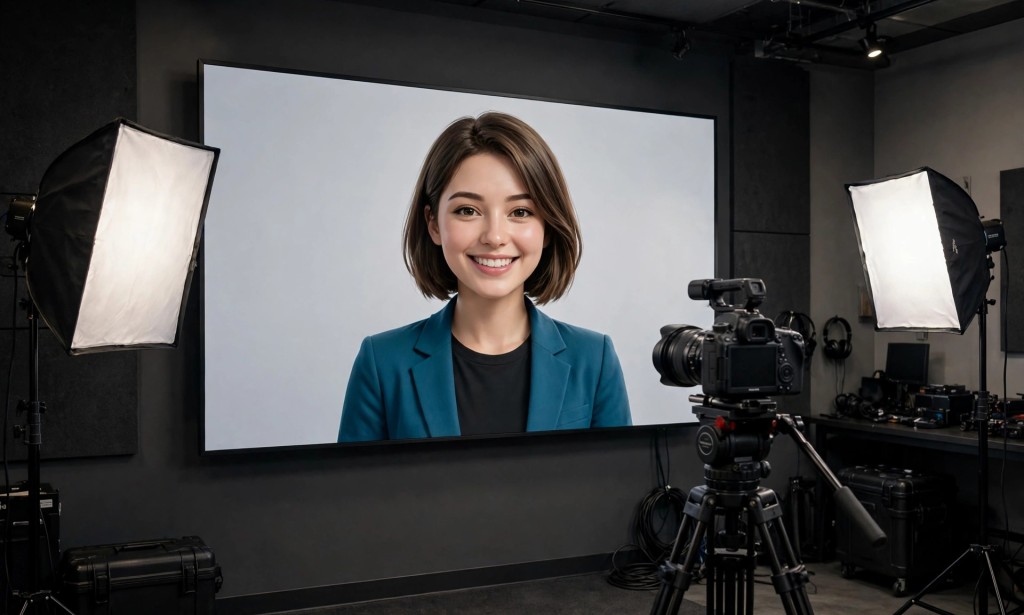
What if a free AI video tool gave you 30 credits every single day — enough for about a minute of video — and never asked for your card? That is the deal Vidnoz puts on its pricing page. Thirty credits a day, every day, for talking-avatar videos.
But here is the question that makes the deal interesting: a minute a day sounds generous until you learn what is stamped on every free export — and what the free plan quietly leaves out. The catch is in the verdict below.

What It Is
Vidnoz is a browser-based AI video platform built around talking avatars. You type a script, pick an avatar, pick a voice, and the platform turns it into a presenter video — a digital host who reads your words on camera, with lip-sync, gestures and natural tone. It is not a cinematic text-to-video clip generator like the tools that make dragons fly over cities. It is a presenter machine: explainers, training videos, product demos, news-style updates, and faceless YouTube narration.
The scale of the library is the first thing that stands out. The official pricing page lists more than 1,600 AI avatars on the free plan, more than 3,400 video templates, and 890 voices and languages. The avatars range from studio presenters to expressive performers, and the templates cover business explainers to social-media updates. You can also turn your own photo into a talking avatar, clone a voice on the paid plans, and translate a finished video into 135 languages with one click.
For a US creator, the practical appeal is speed. A talking-head video that would take an hour to film, light and edit can be typed out in ten minutes. The platform also offers a text-to-video wizard that builds a video from a script or an uploaded text file, a prompt-to-video mode, scene transitions, an AI script generator, and auto captions. The homepage says no credit card is required to start.
Here is the surprising detail that frames everything else in this article. The pricing page's credits row says the free plan gets 30 credits a day — and the free card frames those 30 credits as about 60 seconds of video. That is the whole daily allowance: roughly one minute of avatar video, every day, for free. It is a small number, but it is a daily number, and it never runs out the way a one-time starter does.
Free Plan Details
Let us get specific, because the free plan is the whole reason to read this article.
The free plan costs $0. The official pricing page lists the daily allowance plainly: 30 free credits a day, on top of nothing else — there is no monthly credit pool on the free plan, just the daily 30. The free card frames that as about 60 seconds of video per day, so a single day's allowance buys roughly a one-minute clip. Unused daily credits do not carry over, and the page gives no reset time, so this article does not state one.
What the free plan includes beyond the credits is generous on paper. You get more than 1,600 studio AI avatars, more than 3,400 video templates, and 890 voices across many languages. You get 5 photo avatars a day, one use of an expressive avatar, 2,000 characters per scene, and an AI script generator with 20 uses a day. The free plan also includes the AI video translator with a 1-minute limit, auto captions, background music, and a media library of more than 60 million images, videos, icons and art fonts.
The limits are where the honesty test begins. The free export resolution is 720p — the pricing page's "Video Download Resolution" row shows 720P for free and 1080p for the paid plans. The maximum length per video is 3 minutes on the free plan, but that number is misleading in practice: a single day's 30 credits only buys about 60 seconds, so a 3-minute video cannot be made from one day's free credits alone. You would need to save credits across days, and the page says unused credits do not carry over — so in practice, the free plan makes videos of about a minute.
Video processing speed on the free plan is standard, while the paid plans are faster. The free plan also has no voice cloning, no video translation beyond the 1-minute limit, no brand kit, and no team seats.
The paid plans are Starter and Business, plus custom Enterprise pricing. Starter is listed at $26.99 a month, or $19.99 a month on annual billing, with 450 credits a month, 1080p exports, no watermark and faster processing. Business is listed at $74.99 a month, or $56.99 a month on annual billing, with 900 credits a month, voice cloning, video translation, a brand kit and team collaboration. Those dollar figures come from multiple October 2026 captures of the official pricing page; the plan structure was confirmed on the official page again today. Confirm the price at checkout, because Vidnoz changes its pricing often.
So the free plan is real and daily — 30 credits, about a minute of video, every day. But the clips are short, the resolution is 720p, and the best features sit behind the paid plans.

Watermark and Commercial Use
For creators, two questions matter more than any feature list: will my video carry a watermark, and can I legally use it to make money? Vidnoz answers both on its official pricing page, and both answers need careful reading.
The watermark answer is yes — on the free plan. The pricing table has a "Full Commercial License" row, and the free column does not show a clean checkmark. Its exact wording is "With Vidnoz watermark." The Starter plan lists "No watermark" as a paid feature. So every free export carries a Vidnoz watermark, and removing it is a paid-plan feature.
The commercial-use answer is yes — with the watermark attached. The same table row is labelled "Full Commercial License," and the free cell reads "With Vidnoz watermark" rather than "No." That means the free plan does carry a commercial licence, but only for watermarked output. The Terms of Service, last updated in July 2026, contain no free-plan commercial-license or watermark clause of their own; the general ownership wording says you own the output you create. This article states the position exactly as the official pages show it: commercial use is listed for the free plan, but the output carries the Vidnoz watermark, and the Terms add no separate free-plan guarantee.
One more official fact belongs here. The Terms do not restrict the free plan to personal use the way some tools do, and the pricing page does not hide the watermark — it prints it in the licence row itself. But a watermarked video is still a watermarked video, and for a channel that posts clean Reels, it is a real problem.
What is not verified on the official pages I read: the daily reset time, and whether the free plan supports 9:16 vertical export — the pricing and Terms pages state no aspect ratio for the free plan. Both are written as unconfirmed in this article, because guessing them would be inventing facts.
How to Use It
Making your first free avatar video takes minutes, and there is no card to enter first. Here is the process, exactly as the official pages describe it.
Go to the official Vidnoz website. The homepage says no credit card is required to start.
Pick an avatar from the free library of more than 1,600 studio avatars, or turn one of your own photos into a talking photo avatar — you get 5 photo avatars a day on the free plan.
Type your script. The free plan allows 2,000 characters per scene, and the AI script generator can draft it for you, with 20 uses a day.
Pick a voice from the 890 voices and languages on the free plan. Expressive avatars are limited to one use on the free plan, so save that for your best line.
Choose a template from the more than 3,400 on the free plan, or start from a blank scene and add your own background, music and captions.
Generate the video. One day's 30 free credits buys about 60 seconds, so keep the script short — roughly 130 to 150 words of spoken text.
Export at 720p. The free download carries a Vidnoz watermark, and the video can be up to 3 minutes long — though a single day's credits will not stretch that far.
Come back tomorrow. The 30 credits refresh daily, so a longer video means building it scene by scene across days — if the credits allow, and remembering that unused credits do not carry over.
One practical tip: because the daily allowance is only about a minute, write the script first and count the words before you generate. A 60-second script is roughly 140 words. Anything longer wastes credits on a video you cannot finish that day.
Honest Verdict
Vidnoz's free plan is the most reliable daily allowance in this series — and the most limited in what it can make. Thirty credits every day, about a minute of video, no card required, and a commercial licence printed right on the pricing page. No other avatar tool in this series gives a daily number that steady.
But here is the catch this article promised at the start. Every free export is watermarked and capped at 720p, and a minute a day is a short leash. A one-minute avatar clip is enough for a daily tip, a product update or a news-style short — but it is not enough for a full explainer, a course lesson or a client video. And the tool itself is a presenter machine, not a cinematic generator: if you want dragons, cityscapes and impossible camera moves, this is the wrong tool entirely.

So who should use it? If you make talking-head content — explainers, training, product demos, faceless narration — and you can live with a watermark and 720p while you test the format, the free plan is genuinely useful and genuinely daily. If you need clean, watermark-free Reels or cinematic clips, it is not: the watermark only comes off with Starter, from $19.99 a month on annual billing.
The bottom line is simple. Vidnoz gives you 30 free credits a day, about a minute of avatar video, with a watermark and a commercial licence attached. Use it to test the presenter format for free — and pay only when the watermark starts costing you viewers.
You can try it yourself on the official Vidnoz website. Have you tested the free plan yourself — did a minute a day cover your script, or did the watermark push you to Starter? Tell us in the comments.







Comments 0
Sign in to join the conversation.
No comments yet. Be the first to say something.