

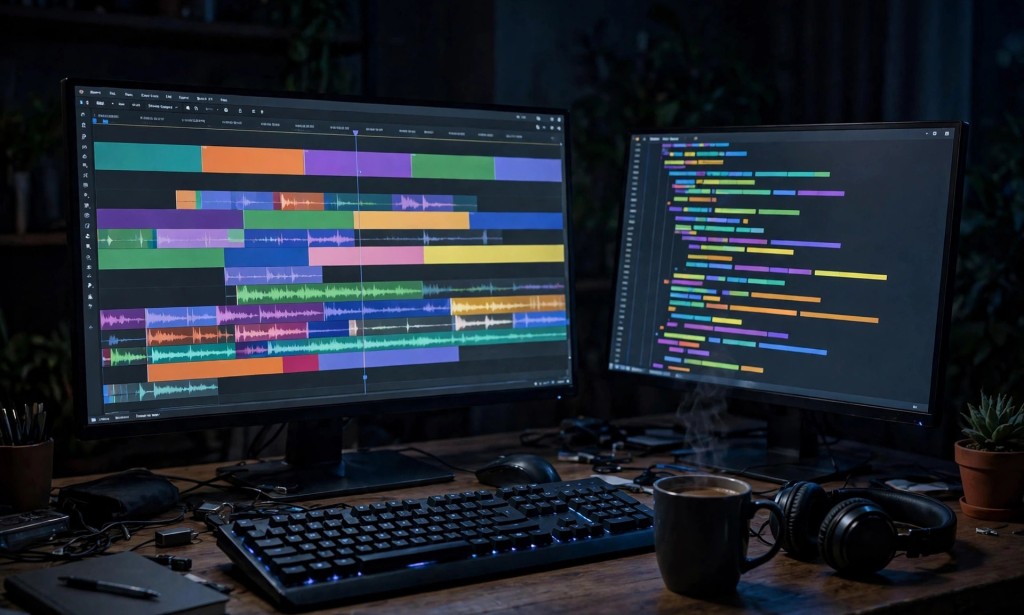
A free video editor with 99,300 GitHub stars, no account, no paywall and no subscription — built in the open, in five months. That is OpenCut, and on paper it is the most-loved free editor I have verified this year.
Then I opened its official pages and found the twist. The editor you actually use today is not the one collecting those stars. The version running at opencut.app right now is the classic build — and the classic build is archived. The new version, the one the stars are really for, is still being rewritten. The full catch is in the verdict below.
What It Is
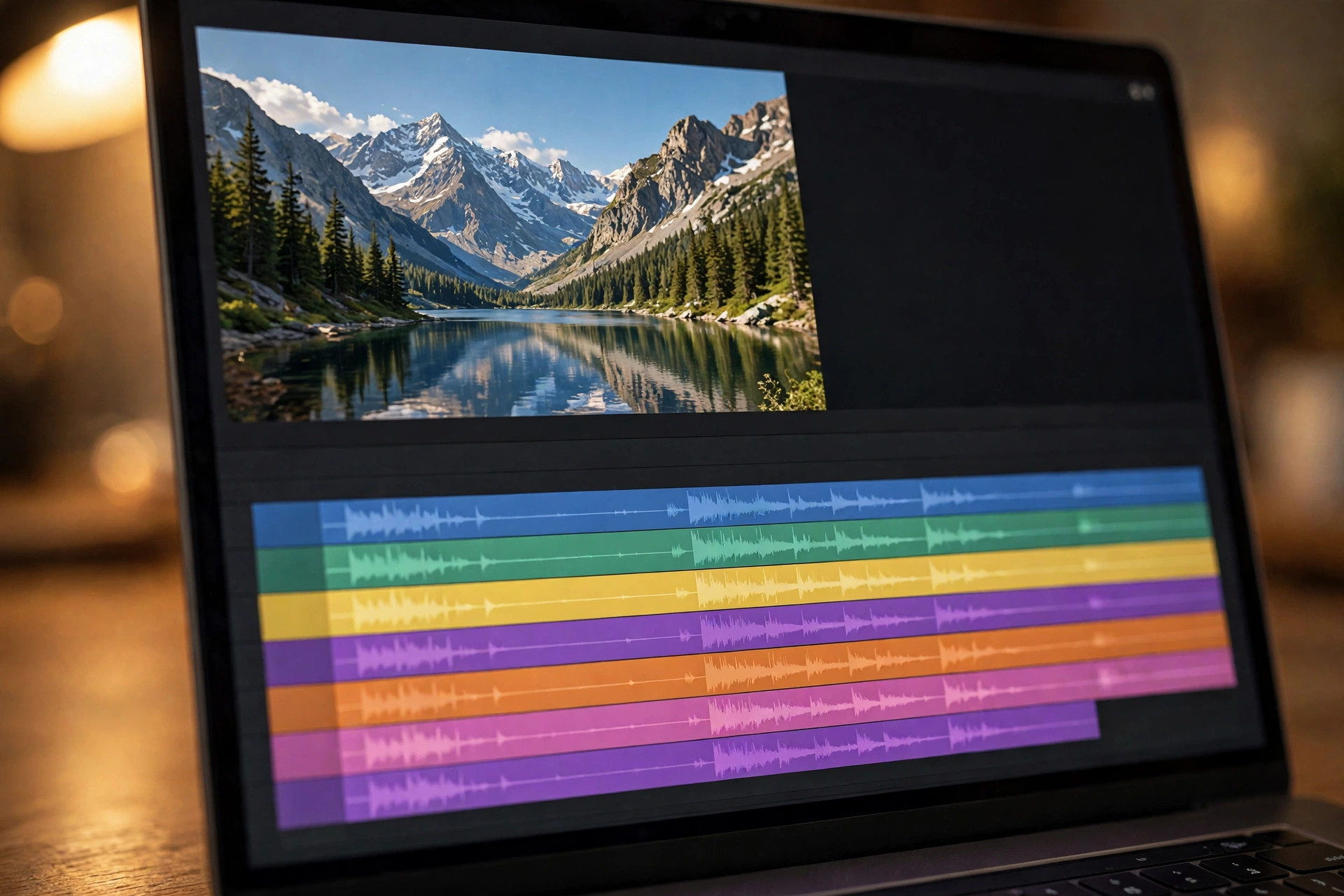
OpenCut is a free and open-source video editor for web, desktop and mobile. Its GitHub repository describes it in five words: "The open-source CapCut alternative." It is a browser editor with a multi-track timeline — video, images, text, stickers and audio — plus masks, keyframe animation, volume and speed controls, auto-captions generated on your device, caption import, and self-hosting through Docker for anyone who wants to run it themselves.
There is no account to create and no paid tier anywhere in the project. The code is MIT licensed, the repository is public, and the editor runs in your browser with projects saved locally. The short.now video editor covered in this series is built on OpenCut's code, which tells you the codebase is solid enough for other products to build on.
The numbers behind it are remarkable for a project this young. The repository was created on 22 June 2025. Re-checked on 24 November 2026, it holds 99,300 stars and 9,946 forks, with 1,599 commits. A video editor earning nearly a hundred thousand stars in five months is not a quiet side project. It is a tool the developer community has decided matters — and that community attention is the reason OpenCut leads this review.
The project is sponsored by companies that believe in open-source creator tools, including fal.ai, which supplies generative image, video and audio models. That sponsorship is listed on the official README, and it helps explain how a free tool sustains itself without charging its users.
Free Plan Details
The free plan is the whole product, because there is no paid plan. OpenCut is MIT-licensed open-source software: free to use, free to modify, free to self-host. The official README states the position plainly — "A free and open source video editor for web, desktop, and mobile" — and no pricing page, subscription tier or credit system exists anywhere in the project.
What does free include? The classic editor running at opencut.app today gives you a multi-track timeline, masks in rectangle, ellipse, star, heart and cinematic-bar shapes with feathering, keyframe animation, volume and speed controls, stickers, custom canvas sizes, and auto-captions generated by on-device models inside your browser, with caption import for existing subtitle files. Your files stay on your device and your projects save in your browser. There is no upload step, no cloud render queue and no account wall between you and the timeline.
The rewrite now in progress promises more: an Editor API, first-class third-party plugins through a plugin-first architecture, desktop, mobile and browser builds from one Rust core, an MCP server so AI agents can drive the editor, a headless mode for automation and batch rendering, and a scripting tab directly inside the editor. That is the version the stars are really cheering for — and it is not the version you can use today.
That split is the most important fact in this review, so here it is in full. The official README's Status section states that "OpenCut is being rewritten from the ground up" and that "you can still find the previous version at opencut-app/opencut-classic, which is the one to reach for today." The opencut.app site still runs that classic version. The rewrite will live at new.opencut.app until it is ready to take over. The classic repository is archived and no longer maintained, which means the editor you use today gets no new features and no fixes while the rewrite is built.
Four facts creators always ask about are not stated on the official pages I checked, and this review will not guess them. Whether classic exports carry a watermark, what the maximum export resolution is, whether a 9:16 vertical preset exists, and what the commercial-use terms are for videos exported from the hosted editor — none of those is confirmed on opencut.app or in the public README. A directory listing cites OpenCut's Terms for "no watermark" and "free for personal and commercial use," but the Terms page itself did not open for verification in this run, so those claims stay unconfirmed here. The MIT licence covers the software itself, which does permit commercial use of the code; the hosted service's export terms are a separate question the official pages do not answer. If any of those four points decides your choice, test an export yourself before committing a project to it.
Watermark and Commercial Use
The honest answer to both questions is the same: unconfirmed on the official pages. No watermark statement appears on opencut.app's homepage or in the public README, and no export resolution, 9:16 preset or commercial-use clause is stated there either.
What is confirmed is the licence. The project is MIT licensed, which is one of the most permissive open-source licences in existence: it allows commercial use of the software, modification and redistribution. That covers the code. It does not by itself settle what the hosted editor at opencut.app promises about your exported videos, and the pages do not settle it either.
Here is the practical way to read that gap. OpenCut's classic editor is a small, community-built tool, not a venture-backed product with a legal team writing plan-comparison tables. The absence of a watermark clause on the homepage is not evidence of a watermark, and it is not evidence of none. The directory claim of "no watermark" is plausible — the classic editor was built to be a clean CapCut alternative, and its own FAQ-style pages elsewhere describe watermark-free export — but plausible is not verified, and this series does not print plausible as fact.
If you need a guaranteed watermark-free, commercially-cleared export today, WayToVideo — reviewed in this same series — states both promises on its official pages. OpenCut's promise is different: it is open, it is free, and you can read every line of its code. For many creators that transparency is worth more than a marketing claim. For client work with a contract on the line, verify an export first.
How to Use It
Open opencut.app in your browser. The classic editor loads there — no download, no account, no sign-up step.
Import your clips. Video, images, text and audio go onto the multi-track timeline, and everything is processed in your browser.
Build the cut. Trim and arrange clips, layer B-roll and titles, and use masks and keyframes where a static cut is not enough.
Add captions. The auto-caption tool runs on-device models in your browser, or import an existing caption file instead.
Export your video. Render to MP4 or WebM on your own device, then watch the export and check it for any watermark before you post it — the official pages do not state the watermark position, so your own export is the verification.
If you want to run it yourself, self-host it with Docker from the public repository, or follow the rewrite at new.opencut.app and join the project's Discord to watch the new editor take shape.
Honest Verdict
Here is the catch the opening promised. OpenCut is free, open-source, MIT licensed and loved by 99,300 developers — and the editor you use today is archived. The classic version at opencut.app gets no maintenance while the team rewrites the whole editor from the ground up in Rust. You are adopting a tool whose present is frozen and whose future lives at a different address.
That is not a reason to dismiss it. The classic editor works today, it costs nothing, it asks for no account, and its code is yours to read, modify and self-host. For a creator who wants a free CapCut-style editor without a subscription, a watermark question mark and a login wall, it is a genuine option — and the 99,300 stars say the community agrees. The short.now editor built on this same code is proof the foundation is solid.
But go in with your eyes open. Four things the official pages do not state — watermark, export resolution, 9:16 support and commercial terms — stay unconfirmed in this review, and the archived status means no fix is coming to the classic build. If you need guaranteed 4K, a stated commercial licence and a supported product, the free editors in this series that state those promises on their official pages are the safer pick for paid work today.
The honest summary is one sentence. OpenCut is the most exciting free editor in this series and the least finished — a beloved open-source project between versions, free today, with its best version still being written. Use the classic editor for personal projects, verify your exports, and keep an eye on new.opencut.app. The rewrite is the tool the stars are really waiting for.
You can try it yourself on the official OpenCut website. Have you tested the classic editor yourself — did your export come out clean, or did the archived version show its age? Tell us in the comments.







Comments 0
Sign in to join the conversation.
No comments yet. Be the first to say something.