

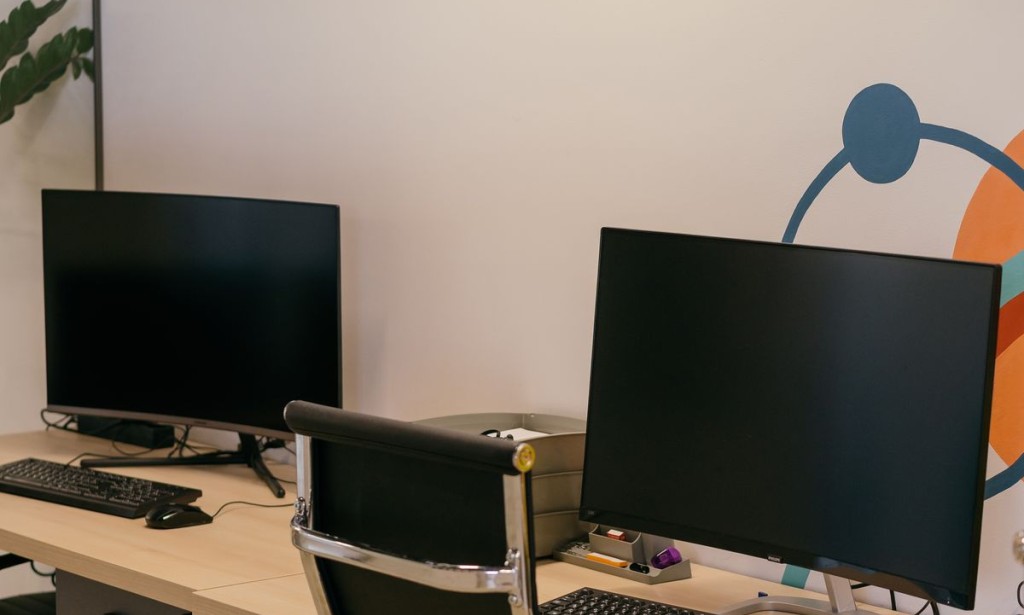
The ten to fifteen thousand rupee band is the busiest corner of the Pakistani laptop market, and also the most misunderstood. Buyers arrive expecting a new machine and leave with a five- to ten-year-old business laptop that has been refurbished, re-batteried, and cleaned. That is not a scam. It is how this price segment works, and once you understand it, the risk drops sharply.
This guide explains what this budget actually buys, which machines show up again and again, what to inspect before money changes hands, and where the genuine bargains hide.
What 10,000 to 15,000 Rupees Actually Buys
At this price, the realistic options are used business-class laptops and the bottom tier of new budget machines. New devices in this range are usually low-power processors with 4GB of memory, slow storage, and a plasticky chassis. They run a browser and a document, and little else.
Used business laptops are the better value. Corporate fleets are retired in bulk, which floods the market with durable machines built to survive office life. A ThinkPad, Latitude, EliteBook, or ProBook from the mid-2010s usually offers a better keyboard, a stronger hinge, and more repairable internals than anything new at this price.
Machines That Keep Appearing in This Band

Ex-corporate business laptops dominate the entry price band.
You will see a lot of Dell Latitude E-series and early 7000-series, HP EliteBook 840 and 820 generations, Lenovo ThinkPad T440 and T450 era machines, and older Acer and Asus consumer models. Availability shifts weekly, and asking prices vary by city and condition, so treat any model list as a starting point rather than a price guarantee.
Generation matters more than brand. A sixth-generation Intel chip with 8GB of RAM will feel usable for browsing and writing. A fourth-generation chip with 4GB will struggle the moment a browser opens more than a few tabs.
The Specs That Matter at This Price
Memory first. 8GB is the practical minimum for Windows in 2026; 4GB will make you miserable. If the laptop has a spare slot, buying a used 4GB stick is cheap and instantly improves the experience.
Storage second. A solid-state drive changes everything. A machine with a 256GB SSD will feel faster than a newer one with a spinning hard disk. If the listing says HDD, budget for a swap or keep looking.
Processor third. Look for an i5 from the sixth generation onward, or a comparable Ryzen chip. Ignore clock speed claims and check the exact model number instead.
What to Check Before You Pay
Battery health is the single most expensive hidden problem. Ask for the design capacity and the current capacity, or run a report on the spot. Most machines at this price have degraded cells, and a replacement can cost a meaningful fraction of the purchase price.
Check the hinge by opening the lid slowly. Listen for cracking. Look at the corners of the screen for pressure marks. Type on every key. Test both USB ports, the headphone jack, the webcam, and the Wi-Fi. Ask for the charger, and confirm it is the correct wattage for that model rather than a generic brick.

Every key, port, and hinge should be tested before you pay.
Where to Buy Without Getting Burned
Local markets still matter. Hall Road in Lahore, the Saddar electronics area in Karachi, and the main bazaars in Rawalpindi and Peshawar have stalls that specialise in refurbished imports. Buying in person lets you test everything, which is worth more than a small online discount.
Online classifieds are cheaper but riskier. Meet in a public place, bring a charger, and test for at least ten minutes. If a seller refuses inspection, walk away. Avoid paying in advance to a stranger for a machine you have not touched.
Red Flags Worth Taking Seriously
A price far below the rest of the market usually means a stolen unit, a failed board, or a machine with no working battery. Missing screws and a swollen bottom panel suggest amateur repairs. A screen with a bright pressure spot will get worse, not better. And any laptop sold without a charger should be treated as incomplete.
Can It Run Windows 11?
Windows 11 officially requires an eighth-generation Intel processor or newer, TPM 2.0, and Secure Boot. Many machines in this band fall below that line. They can still run Windows 10 comfortably, and they can run a lightweight Linux distribution very well. If Windows 11 support matters to you, verify the processor generation before buying.
Realistic Uses for a 15,000 Rupee LaptoAccessories and Hidden Costs
Budget for the things that do not come in the box. A replacement charger for an older business laptop is not expensive in local markets, but a genuine one costs more than a generic clone and lasts considerably longer. A sleeve, a mouse, and a cheap external drive will add to the total, and a battery replacement can quietly double your outlay if you buy badly. Factor those into the price you are willing to pay rather than discovering them a month later.
It also helps to check what software the machine ships with. A licensed copy of Windows is worth something; a machine with an activation tool and no key is worth less. Ask whether the seller will let you run a battery report and a quick disk check before you hand over cash, and treat hesitation on that request as an answer in itself.p
Browsing, documents, email, online classes, and light photo management are all reasonable. Video calls work if the machine has 8GB of memory. Gaming is limited to older titles at low settings. Video editing and modern 3D work are not realistic, and no amount of tuning changes that.
Frequently Asked Questions
Is it better to buy new or used at this price? Used, almost always, provided you inspect it. New machines at this price cut the components that matter most.
How long will it last? Two to four years of light use is a reasonable expectation from a well-chosen refurbished business laptop.
Should I upgrade RAM or storage first? Storage, if it still has a hard disk. Then memory.
Are imported refurbished laptops reliable? They are as reliable as the seller's inspection. Ask what was replaced and insist on a short testing window.
Can I negotiate? Yes. Prices in physical markets are rarely fixed, especially for cash purchases.
Conclusion
At ten to fifteen thousand rupees, you are buying judgement rather than specifications. Pick a business-class machine with 8GB of memory and an SSD, test the battery and hinge properly, and accept that the cosmetics will show their age. Buy the machine that was looked after, not the one that looks newest.






Comments 0
Sign in to join the conversation.
No comments yet. Be the first to say something.