

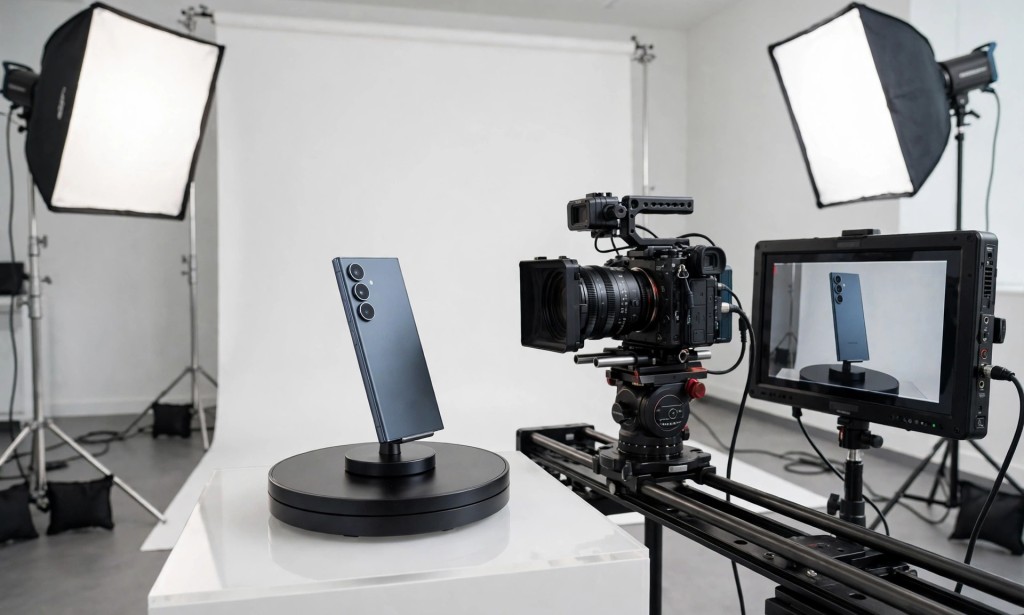
A full 15-second video — with dialogue, lip-sync and a moving camera — for about one dollar. That is the real maths behind Google's newest video model, and it changes who can afford to produce video ads at scale.
The model is Gemini Omni 1.2 Flash, from Google DeepMind. In this full breakdown we explain what it does, what is actually new, exactly what it costs, where you can use it today — and the two honest catches, one of which is printed inside every video it makes. That catch is waiting near the end.
What Is Gemini Omni 1.2 Flash?
Gemini Omni 1.2 Flash is a video generation and editing model built for high-volume business video: product videos, virtual try-ons and ads. Google rolled it out on November 5, 2026, and made it generally available across the Gemini API and Gemini for business — the first time the Gemini Omni line has been generally available at all, now backed by Google Cloud's enterprise infrastructure.
It creates and edits video from text, image and video input. It follows image, video and audio references closely, generates native audio including multi-speaker dialogue, and lets you refine a clip over several conversational turns while keeping the scene consistent. The published model listing specifies an input limit of 131,072 tokens and an output limit of 65,536 tokens.
What Is New: 15 Seconds, Up From 10
The headline upgrade is length. Omni 1.2 Flash generates and edits videos natively up to 15 seconds long, up from 10 seconds with Omni 1.1. You can specify the duration in one-second increments, from 3 to 15 seconds — enough room for a complete product explainer or a full social ad spot in a single generation, instead of stitching fragments together.
Clips can also be extended to build longer sequences, up to 30 seconds in total according to the model listing, while interpolating between a first and last keyframe if you want a defined start and finish.
For short-form creators, that jump matters more than it sounds. Fifteen seconds is a complete Reel or ad. Ten seconds was a fragment.
The Price: $0.07 Per Second, Explained Simply
Google dropped the price 30% from Gemini Omni 1.1: Gemini Omni 1.2 Flash costs $0.07 per second for 720p video.
In plain money:
A 5-second product clip costs about $0.35.
A 10-second clip costs about $0.70.
A full 15-second clip costs about $1.05.
The workflow is designed to keep costs down further. You draft fast at 360p or 720p, fix a detail with a follow-up edit instead of re-generating the whole clip, and upscale only your best creations to 1080p or 4K at 24 frames per second.
Ask yourself this while reading the next section: how many failed generations does your current video tool waste before one clip is usable? That is where conversational editing changes the economics.
Editing by Conversation: Fix It, Don't Re-Generate It
The most practical new feature is multi-turn conversational editing, and it works across the full 15-second clips.
Instead of starting over from scratch, you refine the same clip turn by turn: swap a product or a background, change the lighting or the weather, switch the aspect ratio — each as a simple follow-up instruction in the conversation. Google's own demo swaps a scene's background step by step, from a pavilion tent to an oak forest, a stable and a castle courtyard, while both characters' performances and the camera framing stay intact.
For advertisers, this is the feature that pays: one hero clip can become ad variants for different audiences and placements without re-briefing or re-generating everything.
Reference Following: Try-Ons, Products and Brand Consistency
Omni 1.2 Flash accepts combined references — character, product or style images, short motion clips of up to three seconds, and audio cues — and holds onto those details from start to finish.
Faces, garments, packaging typography and brand colours stay consistent across camera angles. Google's demonstration takes one model photo plus front-and-back product shots of three outfits and generates a 15-second virtual try-on sequence with 360-degree turns and match cuts, keeping the model's identity and each garment's cut, drape and back details consistent.
That is aimed squarely at e-commerce: existing product photography becomes try-on clips, catalog

spins and branded video ads, without a studio shoot.
Sound, Speech and Camera: The Quality Upgrades
Three quality jumps round out the release:

More natural speech: more fluid, natural-sounding dialogue with clearer lip-sync and distinct multi-speaker conditioning. In Google's conservatory demo, one scene image plus four character, mouth and one-second voice references were enough for the model to route each voice to the right character with expressive lip-sync across a 15-second scene.
Stronger consistency: characters, objects and scenes hold together from the first frame to the last, with less visual drift or morphing across motion and camera transitions.
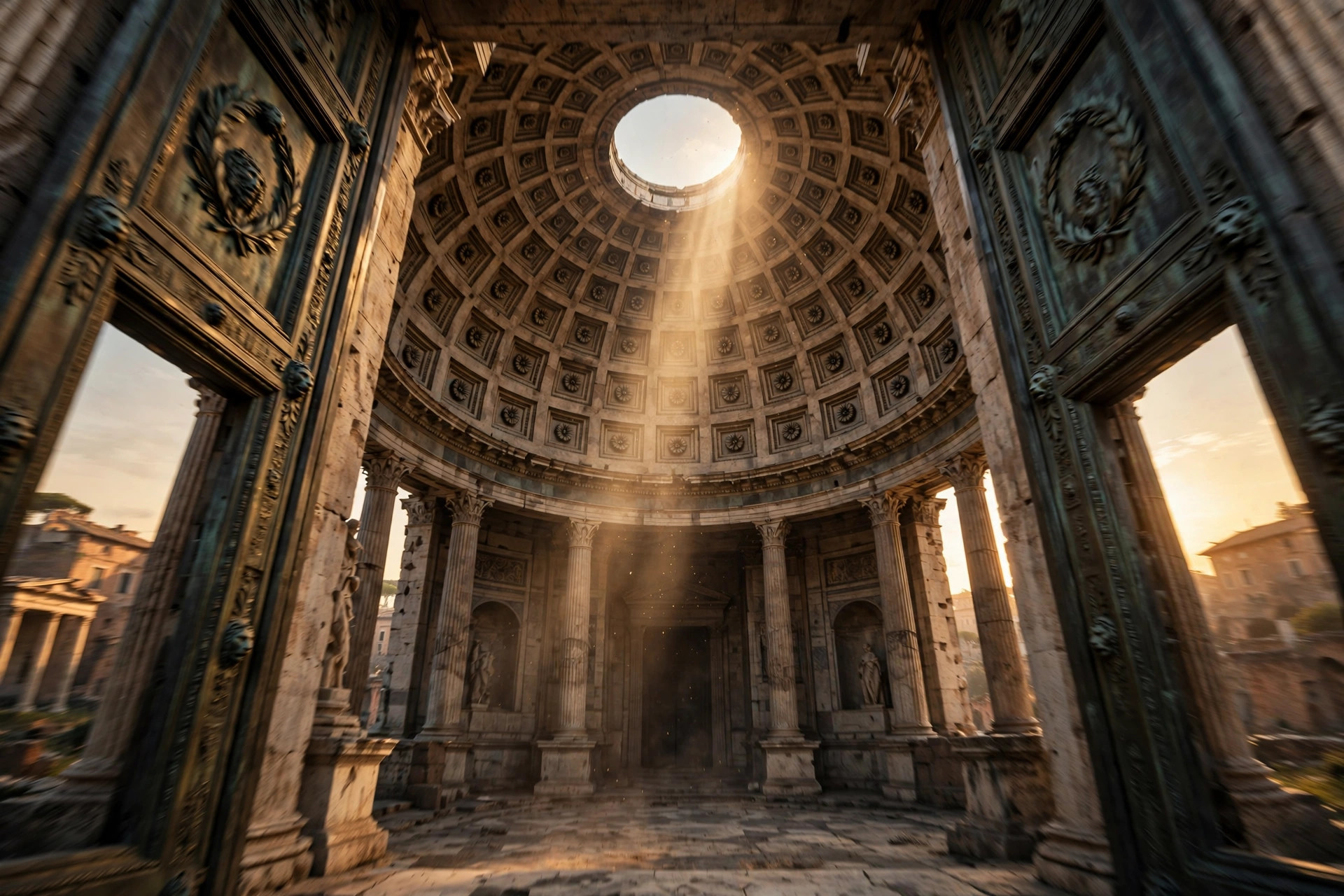
Cinematic camera control: complex, continuous camera movements — sweeping FPV flythroughs, dramatic zoom-outs and orbits — with significantly fewer unwanted jump cuts. One demo flies a single continuous shot through the Pantheon's doors and up to its oculus with zero jump cuts.
Where Can You Use Gemini Omni 1.2 Flash Today?
This is a generally available model, so the access list is refreshingly concrete:
Developers: through the Gemini API — prototype in Google AI Studio, with developer documentation and pricing published.
Businesses: in the Google Cloud console and via Gemini for business, with Provisioned Throughput available for production scale.
Creators in Google apps: direct scenes and multi-turn edits in Flow; generate 15-second clips in Google Vids at no additional cost with a Google account or Google Workspace subscription; create 15-second videos in the Gemini app, rolling out to Google AI Ultra subscribers; and scale video campaigns in Google Ads.
That Google Vids route is the closest thing to a free taste of this model — worth knowing before you budget for API usage.
Gemini Omni 1.2 Flash vs 1.1: What Actually Changed
If you used the previous version, here is the upgrade in one place:
Clip length: 15 seconds native, up from 10 seconds — a 50% jump.
Price: $0.07 per second at 720p, 30% cheaper than Omni 1.1.
Editing: multi-turn conversational editing is the new workflow — fix details in chat instead of re-generating whole clips.
References: stronger adherence to image, motion and audio references, with less drift between the first and last frame.
Speech: more natural multi-speaker dialogue with clearer lip-sync.
Availability: this is the first Gemini Omni release that is generally available to all developers and businesses, rather than a limited rollout.
Who Should Use It First?
Three groups get the most from this model today. Online sellers and small brands can turn existing product photos into try-on clips and catalog videos for roughly a dollar per finished 15-second asset — a fraction of a studio shoot. Social media marketers can generate one hero clip and then produce audience and placement variants through conversational edits, instead of commissioning separate cuts. And creators already inside Google's apps can test the model in Google Vids at no additional cost before committing any API budget at all.
The pattern to notice: almost every upgrade in this release is about production economics — longer clips, cheaper seconds, fewer wasted re-generations — rather than a single flashy new trick. That is
what "built for high-volume business video" actually means in practice.
The Two Honest Catches
Now the catches we promised, because no model launch is complete without them.
Catch one: every video is watermarked. Every output from Gemini Omni 1.2 Flash carries a SynthID watermark. Google describes it as imperceptible — you will not see it — but it is embedded in the video so the content can be identified as AI-generated. For businesses this is a compliance feature. For anyone hoping to pass AI video off as real footage, it is a hard limit, and honestly, a fair one.
Catch two: Google names its own weak spots. In its official announcement, Google states plainly that development is ongoing to improve fast sports action, rapid script changes and complex physics. If your use case is a sprinting athlete or a fast-cut action scene, expect imperfect results today. Slow product shots, dialogue scenes and camera flythroughs are where this model is strongest.
Gemini Omni 1.2 Flash Explained — the NEXA verdict: at $0.07 a second, with 15-second native clips, conversational editing and reference-locked consistency, this is the most production-ready AI video model Google has released for businesses and creators. It is not free on the API and every clip carries a SynthID watermark — but the Google Vids route gives you a no-extra-cost way to test exactly what it can do before you spend a dollar.
Final Word
Gemini Omni 1.2 Flash explained in one line: it is Google's high-volume video factory — longer clips, lower prices, edits by conversation, and references that actually stay locked. You can read Google's complete official announcement here: https://blog.google/innovation-and-ai/technology/developers-tools/introducing-gemini-omni-1-2-flash/ — and tell us in the comments: if a polished 15-second product video cost you about one dollar, what is the first product or idea you would film with it?







Comments 0
Sign in to join the conversation.
No comments yet. Be the first to say something.