

Flixier hands you 500 free AI credits a month. It sounds generous until you open the official credit table and do the arithmetic — and the arithmetic is the whole story of this review. The cheapest AI video clip on Flixier's own pricing page costs 2,500 credits. Five hundred divided by 2,500 is zero. Not one clip. Not a short one, not a low-resolution one. Zero. So what does the free plan actually give you? The answer is in the verdict below.
What It Is
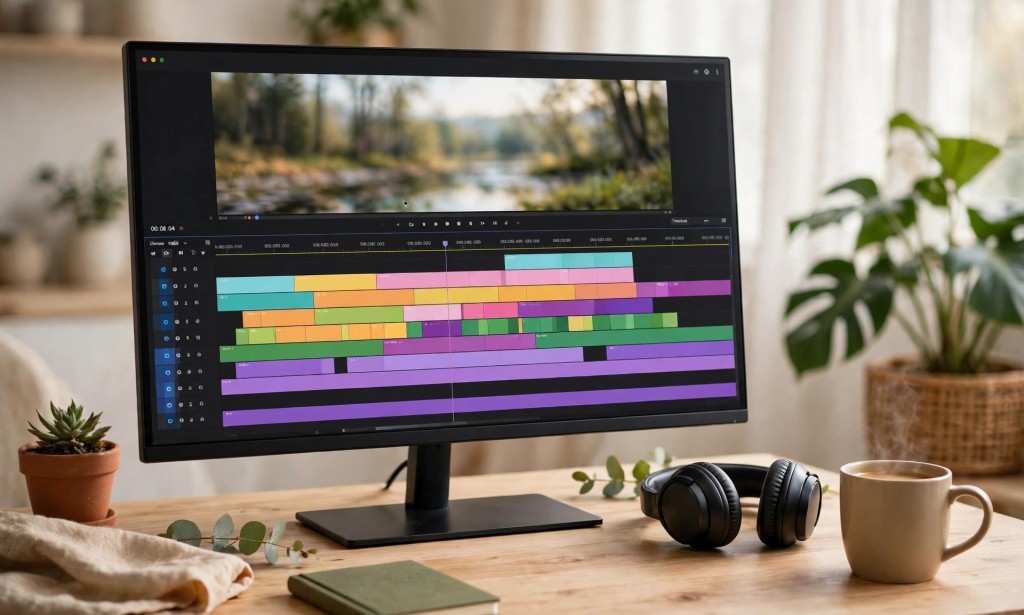
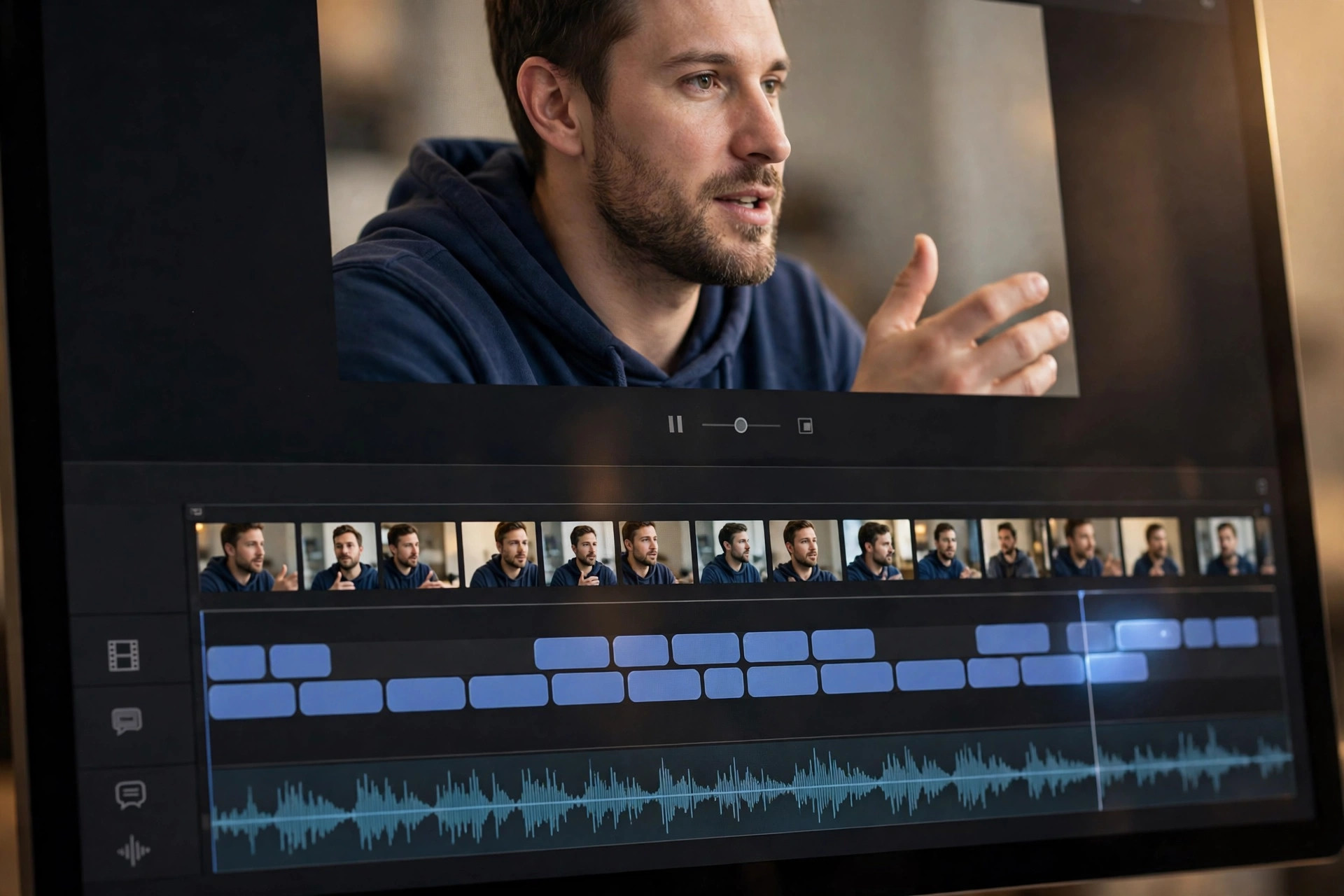
Flixier is a browser-based video editor with AI tools built into the timeline. You edit in your browser — no download, no installation — and the AI helps with captions, transcription, background removal, and generating clips with models like Kling, Runway, Veo, and Seedance. It is an editor first and a generator second, and that order matters, because the free plan only really delivers on the first half.
The AI features have names that sound like they belong to the free plan. There is Eva, Flixier's AI assistant, and there is AI video generation inside the timeline. But the official pages draw a hard line: generating video with Eva, and editing with Eva, are Creator-plan features. On the free plan, Eva only answers questions — the help page lists "Ask Eva for Help" as the free tier's version. The distinction is easy to miss on the homepage and impossible to miss on the pricing page.
Flixier is built for creators who edit talking-head videos, tutorials, and social clips in a browser and want AI to speed up the boring parts: auto-subtitles, transcript-based editing, quick cleanups. It is not a free AI video generator, despite what the 500-credit line suggests.
Free Plan Details
Here is exactly what the official pricing page gives free users, verified today on flixier.com/pricing. The free plan costs US$0 a month, and the page says plainly: "Try it free. No card needed." No credit card is required, though an account is — the Terms require you to establish a user account to use the platform.
The headline allowance is 500 AI generation credits per month. Alongside that, the free plan includes 10 minutes of video export per month, 5 minutes of subtitles per month, 720p maximum resolution, 2 GB of storage, and a limited stock library — premium assets are marked with a yellow diamond and are not included. Every export on the free plan carries a Flixier watermark, and the official help page says so without hedging: "All videos exported on the Free plan will feature a Flixier watermark."
Now the arithmetic. Flixier's official credit table prices AI video generation per clip, and the cheapest video clip on the entire table is Kling O1 at 5 seconds for 2,500 credits. The next cheapest is Runway Gen-4 Turbo at 5 seconds for 2,750 credits, and Veo 3 Fast at 4 seconds costs 3,200. Your free allowance is 500. You are five times short of the cheapest clip on the menu. The table also lists newer models — Seedance 2.5, MiniMax H3, Wan 3.0, Gemini Omni Flash, Kling 3.0 — but every one of them costs more than 500 credits, not less.
The pricing page describes the 500 credits as being for testing "generative video, image, and audio models", but the credit table lists video costs only, so what the 500 credits buy in image or audio generation is not verifiable from the official pages. And the table's "Videos / monthly" column does not reconcile with the free plan at all — it shows Kling O1 at 33 videos a month, which would need 82,500 credits.
What the free plan genuinely gives you is ten minutes a month of edited exports at 720p: your own footage, cut in the browser, with auto-subtitles for five of those minutes. That is a real, usable free editor. It is simply not a free AI video generator, and the 500-credit figure is the reason why.
There is, however, one piece of genuinely timely news. Flixier is running a live Black Friday offer on its official Black Friday page: code BLACKFRIDAY80 gives 80% off your first month, and code BLACKFRIDAY65 gives 65% off annual plans at checkout. No expiry date is shown anywhere on that page, so the deadline is unconfirmed — but the codes themselves are verified on an official Flixier page today, and they change the upgrade math considerably for anyone who was already considering a paid plan.

Watermark and Commercial Use
Every video you export on the free plan carries a Flixier watermark. The official help page is blunt about it, and the pricing FAQ explains the reasoning in Flixier's own words: "The watermark is how we keep the free plan free." Upgrading to any paid plan removes it permanently. For a creator posting to Reels or TikTok, a watermarked 720p export is a test render, not a publishable video.
Commercial use is where this review found something genuinely new. Earlier checks could not verify Flixier's commercial-use rules at all. Today, the official Terms contain a full "AI Terms of Use" section, and it is worth quoting carefully. Section 4 grants you "a non-exclusive, revocable, worldwide license to use, download, and share AI-generated content, provided you comply with these terms." That sounds like permission — until you read Section 1, which warns that "not all AI-generated content is safe for commercial use" and makes you responsible for ensuring your use does not infringe third-party rights, with Flixier reserving the right to limit commercial usage of certain AI outputs. Section 8 adds that Flixier does not guarantee AI outputs will be "suitable for any commercial use."
So the honest summary is: commercial use of free outputs is not banned outright, but it is expressly not guaranteed, and the licence can be revoked. The Terms draw no distinction between free and paid plans on this point — the caveats apply generally. One carve-out helps editors specifically: restrictions on generated elements do not, by themselves, prohibit lawful commercial use of your own original footage edited through the mobile app. In plain terms, your footage is yours; the AI-generated parts come with conditions you must check yourself.
There is also good news on formats: the editor has vertical aspect-ratio presets, and the homepage confirms you can "resize to 9:16 and add the captions in the same pass", so a 9:16 workflow is supported — capped at 720p on the free plan, which means 720 by 1280 at best.
How to Use It
Go to the official Flixier website and create a free account. No credit card is needed, but an account is required.
Upload your own footage or start from a template. Remember that the free plan is an editor first — plan your project around footage you already have.
Use the transcript tools to cut silences and generate captions. Your free plan includes 5 minutes of subtitles a month, so spend them on the clips that need them most.
Try the AI tools that are actually available on the free plan, and notice which ones are not. AI video generation inside the timeline is a Creator feature — do not plan a project around generating a clip with your 500 credits, because the cheapest one costs 2,500.
Keep your exports inside the 10-minute monthly limit and at 720p. Every export will carry the Flixier watermark, so treat free exports as drafts and tests, not final posts.
If you like the editor and want watermark-free 1080p exports, the paid plans are straightforward: Starter at US$19 a seat a month with 2,000 credits and 60 export minutes, Creator at US$39 with 10,000 credits and unlimited exports, or Business at US$69 with 30,000 credits. Annual billing drops those to US$9, US$18, and US$31 a seat a month — and the live Black Friday codes cut the first month by 80%.
Before you publish anything commercially, re-read the AI Terms of Use yourself. The licence is revocable and the commercial safety of AI outputs is explicitly not guaranteed.
Honest Verdict
Here is the catch this article held back until now, and it is the only one that matters: Flixier's free plan is a real free editor and a fake free AI video generator. The 500 credits look like a starting balance for AI video, but the official credit table prices the cheapest clip at five times that amount, and the generation feature itself sits behind the Creator plan. The free plan was never going to make you an AI video. It was going to let you edit ten minutes of your own footage a month in a browser, with a watermark on every export.

As a free editor, Flixier is genuinely usable: no card, no download, real captions, real 9:16 presets, ten export minutes a month. As a free AI video source, it scores zero, because zero is the number of clips 500 credits can buy.
Who should use it? Creators who want a browser editor for their own footage and do not mind a watermark on test exports. Who should skip it? Anyone hunting for free AI-generated clips — look elsewhere, because the credit table has already told you the answer. And anyone who needs clean, watermark-free, commercially certain exports should either pay or pick a tool whose free plan was built for publishing, not for trying.
The Black Friday codes are the one reason to act this week rather than next: 80% off the first month makes the Creator plan — the one with real AI generation, 10,000 credits, and no watermark — genuinely cheap to test properly. But the codes have no published expiry date, so treat them as live today and unconfirmed tomorrow. That, in the end, is Flixier's free plan in one sentence: a good editor wearing a generator's numbers, and a good deal if you read the table before you read the headline.
You can try it yourself on the official Flixier website — but run the credit math first, and check the Black Friday page before you pay anything. Have you tested the free plan yourself — did the export come out clean, or did the watermark show up? Tell us in the comments.







Comments 0
Sign in to join the conversation.
No comments yet. Be the first to say something.