

What if a free video editor really let you export as many videos as you like, in full 1080p, with no watermark — and the only thing it asked for was a Microsoft account? That is exactly what Microsoft Clipchamp promises on its official pricing page, in plain words, with no asterisk next to the headline claim.
So why is every creator not already editing in it? The answer is smaller than the headline, and it decides whether Clipchamp belongs in your workflow at all. The catch is in the verdict below, and it is not the price. It is about what the free plan lets you make, and what it quietly will not let you sell.
This review sticks to what Microsoft's own pages actually said on November 12, 2026. Nothing else is presented as fact.
What It Is
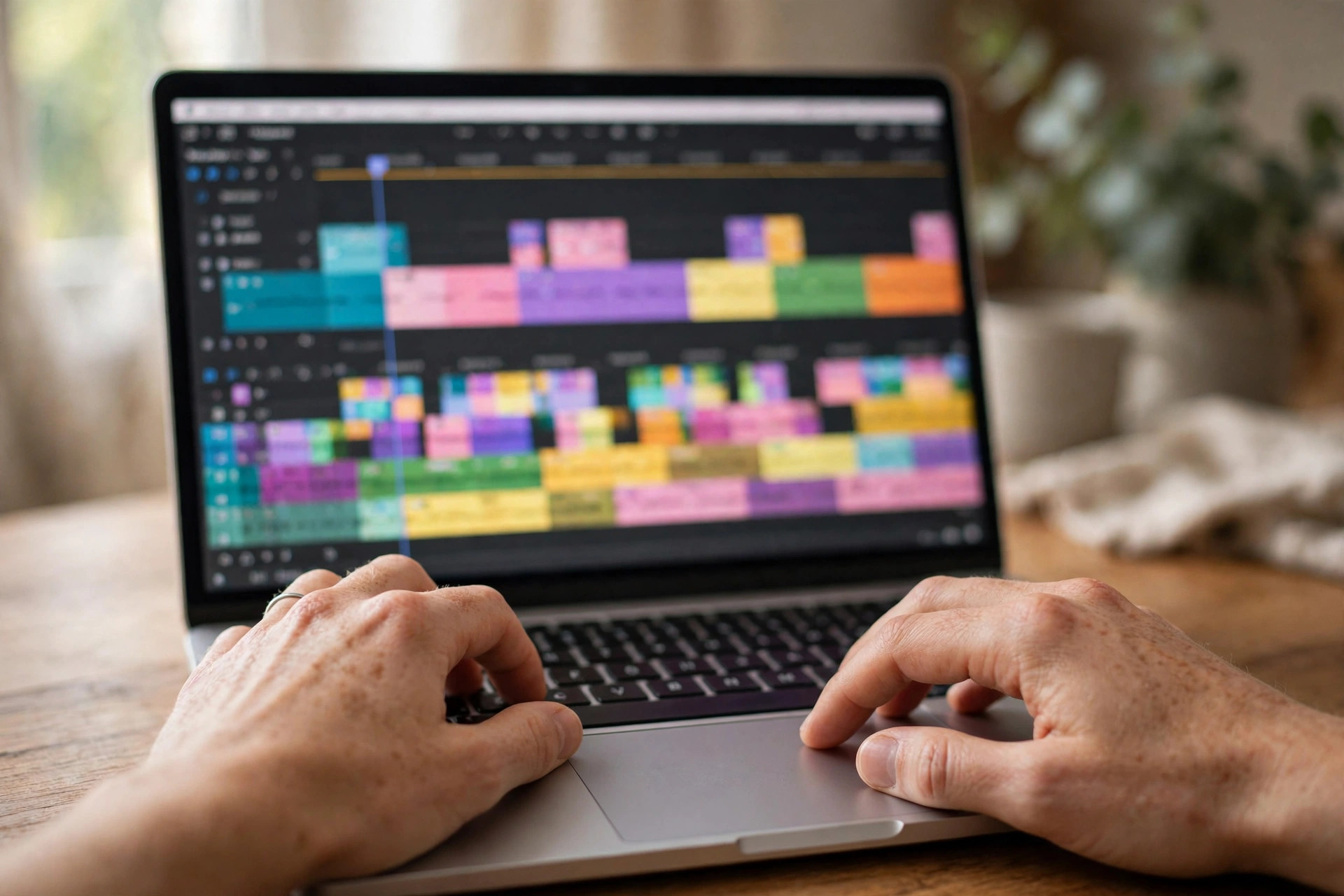
Clipchamp is Microsoft's browser-based video editor. It lives at clipchamp.com, it runs in the browser with no download required, and there are also Windows and mobile versions for creators who prefer an app. You sign in with a personal Microsoft account and you are editing within minutes.
The important thing to understand first is what kind of tool this is. Clipchamp is an editor, not a scene generator. It does not turn a text prompt into a cinematic video clip. Its artificial intelligence helps you edit footage you already have: automatic subtitles, AI voiceovers, and silence removal are all listed as included on the free plan, alongside the everyday tools — trim, crop, resize, rotate, a screen, camera and voice recorder, animated text and titles, and the ability to export audio on its own.
That distinction matters more than it sounds. If you already generate AI clips somewhere else, or you film your own footage, Clipchamp is the place where that footage becomes a finished video. If you were hoping to type a prompt and watch a scene appear, this is not that tool. Keep that difference in mind, because the free plan is generous in exactly one direction, and the verdict will show you which one.
You can use Clipchamp from the USA. It is a Microsoft product, it signs you in with a personal Microsoft account, and nothing on the official pages restricts it by region.
Free Plan Details
The free plan costs $0. The pricing page states it plainly: "Sign in with a personal Microsoft account to get started. No payment or downloads required." There is no credit-card step and no trial clock ticking in the background.
Here is what the free plan actually includes, word for word from the official comparison table. Watermark-free video exports are included. Export resolution goes up to 1080p HD. AI video editing tools are included. AI audio editing tools are included. Trim, crop, resize and rotate are included. The screen, camera and voice recorder are included. Animated text and titles are included. Exporting audio only is included. Content backup on OneDrive is included. Free stock assets — royalty-free videos, images, stickers, GIFs, music and sound effects — are included. Free filters and effects are included.
And then there is the line that makes this free plan different from almost every other free video tool on this account. The pricing page's frequently asked questions section says: "The free plan lets you work on and export as many videos as you like." Not a monthly allowance. Not a handful of trial exports. As many videos as you like, exported in up to 1080p, with no watermarks.
Have you ever hit a free plan's export limit on the very day a video was due? That is the frustration Clipchamp's free plan removes. No credits to count, no monthly refill to wait for, no export counter to watch. The limit that matters is not how many videos you can export. It is what kind of video you can make, and that is where the next section starts to matter.
One thing the free plan does not include is the brand kit tool for logos, colors and fonts. That is reserved for Premium. Everything else on the list above is yours for free.
What the official pages do not state is a maximum video length for the free plan. No duration cap appears on the pricing page or the support page that was checked for this review. So this article does not claim one. If your project is a long video, check the length inside the editor before you plan around it.

Watermark and Commercial Use
Two questions decide whether a free video tool is useful for real work: can you use the output commercially, and does it carry a watermark? Clipchamp answers the first one better than almost any free tool we have reviewed. The second one is where you need to slow down.
First, the clear answer. Watermark-free video exports are included on the free plan, and the pricing page's FAQ repeats the point in full: "Export videos in up to 1080p (full HD) video resolution for free, with no watermarks." There is no condition attached to that sentence. You do not need to avoid a particular feature, delete an ending clip, or hide a logo the way some other free editors require. A standard free edit exports clean.
Now the careful answer. The official pricing and support pages checked for this review do not state a commercial-use permission for the free plan. And Clipchamp's terms page points to Microsoft's general Terms of Use, which say: "Unless otherwise specified, the Services are for your personal and non-commercial use." That is a general website clause, not a Clipchamp-specific licence, and this article will not overstate it. But it does mean one thing plainly: monetized use of free Clipchamp output is not confirmed by the official pages. Your own footage, edited by you, is the safer reading. Built-in stock media carries its own reuse rules, and those rules are not spelled out as a free-plan commercial permission on the pages checked.
So the honest picture is this. The watermark question is settled, and settled in your favor. The commercial question is not settled, and you should not plan a monetized channel around an assumption. Check your own export and your own use case before you publish anything for money.
How to Use It
A simple order helps you test the free plan honestly, instead of assuming it fits your workflow before you have exported a single video:
Go to the official Clipchamp website and sign in with a personal Microsoft account. There is no payment step and nothing to download if you use the browser version.
Start a new video and import footage you already own — a clip from your phone, a screen recording, or a generated clip from another tool.
Try the AI tools first, because they are the free plan's real shortcut: generate automatic subtitles, test an AI voiceover, and run silence removal on a talking-head clip to feel how much time it saves.
Add animated text and titles, then browse the free stock library for a B-roll shot or a sound effect. Remember that the free library is the free tier of stock — the premium assets sit behind the paid plan.
Export your video at 1080p and watch it in full. Check the whole frame for any mark, check the audio, and check the ending, because a clean export is only clean if you verify it.
Decide whether the editor fits your daily routine. If it does, you have a free, watermark-free 1080p workflow with no export limit. If it does not, you have learned that in an afternoon, without paying.
What the Paid Plans Cost
If the free plan is too narrow, the paid side is not a standalone Clipchamp subscription. Premium features now come through a Microsoft 365 Personal or Family subscription, and the pricing page shows no separate Clipchamp Premium price. That is a verified fact of the page as it stands today: there is no standalone monthly figure to quote, so this article does not invent one.
What Premium adds, according to the same official table, is 4K UHD video exports, premium stock assets, premium filters and effects, and a single brand kit. The free plan keeps 1080p, the free stock library, and the free filters and effects. If you already pay for Microsoft 365, the upgrade may already be sitting in your account. If you do not, the price of Premium is the price of that subscription, which is set on Microsoft's own pages, not on Clipchamp's.
Honest Verdict
Here is the catch the opening promised, and it has two parts.
The first part is the missing generator. Clipchamp's free plan is one of the most generous free editing deals available anywhere: unlimited exports, 1080p, no watermark, AI subtitles, voiceovers and silence removal, all for the price of a Microsoft account. But it edits footage. It does not create it. If your workflow is filming, screen recording, or generating clips in another tool and then polishing them, Clipchamp is genuinely hard to beat for free. If your workflow is typing a prompt and expecting a finished scene, you will open the editor, look for the generation button, and find that it is not there.
The second part is the commercial question. The watermark is gone, but the permission to earn money from the result is not confirmed on the official pages. For personal projects, practice, and learning, that does not matter. For a monetized channel, it matters a lot, and it is the one thing you should resolve before Clipchamp becomes your daily editor.
So the verdict is a clear yes with a clear boundary. Use Clipchamp free to cut, caption and export your videos in clean 1080p with no watermark and no export limit. Do not expect it to generate your scenes, and do not assume the free plan covers commercial publishing until Microsoft says so in plain words. Within those two lines, it is one of the best free tools this account has reviewed.
You can try it yourself on the official Clipchamp website. Have you tested the free plan yourself — did your 1080p export really come out clean, or did you hit a limit the pricing page never mentioned? Tell us in the comments.







Comments 0
Sign in to join the conversation.
No comments yet. Be the first to say something.