

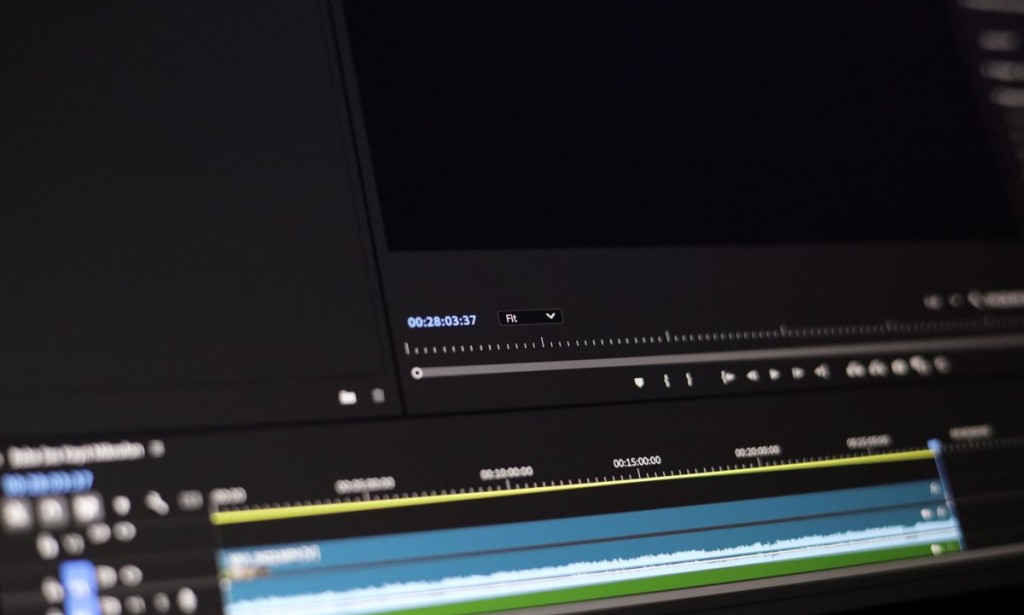
Gaming laptops are often pitched as all-round machines for content creation, and to a degree that is true. They have the graphics power, the memory capacity, and the storage speed to handle video work. But editing and streaming stress a laptop differently from gaming, and a machine that plays games beautifully is not automatically the best tool for cutting and exporting footage. The differences are worth understanding before you buy.
This guide explains what matters for video editing and streaming, and how to choose a machine that handles both without disappointment.
Processor Cores Matter More Here
Video editing leans on the processor more than gaming does. Cutting, effects, and especially exporting benefit from more cores and higher sustained performance. This is the opposite of gaming, where the graphics chip usually dominates. A machine with a strong multi-core processor will export video faster and feel smoother in editing timelines.
Because exporting is a sustained task, cooling matters too. A laptop that throttles during a long export takes far longer to finish than its benchmark scores suggest.
Memory Is Not Optional
Video editing software is memory-hungry, especially with high-resolution footage or multiple effects. Sixteen gigabytes is the realistic minimum, and more is genuinely useful if you work with large projects. Running out of memory during an edit is a frustrating experience, and it is the most common reason a machine feels inadequate for this work.
Check whether the memory is upgradeable, because adding more later is often cheaper than buying a machine with more from the start.
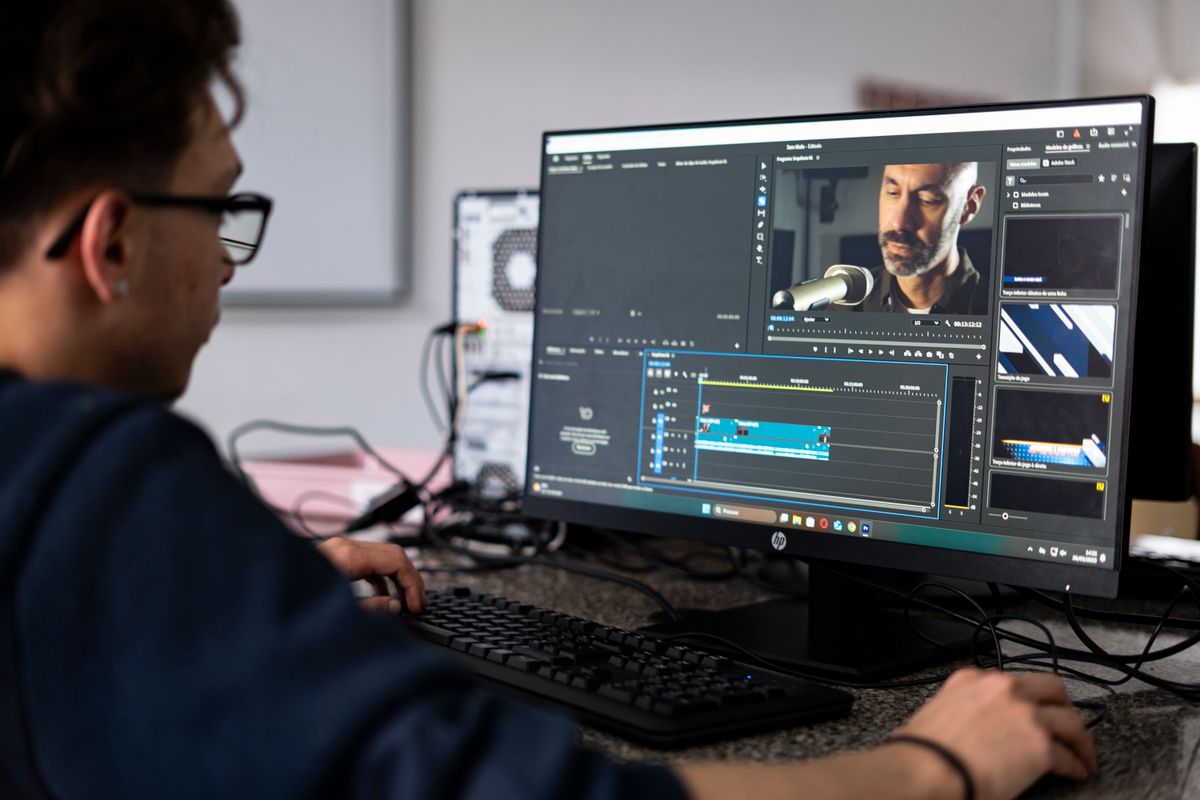
Editing stresses memory and processor more than gaming does.
Graphics Encoding and Streaming
For streaming, the graphics chip is genuinely useful because modern chips include hardware video encoding that offloads the stream from the processor. This lets you stream and play at the same time without the game stuttering. For editing, the graphics chip accelerates certain effects and can speed up export in supported software.
This is where a gaming laptop earns its place: the graphics hardware is not wasted on creative work, it is used directly. Just check that your software supports the encoding features of the chip you are considering.
Storage Speed and Capacity
Video files are large, and editing from slow storage is painful. A fast solid state drive is essential, and enough capacity to hold your projects without constant offloading is important. If the laptop has a second storage slot, that is a real advantage, because footage fills drives quickly.
Consider your workflow too. Many editors keep projects on the internal drive and archive to external storage. Either way, plan the capacity before you buy, not after you run out.
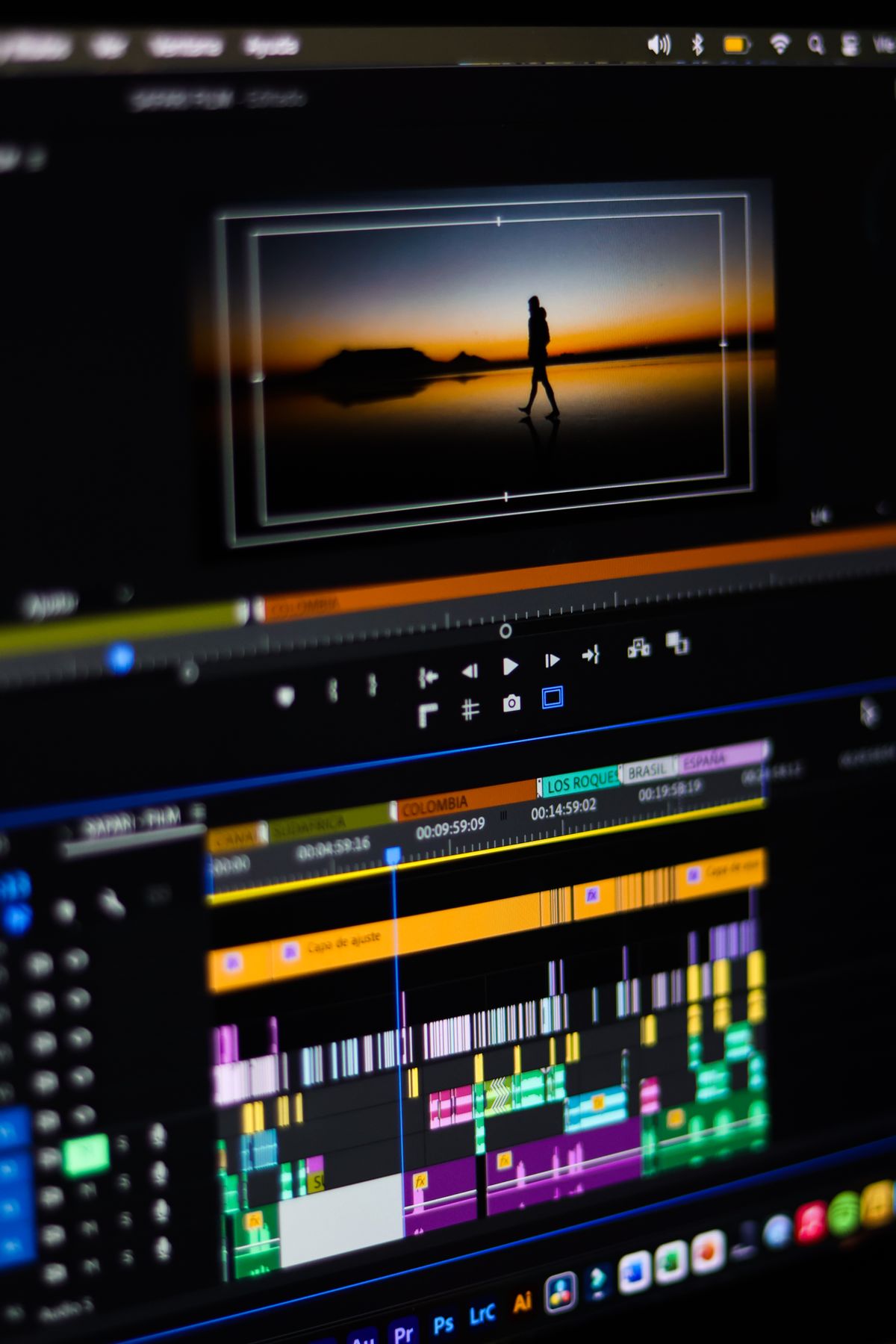
Plan storage around the size of your projects.
Thermals During Long Sessions
Both editing and streaming involve long, sustained workloads, which is exactly when cooling matters most. A machine that runs hot will throttle, extending export times and causing dropped frames while streaming. Look for reviews that measure sustained performance, and consider a stand or cooling improvements if you work for hours at a time.
Noise matters too, especially for streaming, where a loud fan can be picked up by a microphone. Choose a machine that manages its temperature without sounding like a jet engine, or use a performance mode that balances the two.
What to Check Before Buying
Confirm the processor core count, the memory capacity and upgradeability, the storage speed and size, the graphics chip's encoding support, and the cooling from reviews. Then test with your actual software if possible, because editing performance varies more between applications than gaming does.
If you stream, check the encoding features and the noise level. If you edit, check the export performance and the memory. Those are the tasks that decide whether the machine suits you.
Frequently Asked Questions
Is a gaming laptop good for video editing? Often yes, because it has strong graphics, memory, and storage. Check the processor and cooling for long exports.
How much memory do I need for editing? Sixteen gigabytes is the minimum for serious work, and more helps with large projects.
Can I stream and game on the same laptop? Yes, if the graphics chip supports hardware encoding, which offloads the stream from the processor.
Does cooling matter for editing? Yes. Long exports throttle hot machines, extending the time they take.
What storage should I choose? A fast solid state drive with enough capacity for your projects, and ideally a second slot to expand.
Conclusion
A gaming laptop can be an excellent machine for video editing and streaming, provided you prioritise the right parts. Processor cores, memory, storage speed, encoding support, and cooling matter more than raw gaming benchmarks for this kind of work.
Match the machine to your workflow, test with your real software if you can, and plan for the size of your projects. Do that, and one laptop can handle both your games and your creative work without compromise.Bringing It Together
The advice above matters less than the habit behind it. Read the specification carefully, test the specific unit in front of you, and let evidence rather than enthusiasm decide. Most expensive mistakes in this category come from skipping a check that takes two minutes, not from choosing the wrong model. Slow down at the moment of purchase, and the rest tends to work out.
Finally, remember that the machine is a tool, not an identity. A modest device used well will serve you far better than a shiny one you do not understand. Learn what you have, keep it clean and cool, and it will keep working long after the next generation arrives on the shelf.Bringing It Together
The advice above matters less than the habit behind it. Read the specification carefully, test the specific unit in front of you, and let evidence rather than enthusiasm decide. Most expensive mistakes in this category come from skipping a check that takes two minutes, not from choosing the wrong model. Slow down at the moment of purchase, and the rest tends to work out.
Finally, remember that the machine is a tool, not an identity. A modest device used well will serve you far better than a shiny one you do not understand. Learn what you have, keep it clean and cool, and it will keep working long after the next generation arrives on the shelf.








Comments 0
Sign in to join the conversation.
No comments yet. Be the first to say something.