


AAA games are the opposite of esports titles in almost every way. They are heavy, they use the graphics chip hard, they assume generous video memory, and they punish laptops with weak cooling. Choosing a machine for them means understanding a different set of priorities, and being honest about the resolution and settings you actually intend to use.
This guide walks through what matters most for demanding single-player and big-budget games, and where the money should go.
Video Memory Comes First
Modern AAA games are built around consoles with a shared pool of fast memory, and when they are ported to PC they assume a certain amount of video memory is available. When a graphics chip runs out, performance does not decline gently, it collapses, with stutters and frame time spikes. That is why video memory is the single most important number to check for this kind of gaming.
A chip with more video memory will age far better than a faster chip with less. When you compare laptops, check the video memory of the exact model before anything else.
Graphics Class and Sustained Power
Beyond memory, the class of the graphics chip decides the resolution and settings you can comfortably run. The same chip name can perform very differently between laptops, because manufacturers set different power limits. A higher limit produces more performance and more heat, which means the cooling system has to keep up.
This is why sustained performance matters more than a short benchmark for AAA games. A machine that looks great for five minutes but throttles after twenty is not delivering the performance you paid for.
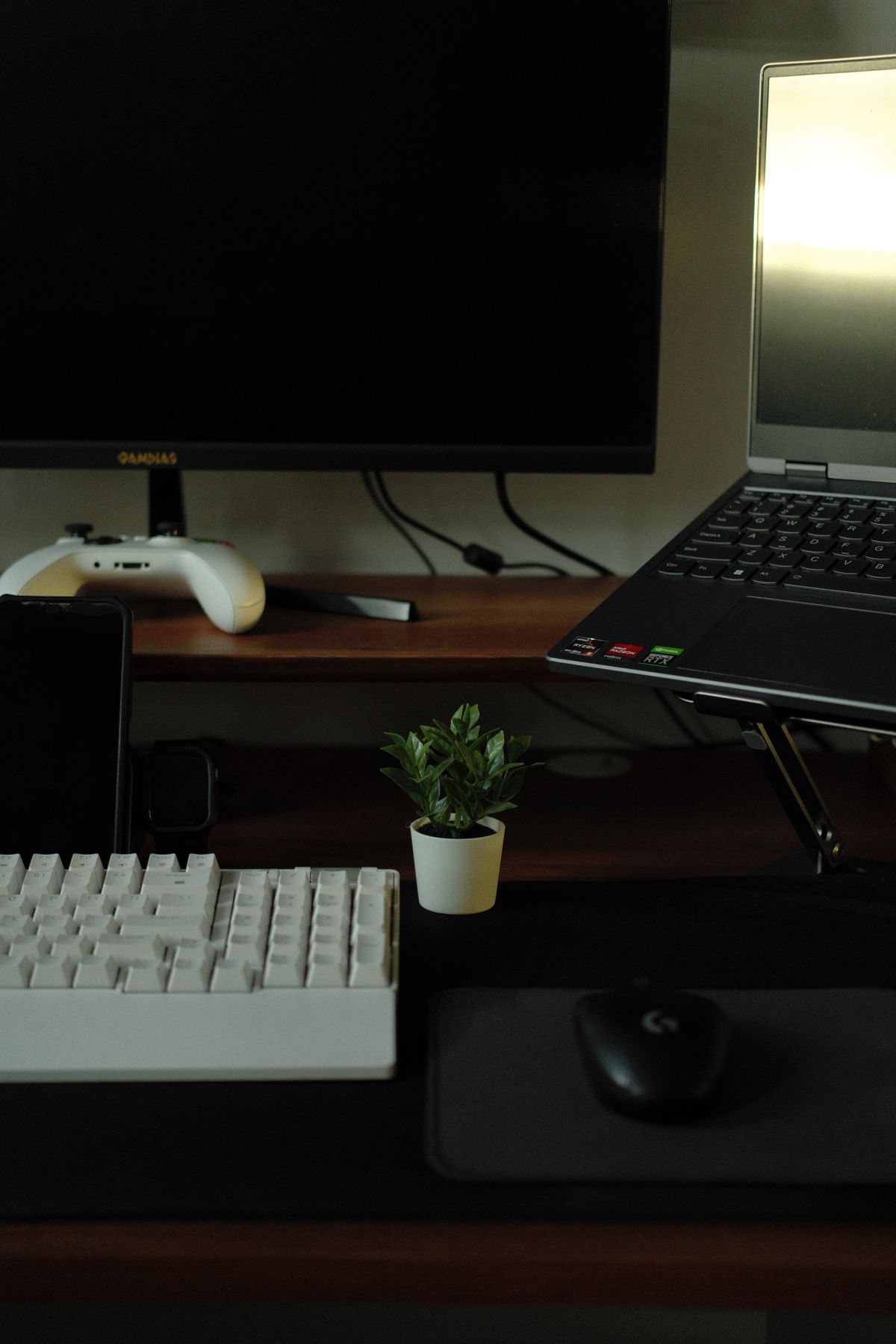
Demanding games expose weak cooling quickly.
Cooling Decides Whether the Spec Is Real
In a demanding game, the laptop is running near its limits for a long time. If the cooling cannot cope, the machine reduces its own performance to protect itself, and the numbers on the box become fiction. Good cooling is not a luxury for AAA gaming, it is what makes the rest of the specification meaningful.
Look for reviews that measure performance over a long session, and pay attention to how loud the machine gets and how hot it runs. Those details tell you more than the peak frame rate.
Storage Size and Speed
AAA games are large, and a handful of them will fill a small drive. Storage size matters here in a way it does not for lighter games. Aim for enough capacity to hold your library without constant juggling, and make sure the drive is a solid state drive, because mechanical storage makes loading painfully slow in modern titles.
If the laptop has an extra storage slot, that is a real advantage, because you can expand later instead of replacing the machine.
Plan for the size of modern game installs.
Realistic Upscaling Expectations
Modern upscaling technologies let a laptop render at a lower internal resolution and reconstruct a sharper image, which raises frame rates significantly. This is genuinely useful and is now a normal part of how demanding games are played on laptops. It narrows the gap between tiers and lets mid-range machines run titles that would otherwise be out of reach.
But upscaling is not free quality. It trades some image fidelity for performance, and at the lower end it can look soft. Treat it as a tool that extends a machine's useful life, not as a way to make a weak laptop run everything at maximum settings.
What to Check Before Buying
Confirm the video memory, the graphics class, the power limit, the cooling from reviews, and the storage capacity. Then decide honestly what resolution and settings you will use, because that decides how much machine you actually need. A laptop aimed at 1080p does not need the same hardware as one aimed at a higher resolution.
If a deal seems too cheap for the graphics chip it advertises, check what was cut. It is usually the cooling, the memory, or the screen.
Frequently Asked Questions
What matters most for AAA gaming? Video memory first, then graphics class and sustained cooling. These decide the settings you can actually run.
Is upscaling enough for a mid-range laptop? It helps a great deal and extends useful life, but it is a trade of quality for performance, not a free upgrade.
How much storage do I need? Enough to hold several large games without constant deleting. Modern titles are very large.
Does cooling really matter? Yes. Without it, the laptop throttles and the advertised performance disappears in long sessions.
Should I buy the most powerful chip I can afford? Only if the rest of the machine keeps up. Memory, cooling, and storage matter too.
Conclusion
The best gaming laptop for AAA games is the one whose memory, graphics class, cooling, and storage all work together. Prioritise video memory and sustained performance, plan for the size of modern installs, and treat upscaling as a helpful tool rather than a substitute for adequate hardware.
Decide what you actually want to play and at what settings, then buy the machine that fits that goal. Chasing the biggest number on the box often leaves the parts that matter underfunded.Bringing It Together
The advice above matters less than the habit behind it. Read the specification carefully, test the specific unit in front of you, and let evidence rather than enthusiasm decide. Most expensive mistakes in this category come from skipping a check that takes two minutes, not from choosing the wrong model. Slow down at the moment of purchase, and the rest tends to work out.
Finally, remember that the machine is a tool, not an identity. A modest device used well will serve you far better than a shiny one you do not understand. Learn what you have, keep it clean and cool, and it will keep working long after the next generation arrives on the shelf.Bringing It Together
The advice above matters less than the habit behind it. Read the specification carefully, test the specific unit in front of you, and let evidence rather than enthusiasm decide. Most expensive mistakes in this category come from skipping a check that takes two minutes, not from choosing the wrong model. Slow down at the moment of purchase, and the rest tends to work out.
Finally, remember that the machine is a tool, not an identity. A modest device used well will serve you far better than a shiny one you do not understand. Learn what you have, keep it clean and cool, and it will keep working long after the next generation arrives on the shelf.








Comments 0
Sign in to join the conversation.
No comments yet. Be the first to say something.